AI UX research tools use large language models to do part of the research work — moderate an interview or unmoderated test, transcribe and read sessions, cluster what repeats across a study into themes, or explain what session recordings show. The category is easy to overstate: 'AI-powered' now appears on every pricing page, and much of it is a summary button. This guide compares the 12 AI UX research tools that do something a researcher would otherwise do by hand, grouped by what the AI actually does — moderation, usability analysis, synthesis, behavioral analysis — with published pricing, and it's explicit about the two questions that matter: does the AI work on the human-run sessions you already have, and can you check every finding against the moment it came from.
It depends on which part of the work you want the AI to do. For AI-moderated interviews at scale, Outset and Strella are the most mature, Wondering the most affordable, Listen Labs and Perspective AI strong for large-N studies. For AI inside usability testing, Maze's AI moderator and analysis and UserTesting's AI insights lead. For AI synthesis of the interviews and sessions humans ran, Intervool clusters evidence-linked themes across a study and carries them into personas and a prioritized roadmap; Dovetail, Looppanel, and Marvin add AI summaries and search on top of a repository. For AI reading of behavior, Hotjar's AI and Microsoft Clarity's Copilot summarize recordings and heatmaps. Most teams need one synthesis tool that works on human sessions and, only if they run high-volume studies, one AI moderator.
Jump to a tool
Compared at a glance
Columns are what the AI actually does, plus the two trust questions — does it work on your existing sessions, and can you check its findings. Read across before believing a feature list.
Yes Does thisPartial Partly, or with workaroundsNo Not a feature
What each column means
AI-moderated sessions
An AI runs the interview or test itself — asks the questions, probes vague answers, follows up — without a human moderator.
AI usability analysis
AI reads task-based test sessions and reports where users struggled, not just raw completion metrics.
AI cross-study synthesis
AI clusters what repeats across many sessions and studies into themes, rather than summarizing each one alone.
Evidence-linked
Every AI-generated finding stays one click from the transcript moment and participant behind it — you can check it.
Works on human sessions
Analyzes interviews and tests a person ran or uploaded, not only sessions the AI moderated.
Personas & roadmap
Carries AI findings through to personas, segments, and prioritized decisions in the same tool.
The categories, and what each is for
These products get compared as if they’re interchangeable. They aren’t — they’re solving different halves of the job.
AI synthesis of human research
AI reads the interviews and sessions you ran, extracts findings, and clusters themes across the study — the labour-intensive middle of research.
Intervool, Dovetail, Looppanel, Marvin
AI-moderated interviews
An AI conducts conversational interviews with hundreds of participants at once, probing and following up, then synthesizes.
Outset, Strella, Wondering, Listen Labs, Perspective AI
AI in usability testing
AI moderates unmoderated tests, reads think-aloud sessions, and reports where users struggled.
Maze, UserTesting
AI behavioral analysis
AI summarizes session recordings and heatmaps into plain-language findings.
Hotjar, Microsoft Clarity
The tools in detail
01
Intervool
Our productAI synthesis of human research
AI synthesis across every interview and session, evidence-linked, through to a roadmap
app.intervool.com/insights
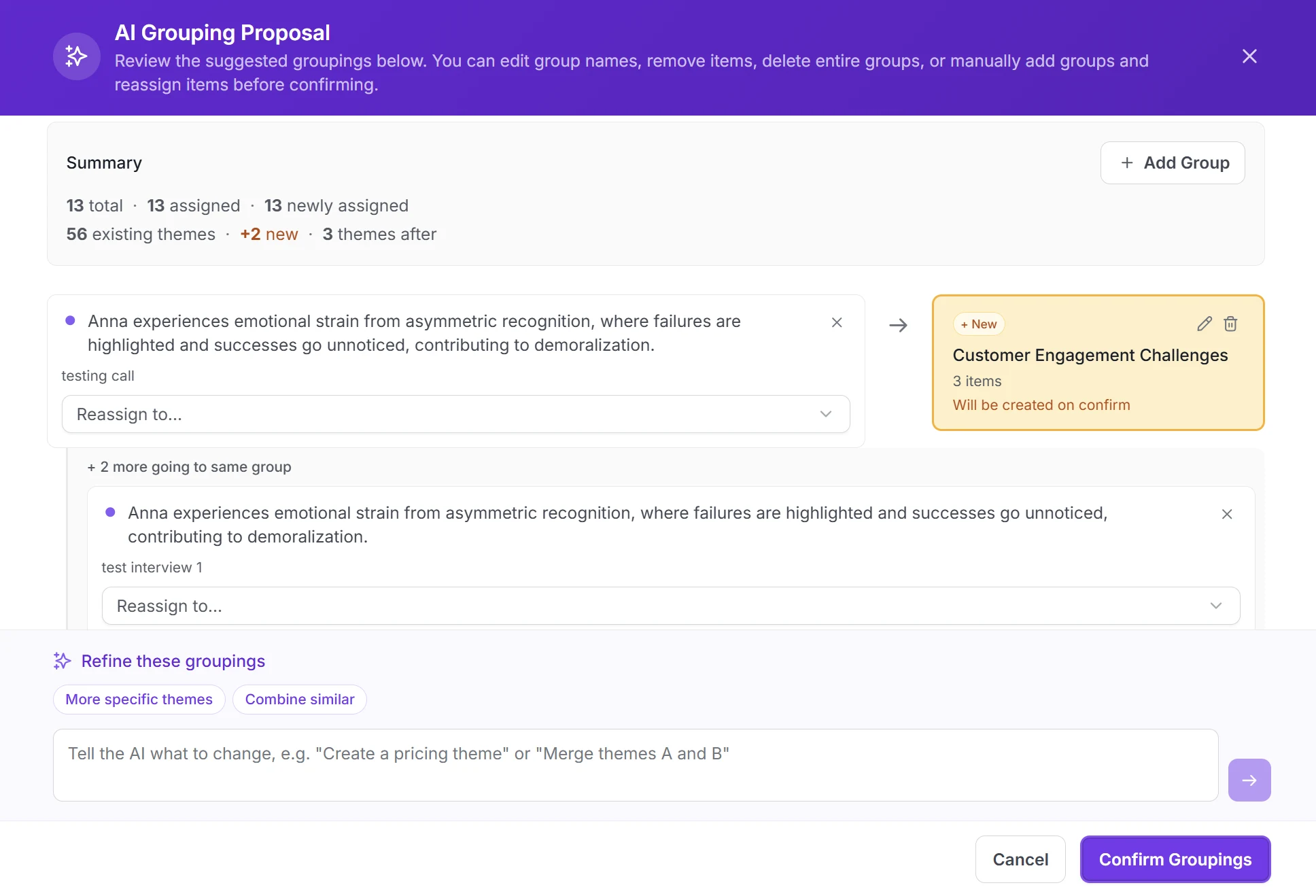
AI proposes the grouping; you merge, split, or reject it.
Intervool applies AI to the part of UX research that eats the most hours: making sense of many sessions. It transcribes interviews and uploaded test recordings, extracts pain points, needs, and requests from each with output types you define, and clusters what repeats across the study into named themes — every theme one click from the transcript moment and participant behind it, so nothing has to be taken on trust. Themes roll into personas and segments and an impact-vs-effort roadmap. It doesn't moderate sessions itself and doesn't run usability tests; it works on the human-run research you already have, from any tool on this page.
Best for
Product and UX teams who run their own interviews and want AI to do the synthesis without losing the evidence trail
Pricing
Basic $39/mo · Team $279/mo (6 seats) · Enterprise custom
Free option
14-day free trial, no credit card
Strengths
AI themes across the whole study, not per-call summaries
Every finding linked to its quote — you can check the AI
Works on uploaded sessions from any tool
Personas, segments, and roadmap built from the same evidence
Flat pricing, 14-day trial
Limitations
No AI-moderated interviews — pair with Outset or Wondering for scale
No usability testing or panel
Human still decides what to study and asks the questions
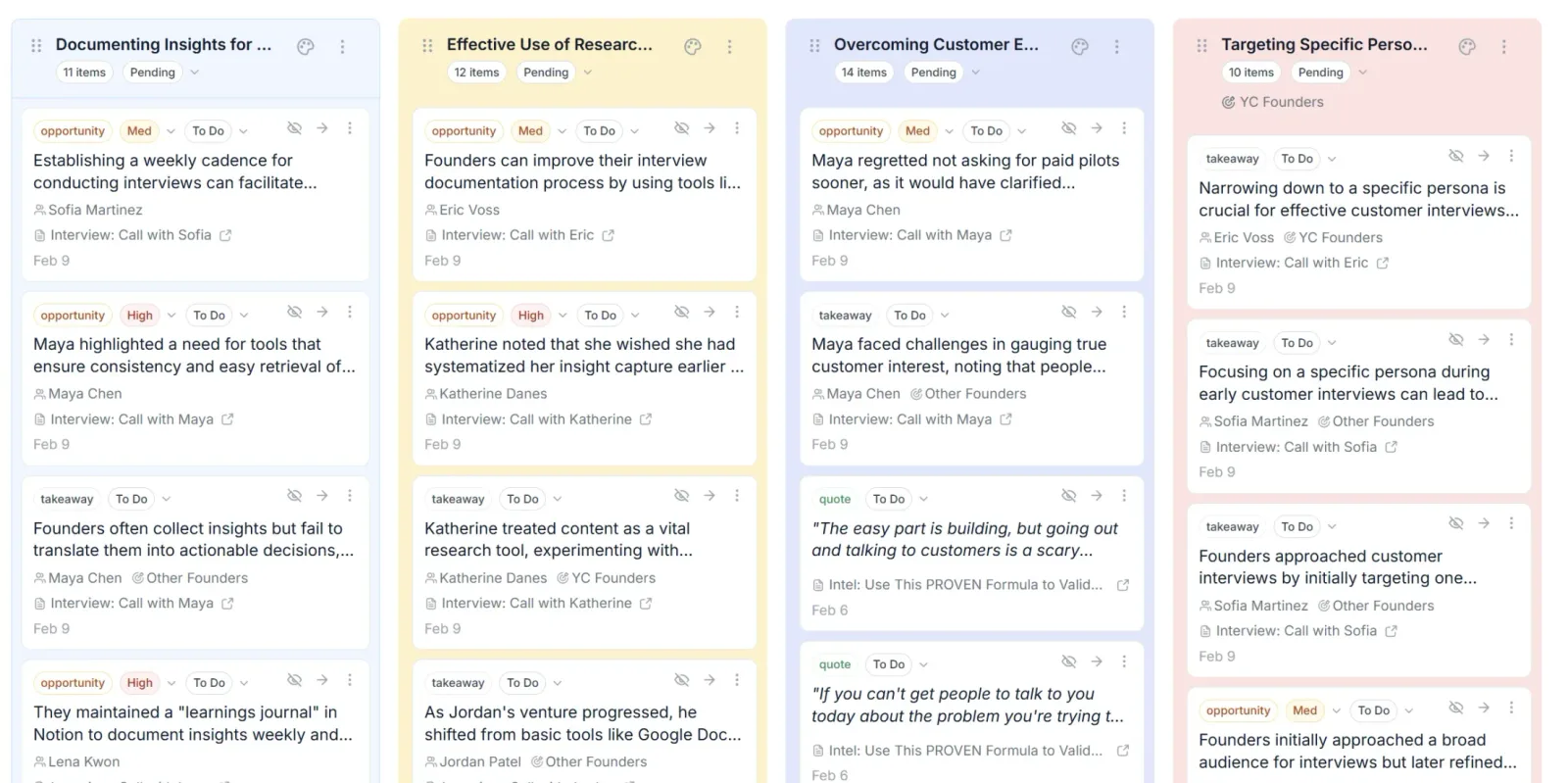
app.intervool.com/themes
Themes across every interview, with the evidence attached.
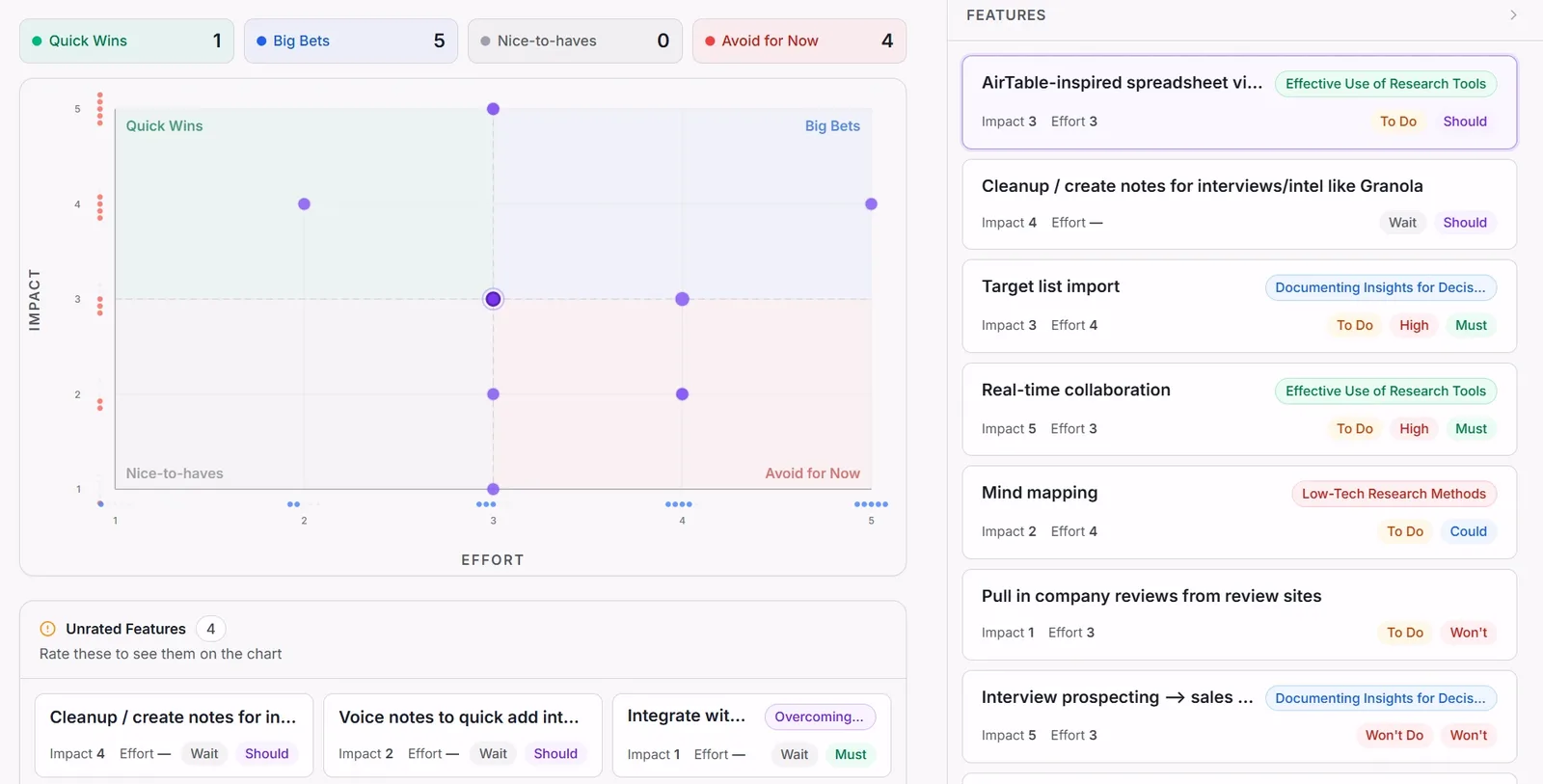
app.intervool.com/roadmap
Themes become prioritized bets — each one click from the quote behind it.
AI summaries, tagging, and search on the leading repository
dovetail.com
Dovetail layers AI onto the most mature UX research repository: automatic transcription, AI-suggested highlights and tags, summaries of sessions and projects, and an 'ask' feature that answers questions across your archive with citations. It shortens the tagging work that Dovetail's model depends on rather than replacing it, and it stays a repository — insights are stored and shared, decisions happen elsewhere. Per-seat pricing from about $29 a month.
Best for
Research teams with an existing Dovetail archive who want AI to speed up tagging and answer questions across it
Looppanel joins Zoom, Meet, or Teams calls, transcribes them, and writes AI notes organised by the questions in your discussion guide, with AI tagging, highlight clips, and search across interviews. It's built for UX researchers rather than sales teams, and the guide-aware notes are its distinctive feature. Editor-based pricing includes five seats; analysis stops short of personas or a roadmap.
Best for
Researchers who want AI notes and tagging on every interview they run
Pricing
Pro from ~$395/mo (5 editors); ~$75/mo per additional editor
Repository with an AI notetaker and Ask AI, on a free plan
heymarvin.com
Marvin is a research repository with an AI notetaker that joins calls, automatic transcription and tagging, and an 'Ask AI' feature that answers questions across your research. Its free plan includes the AI notetaker and Ask AI with a monthly upload cap, which makes it the easiest way here to try AI-assisted repository work at no cost. Paid tiers are quoted, and like other repositories it stops at storing and sharing findings.
Best for
Small research teams who want AI notes and a repository without paying per seat up front
Pricing
Paid tiers quoted on request (Starter, Pro, Enterprise)
Free option
Free plan — 5 file uploads/mo, AI notetaker and Ask AI included
AI-moderated interviews at scale, enterprise-grade
outset.ai
Outset runs AI-moderated interviews — video, voice, or text — with hundreds of participants at once, asking follow-up questions and probing vague answers, then synthesizes themes across the transcripts. It's one of the most mature tools in the category and is used for large concept, message, and experience studies. It's enterprise-priced, and the trade-off is the one every AI moderator carries: breadth over the depth of a skilled human interviewer.
Best for
Enterprise teams that need hundreds of conversational interviews synthesized quickly
AI interviews with human-like probing and fast synthesis
strella.io
Strella runs AI-moderated voice and video interviews that adapt to each answer, recruits participants, and produces synthesized reports with highlight reels — positioned squarely at replacing the multi-week qualitative study with a one-day turnaround. Its moderation is among the more natural in the category. It's quote-priced and, like its peers, is built around sessions the AI runs rather than ones you already have.
Best for
Product and insights teams who want AI-moderated depth interviews turned around in a day
Pricing
Custom / quote
Free option
Demo only
Strengths
Natural, adaptive AI moderation
Recruiting and synthesis in the same flow
Fast turnaround
Limitations
Quote-based pricing
AI-run sessions only
Less suited to deep discovery with a few key users
AI-moderated interviews and prototype tests, self-serve pricing
wondering.com
Wondering runs AI-moderated interviews, surveys, and prototype tests in many languages, then AI-analyzes the results, and it's one of the few AI moderators with self-serve pricing — a free plan and an Explore tier from about $149 a month. That makes it the practical entry point to AI-moderated research for a small team. Depth is bounded by the format, and it doesn't synthesize sessions run outside it.
Best for
Product teams who want AI moderation without an enterprise contract
Listen Labs pairs AI-moderated interviews with participant recruiting and AI synthesis, and is aimed at large-N qualitative studies where the alternative was a survey. It reports themes with supporting quotes and clips. Pricing is enterprise-quoted, and the format suits breadth — many short conversations — over deep discovery.
Best for
Teams that need hundreds of qualitative conversations with recruited participants, fast
AI conversations at scale for customer and user feedback
getperspective.ai
Perspective AI runs unscripted AI conversations with hundreds of customers or users at once, asks follow-ups, and synthesizes themes across every transcript. It's positioned against surveys and panels for feedback at scale rather than against a researcher's depth interviews. Quote-priced; sessions are AI-run.
Best for
Teams replacing surveys with AI conversations across a customer base
AI moderator and AI analysis inside unmoderated testing
maze.co
Maze added an AI moderator that asks adaptive follow-up questions inside unmoderated tests and interviews, AI-generated study drafts, and AI summaries of results across prototype tests, surveys, and card sorts. It's the strongest AI story in mainstream usability testing and it works at Maze's usual speed. Depth is that of an unmoderated test with follow-ups; cross-study synthesis remains light.
Best for
Design teams who want AI follow-ups and summaries on prototype tests
Pricing
Starter from ~$99/mo; Organization and Enterprise custom
AI insights and highlight reels on think-aloud video
usertesting.com
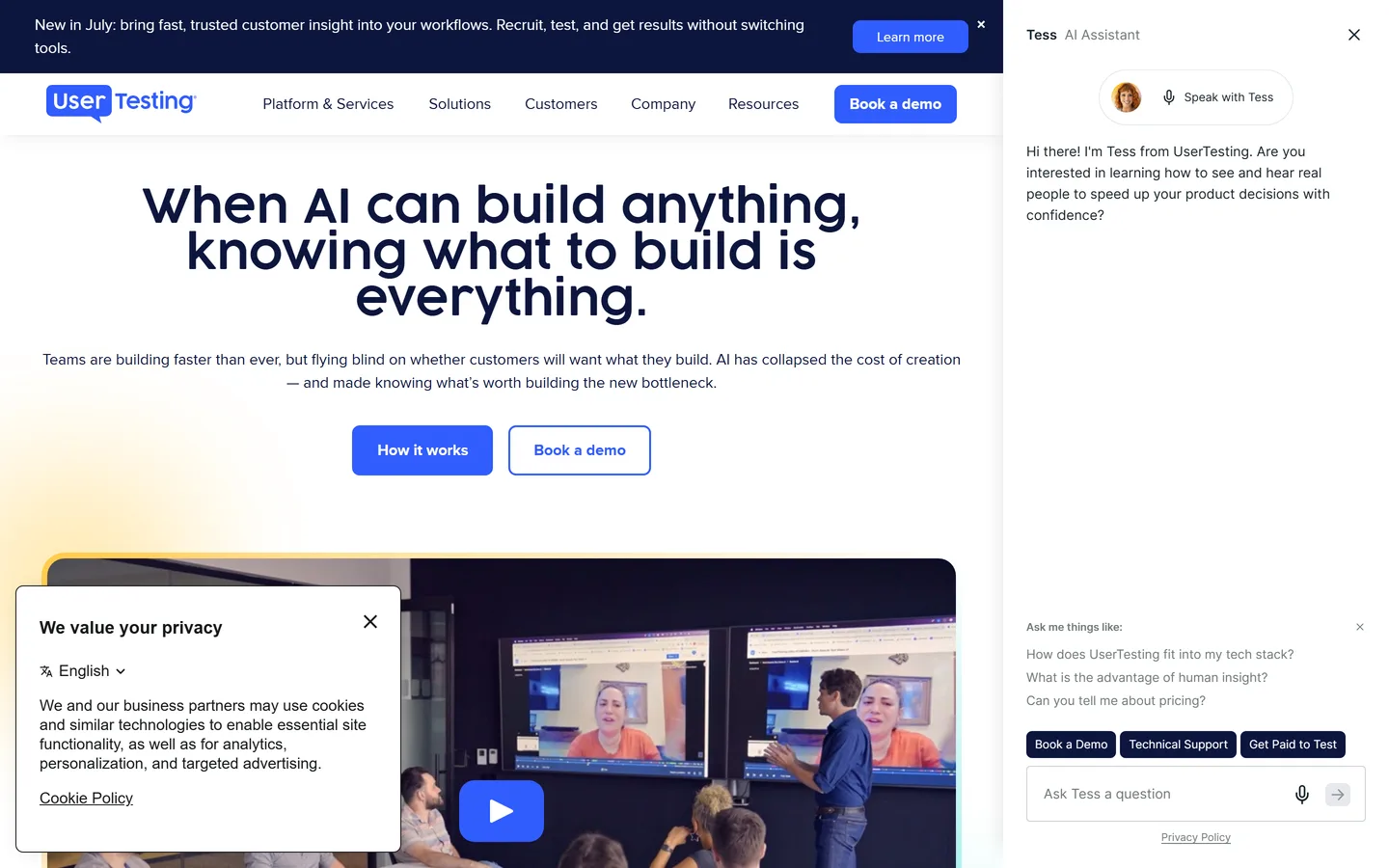
UserTesting's AI Insight Summary reads think-aloud video sessions, flags friction and sentiment, generates highlight reels, and summarizes findings across a test — useful when a study returns more video than a team can watch. It sits on the enterprise platform with the largest panel and is priced accordingly. Synthesis across studies stays largely manual.
Best for
Enterprises that want AI to read hundreds of video sessions and surface friction
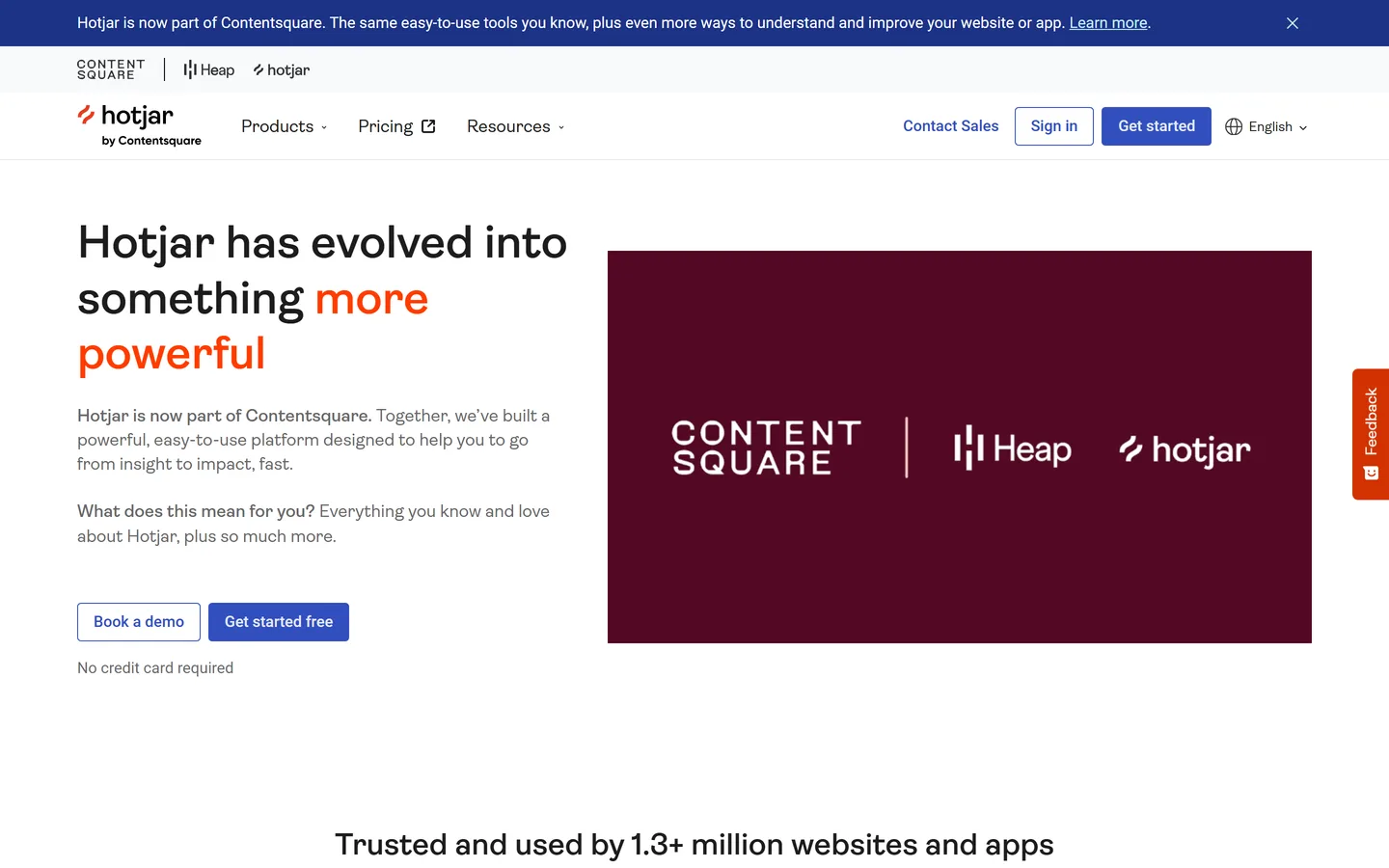
Hotjar's AI drafts on-site surveys, summarizes open-text responses, and surfaces findings from session recordings and heatmaps, so the behavioral evidence turns into a sentence rather than an hour of watching replays. It's cheap and quick to add to any site. It explains what happened on the page, not why users needed it, and analysis is per-session.
Best for
Teams who want plain-language findings from replays and on-site surveys
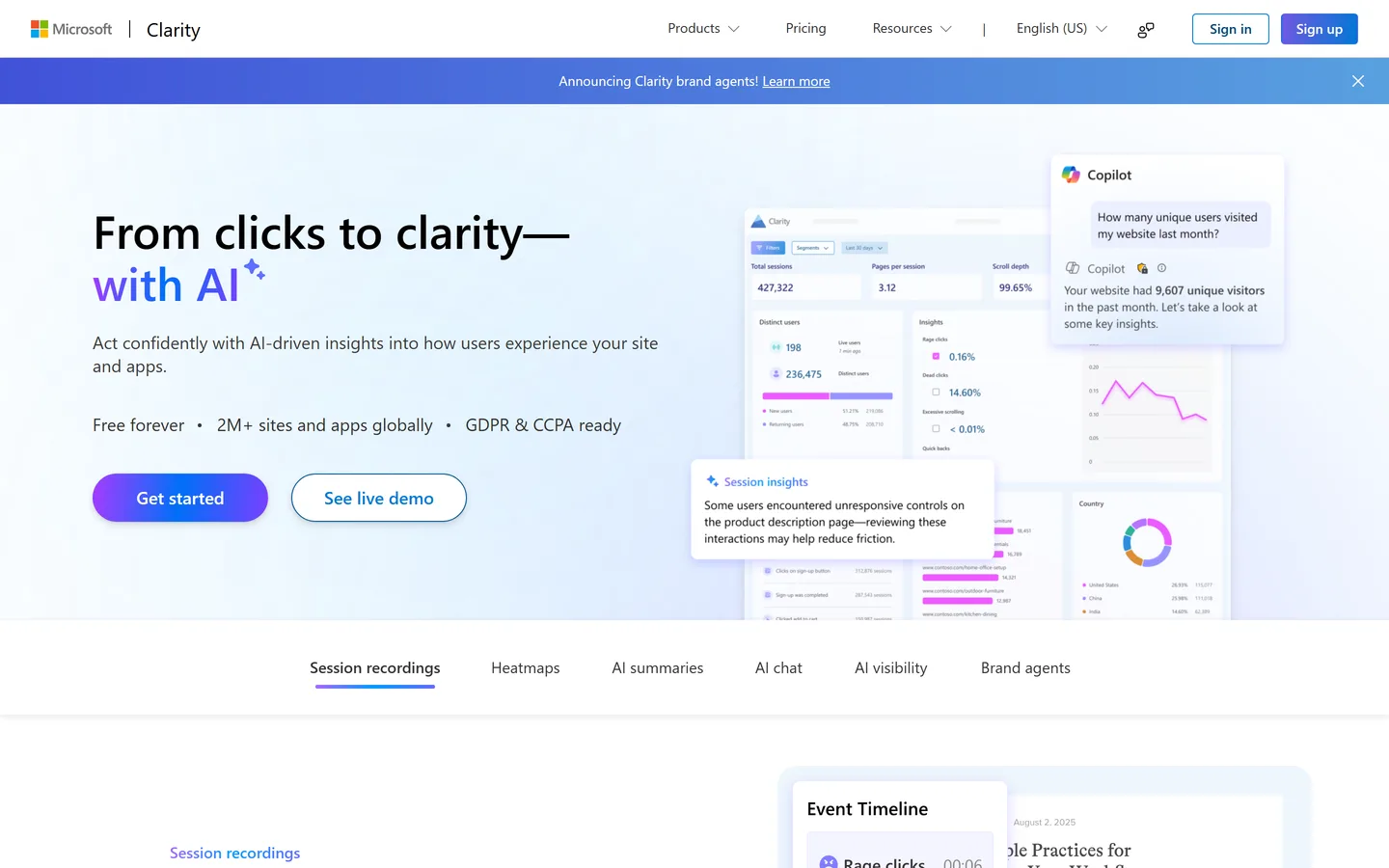
Microsoft Clarity's Copilot summarizes session recordings and heatmap data in plain language and answers questions about what users did on your site — on top of a tool that is free with no traffic or seat limits. It's the cheapest possible way to get AI-assisted behavioral findings, and the natural feed for the interview questions you'll synthesize elsewhere. No tests, surveys, or repository.
Best for
Anyone who wants AI-summarized behavioral evidence at no cost
Every tool here has 'AI' on its homepage. We only counted AI that replaces a step a researcher would otherwise do by hand — moderating, reading sessions, clustering themes, explaining behaviour — and grouped tools by which step, because an AI moderator and an AI synthesizer aren't alternatives to each other.
We checked whether you can verify it
AI findings you can't trace are a liability in a stakeholder review. The 'evidence-linked' column marks tools where every AI-generated finding stays one click from the transcript moment or recording it came from.
We separated AI-run from human-run research
AI moderators only synthesize sessions they conducted. Most teams' research is still human-run — interviews, tests, debriefs — so we flagged which tools work on the recordings you already have.
Pricing checked August 2026, and we're not neutral
Figures are published prices as of August 2026, rounded; most AI-moderation tools are quote-based. Intervool is ours and is marked as such — it scores 'no' on AI moderation and usability testing because it doesn't do them.
FAQ
Common questions
What are AI UX research tools?
AI UX research tools use large language models to do part of the research work: moderate interviews or tests without a human (Outset, Strella, Wondering, Listen Labs, Perspective AI), read usability sessions and report friction (Maze, UserTesting), transcribe and cluster human-run interviews into themes (Intervool, Dovetail, Looppanel, Marvin), or summarize session recordings and heatmaps (Hotjar, Microsoft Clarity).
What is the best AI tool for UX research?
For synthesizing the interviews and sessions you run yourself, Intervool — AI themes across the study, each linked to its evidence, carried into personas and a roadmap. For AI-moderated interviews at scale, Outset or Strella at enterprise, Wondering self-serve. For AI inside usability testing, Maze. For free AI behavioral summaries, Microsoft Clarity.
Can AI moderate user interviews?
Yes — Outset, Strella, Wondering, Listen Labs, and Perspective AI run conversational interviews with hundreds of participants, asking follow-ups and probing. They're best for breadth: concept, message, and experience studies that would otherwise be surveys. They're weaker at deep discovery with a handful of key users, where a skilled human still asks better questions — and the AI moderators don't analyze sessions humans ran.
Can AI replace UX researchers?
No. AI is genuinely good at transcription, extracting structured findings, moderating simple sessions, and spotting what repeats across many transcripts — the labour-intensive middle. Deciding what to study, designing questions that don't lead, and judging which finding matters remain human work. What changes is that a team without a researcher can now do useful research.
How do I know an AI research tool's findings are right?
Insist on an evidence trail: every theme, insight, or summary should link to the transcript moment and participant behind it so you can check it in one click. Intervool, Dovetail, Looppanel, Marvin, and the main AI moderators do this; treat unlinked AI summaries as a draft, not a finding.
What's the difference between AI research synthesis and an AI notetaker?
An AI notetaker (Fathom, Otter, Granola) summarizes one call. AI research synthesis works across many sessions — extracting structured findings from each and clustering what repeats into themes — which is the part of research that actually takes the time. Intervool and, within a repository, Dovetail and Marvin do the latter.
Are there free AI UX research tools?
Microsoft Clarity's Copilot is free with no limits; Marvin's free plan includes its AI notetaker and Ask AI; Wondering, Maze, Hotjar, and Dovetail have limited free tiers with some AI features. Intervool has a 14-day free trial. The AI-moderation platforms (Outset, Strella, Listen Labs, Perspective AI) are demo-and-quote only.
How much do AI UX research tools cost?
Self-serve AI synthesis and repository tools run about $29–$400 a month (Dovetail per seat, Intervool $39/mo flat or $279/mo for six seats, Looppanel ~$395/mo). AI moderation is either self-serve from ~$149/mo (Wondering) or enterprise-quoted (Outset, Strella, Listen Labs, Perspective AI). AI inside testing follows the testing platform's price: Maze from ~$99/mo, UserTesting by quote.