Customer research tools fall into five jobs, and most shortlists go wrong by mixing them: capturing and synthesizing conversations, asking questions at scale, watching what people do, testing a design, and finding people to research with. No product does all five well, and you almost certainly don't need all five — a team doing twenty interviews a quarter needs a different stack from one running weekly unmoderated tests. This guide covers the twelve tools worth knowing, grouped by the job they do, so you can work out which job you're in before you compare prices.
It depends which job you're hiring for. For interviews and turning them into decisions, Intervool; for a large research team's archive, Dovetail; for surveys and voice of customer, Survicate; for watching real behavior, Hotjar; for testing a design fast, Maze; for finding people to talk to, User Interviews. Most teams need two: something that captures and synthesizes conversations, and something that measures at scale. Start with the qualitative half — you need to know what to ask before a survey is worth sending.
Jump to a tool
Compared at a glance
These six columns are the ones that actually separate the categories. A survey tool and an interview tool both call themselves customer research software, and the grid below is the fastest way to see that they answer completely different questions.
Yes Does thisPartial Partly, or with workaroundsNo Not a feature
What each column means
Qualitative depth
Gets at why — open-ended conversation, observation, or verbatim feedback, rather than a number.
Works at scale
Produces numbers across hundreds or thousands of customers, so a finding can be sized rather than just described.
Captures the session
Records and transcribes the conversation or session itself, instead of relying on notes you type afterwards.
Synthesizes across studies
Finds what repeats across many sessions or responses, rather than reporting each one in isolation.
Finds participants
Sources people to research with — a panel, a screener, or an in-product intercept.
Ends in a decision
Produces a prioritized list of what to do next inside the tool, not a report that someone has to act on elsewhere.
The categories, and what each is for
These products get compared as if they’re interchangeable. They aren’t — they’re solving different halves of the job.
Interviews & synthesis
Capture customer conversations and turn them into patterns you can act on. This is where the 'why' comes from, and it's the half most teams under-tool.
Intervool, Dovetail, Condens
Surveys & voice of customer
Ask a question of many customers at once and get a number back. Best used after interviews have told you which question is worth asking.
Survicate, Typeform
Behavioral analytics
Watch what people actually do in the product — session recordings, heatmaps, and in-product prompts. Shows where they struggle without asking them.
Hotjar, Sprig
Usability testing
Put a prototype or flow in front of people and measure whether it works. Answers 'does this design succeed', not 'is this the right thing to build'.
Maze, UserTesting
Recruiting & feedback aggregation
Two supply problems: finding people to research with, and gathering the feedback that arrives on its own through support and reviews.
User Interviews, Dscout, Enterpret
The tools in detail
01
Intervool
Our productInterviews & synthesis
Interviews through to a roadmap you can defend
app.intervool.com/interviews
Every interview: video, transcript, and AI takeaways in one view.
Intervool covers the qualitative half end to end. It transcribes customer interviews — auto-joined, recorded in-app, or uploaded from anywhere — pulls out pain points, feature requests, and opportunities from each one, and clusters what repeats across the whole set into evidence-linked themes. Those themes become dynamic personas and segments and a prioritized roadmap, with every item one click from the exact quote behind it. Surveys and usability testing are on the way; session recordings and participant recruiting are different jobs, and the honest recommendation is to pair it with a tool from one of the other rows for those.
Best for
Product teams whose research is mostly customer conversations and needs to end in a build decision
Pricing
Basic $39/mo · Team $279/mo (6 seats) · Enterprise custom
Free option
14-day free trial, no credit card
Strengths
Covers capture, synthesis, personas, and prioritization in one workspace
Works on recordings from any source — Zoom, Meet, a phone, or written notes
Themes carry the evidence, so a roadmap item answers 'why' without rebuilding the trail
Priced for a small product team or a founder rather than a research department
Limitations
Surveys are coming soon — for now pair with Survicate or Typeform
No behavioral analytics — pair with Hotjar, Microsoft Clarity, or FullStory
Usability testing is coming soon; no participant recruiting
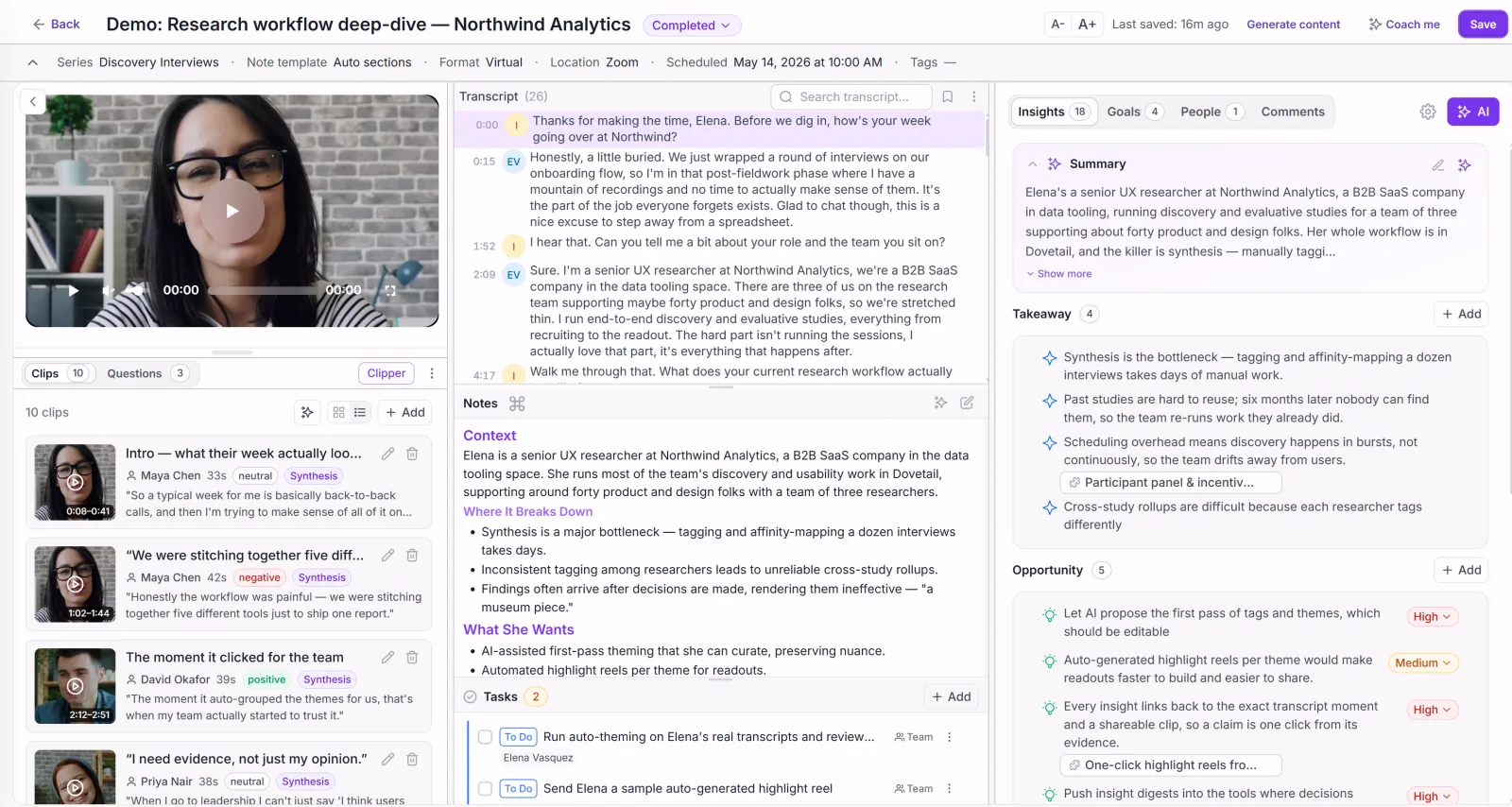
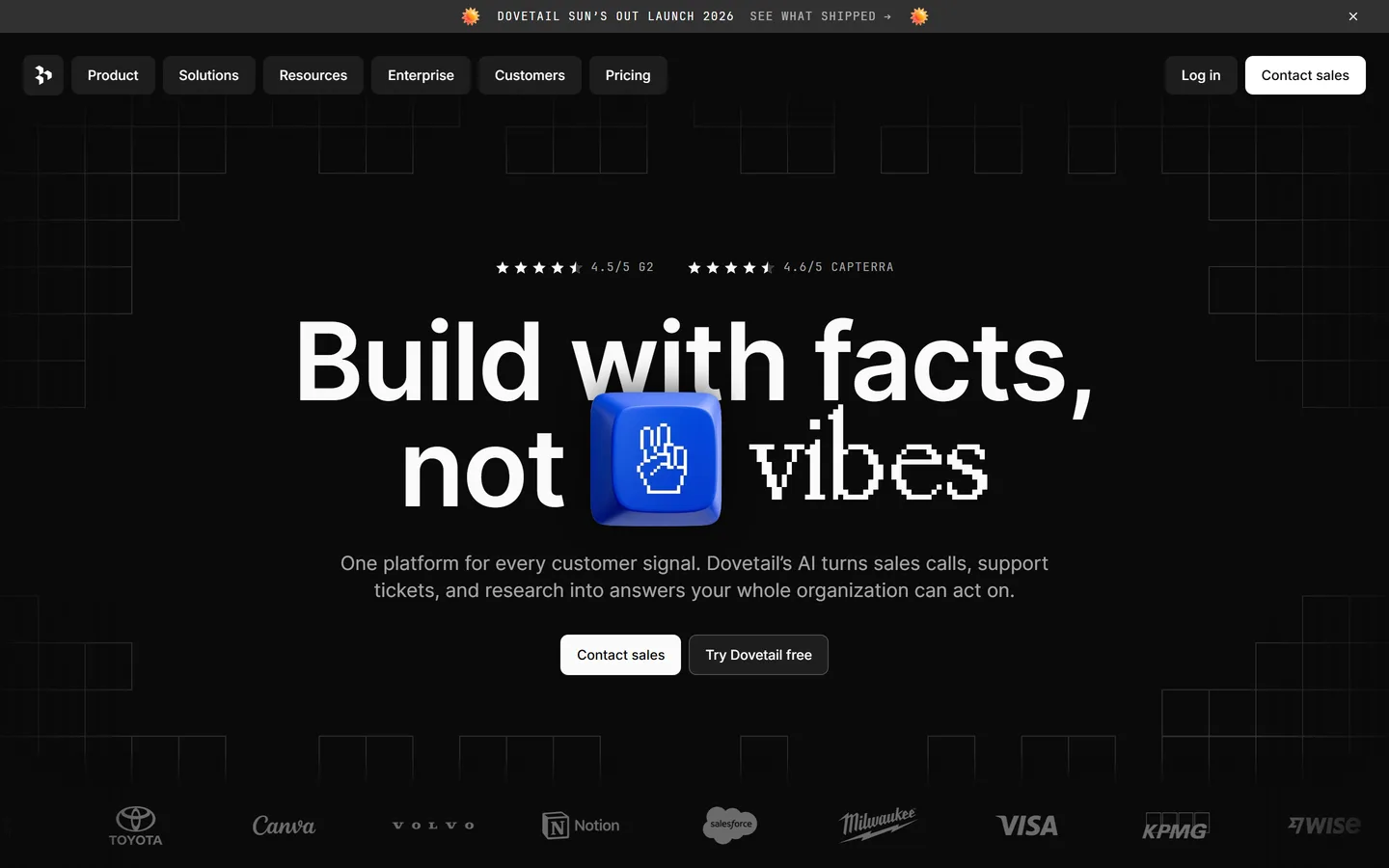
Dovetail is the most mature repository in the category: store recordings and transcripts, tag them against a shared taxonomy, highlight moments, and search across every study the company has ever run. For a research team that needs institutional memory — so the study someone ran two years ago is findable rather than lost — it's the safest choice on this page. Its model assumes someone owns the taxonomy; findings live in the repository and get exported when a decision needs making.
Best for
Organizations with a real research function and years of studies to keep searchable
Pricing
From ~$29/user/mo; Enterprise custom
Free option
Limited free plan and a trial
Strengths
The deepest tagging, search, and archive model available
Strong integrations with Slack, Notion, Zoom, and Jira
Scales to large teams and long research histories
Limitations
Per-seat pricing climbs quickly as the team grows
Needs a researcher to maintain the taxonomy or the archive degrades
Stops at findings — prioritization happens in another tool
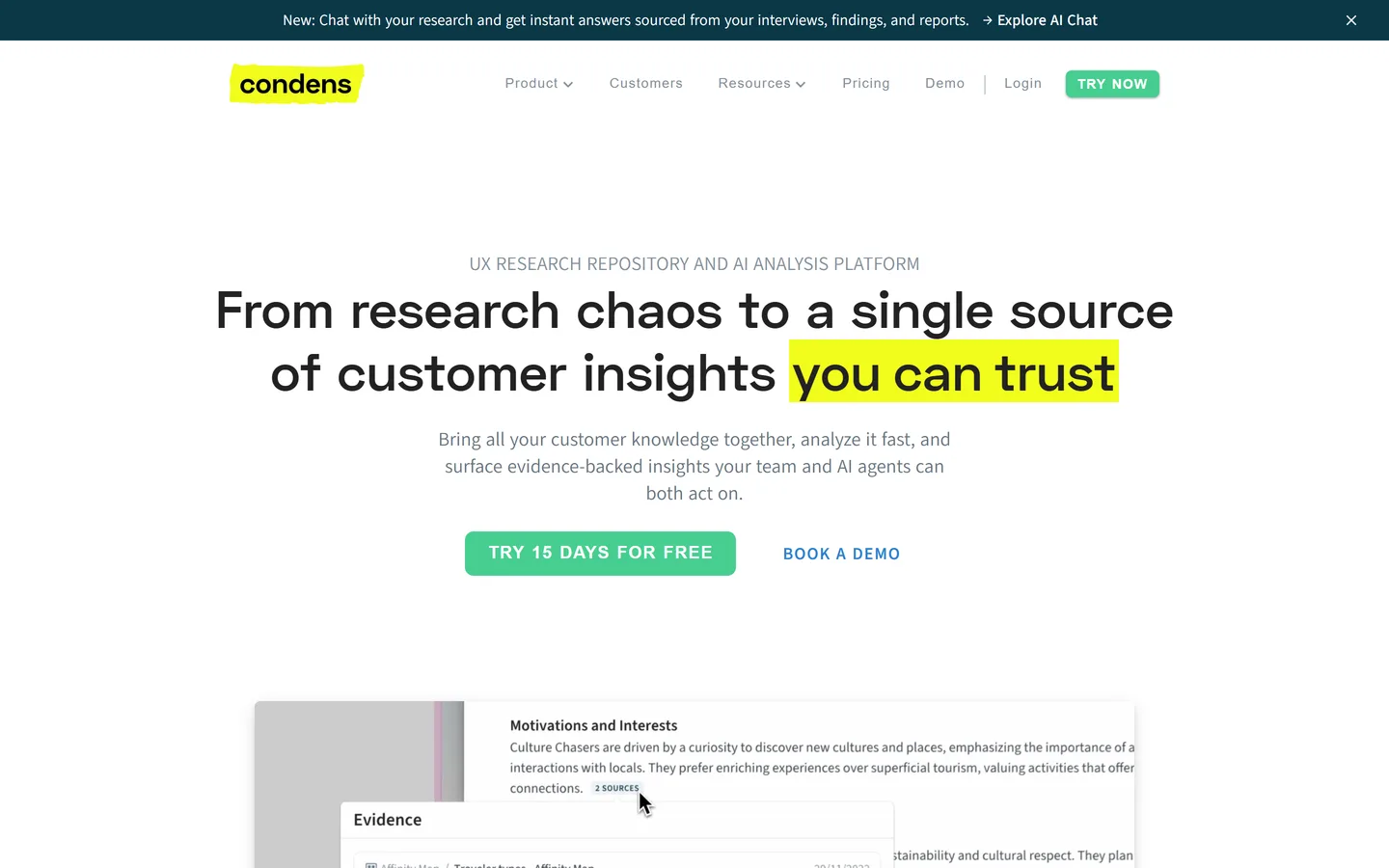
Condens does the repository job — transcripts, tagging, highlight reels, and a searchable archive — with a lighter interface and lower entry pricing than Dovetail. Analysis happens on a visual board where you cluster highlights into findings by hand, which researchers who like control over their own coding tend to prefer. Like every repository, the output is a well-organized set of findings; what you do with them is a separate step in a separate tool.
Best for
Small research teams who want Dovetail's job done more simply
Pricing
Lite ~€15/user/mo · Business ~€500/mo (5+ users) · Enterprise custom
Free option
Free trial
Strengths
Noticeably simpler to learn than the enterprise repositories
Good visual analysis board for hands-on clustering
Very low entry price for a solo researcher
Limitations
Steep jump from the Lite plan to the team plan
Manual clustering is real work as the archive grows
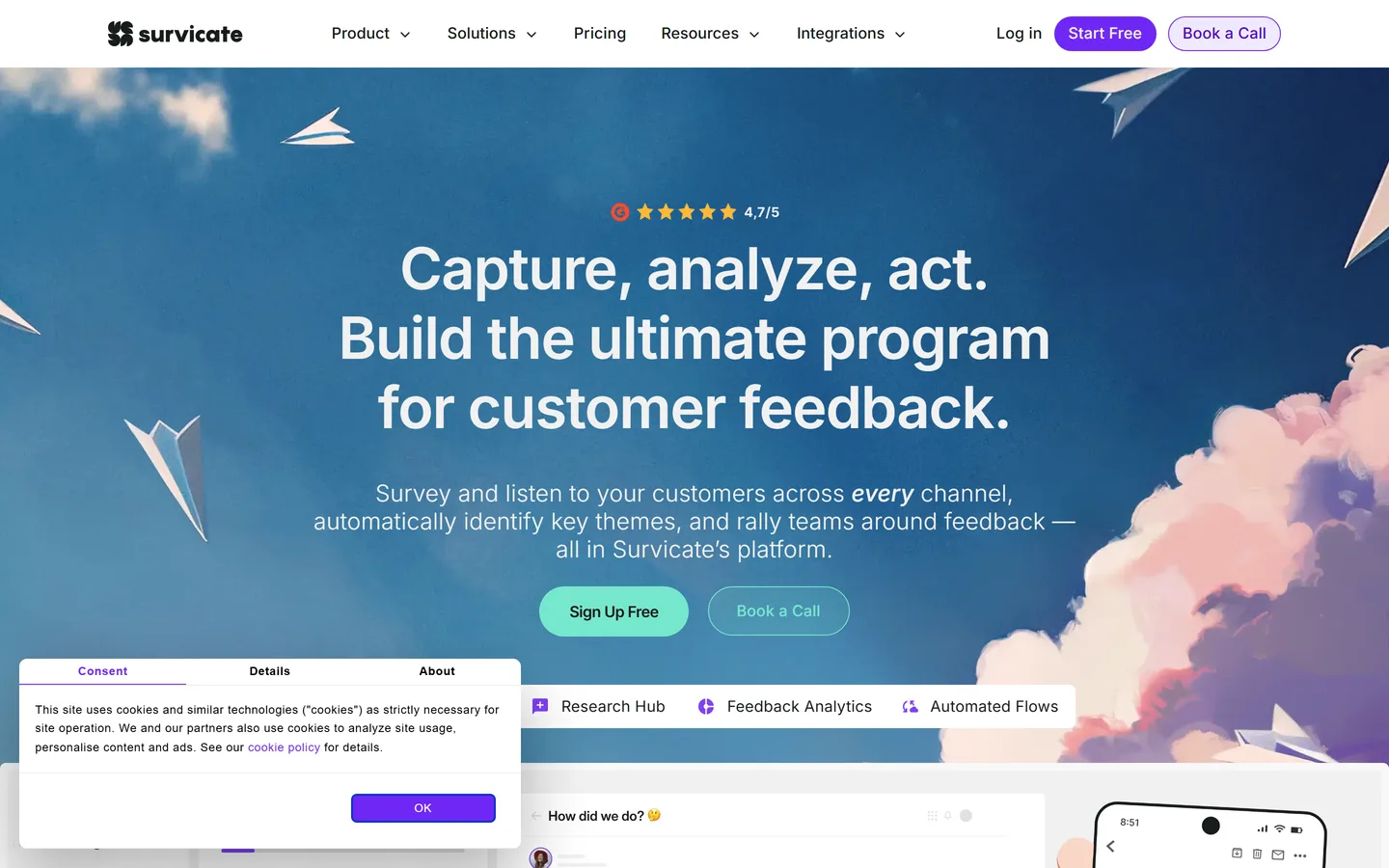
Survicate runs surveys across the channels customers actually touch — in-product, email, link, and website — and pipes the responses into your CRM and analytics stack. It's the practical choice when you want a standing measurement program rather than one-off studies: NPS on a schedule, a churn survey on cancellation, a feature survey to the segment that just used it. Its AI summarizes open-text answers, which handles volume but reads at the level you'd expect from a paragraph of free text rather than an hour-long conversation.
Best for
Teams who need NPS, CSAT, and in-product surveys running continuously
Pricing
From ~$99/mo; Enterprise custom
Free option
Free plan with limited responses
Strengths
Many channels and a large template library
Good targeting and CRM integrations
Open-text responses summarized automatically
Limitations
Survey answers are shallow next to interviews
Response quality depends heavily on question design
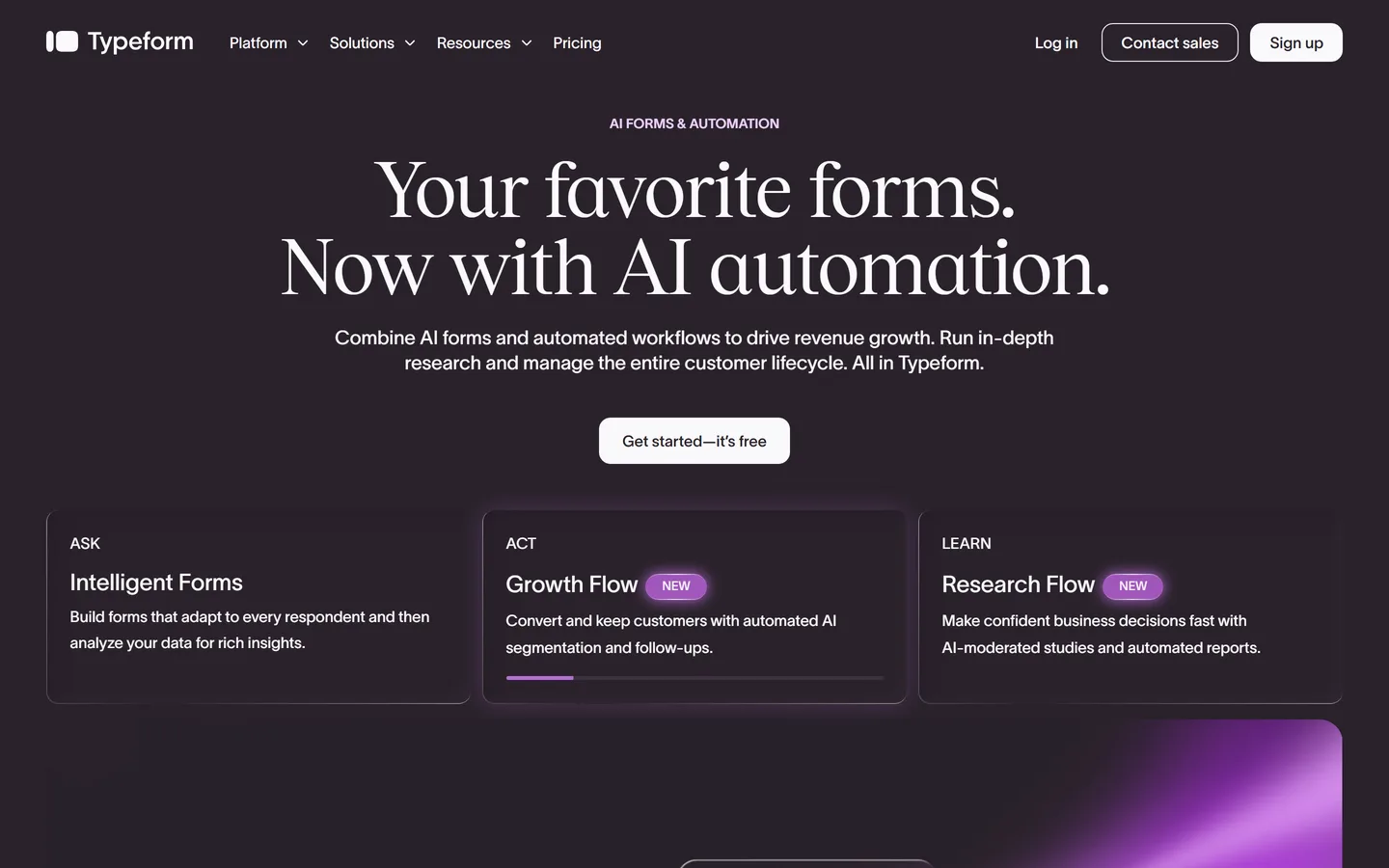
Typeform's whole argument is completion rate: one question per screen, conversational pacing, and design good enough that people get to the end. For research specifically, its best use is often as a screener — the form that decides who's worth interviewing — rather than as the study itself. Analysis is deliberately basic; it collects answers well and expects you to take them elsewhere.
Best for
One-question-at-a-time surveys and screeners where completion rate matters
Pricing
From ~$25/mo; Business ~$83/mo
Free option
Free plan, 10 responses/month
Strengths
Highest completion rates of the mainstream survey tools
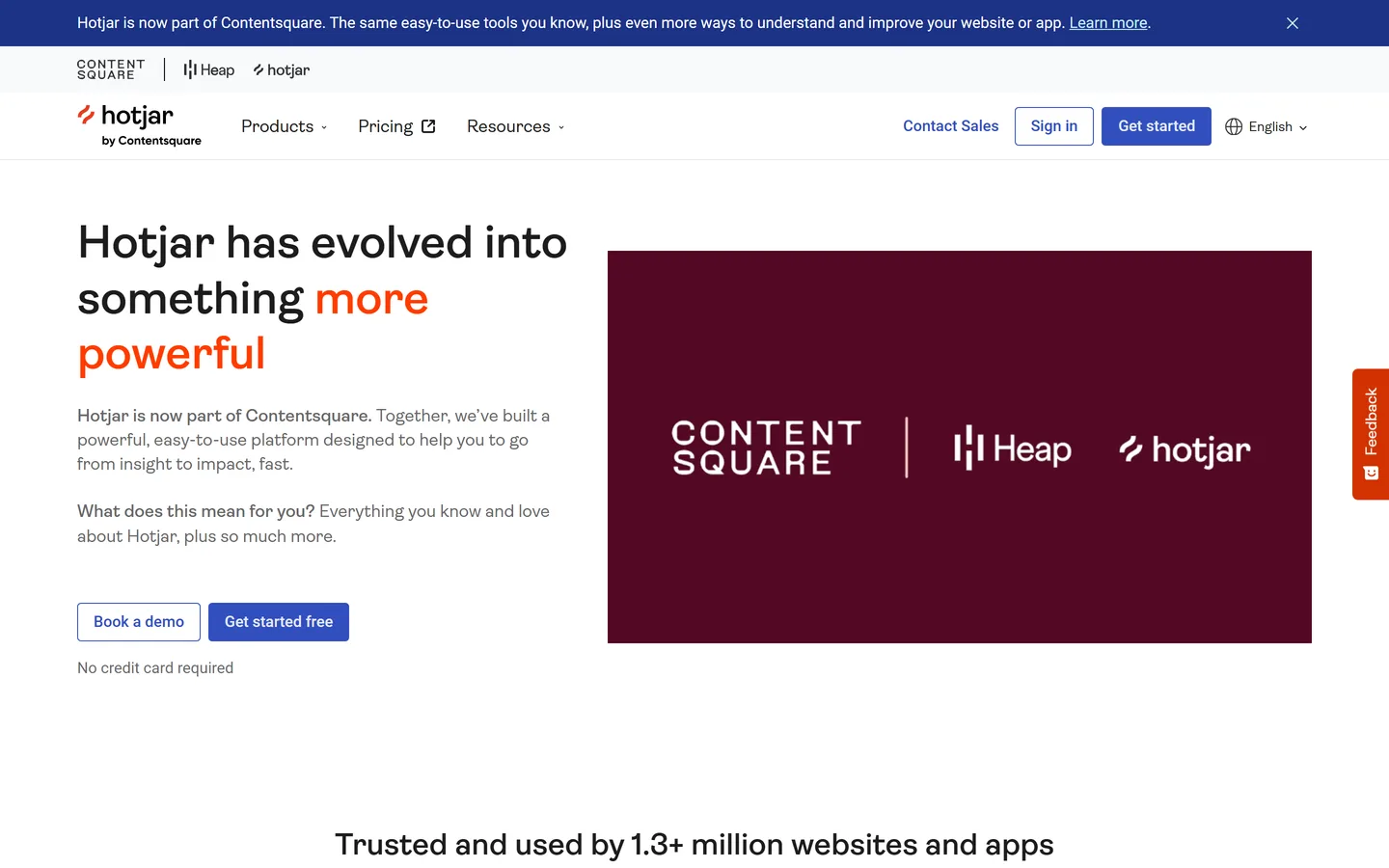
Hotjar records real sessions and builds heatmaps of clicks, scrolls, and rage-clicks, so you can see the point where people stall instead of hearing about it second-hand. It's the fastest way to generate good interview questions: watch ten sessions of the flow you're worried about, then ask five customers why they did what you just watched them do. It shows what happened and never why, which is the standing limit of the whole category.
Best for
Finding friction on a live site or product without asking anyone
Pricing
From ~$32/mo; Scale plans above
Free option
Free plan with limited daily sessions
Strengths
Session recordings and heatmaps show real, unprompted behavior
Cheap to start and quick to install
Feedback widgets and on-site surveys included
Limitations
Shows what, never why
Watching sessions is time-consuming and easy to over-interpret
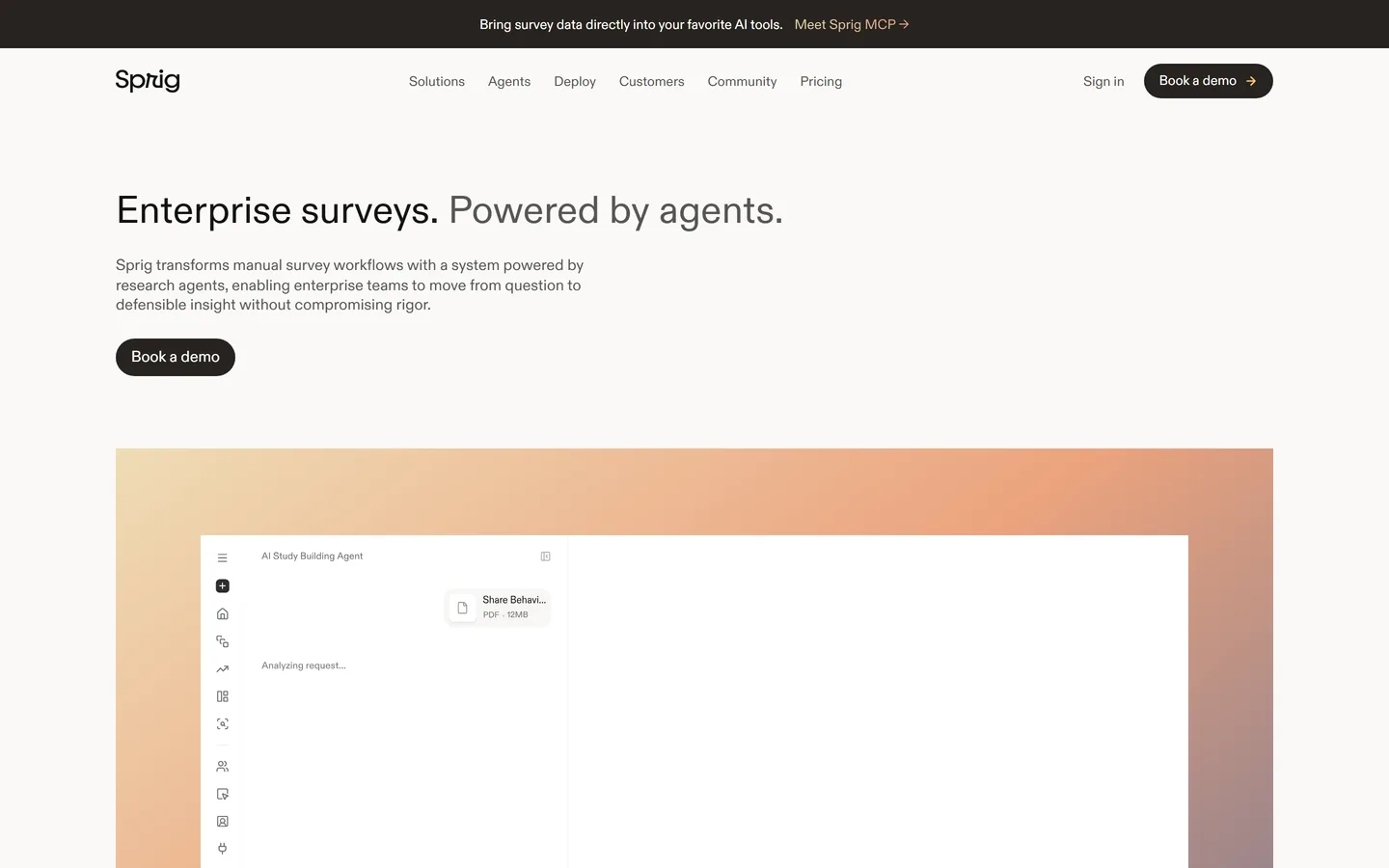
Sprig fires micro-surveys and concept tests inside the product, triggered by what someone just did — abandoned the flow, used the feature twice, hit the paywall. Because the prompt lands in context, the answers are sharper than the same question sent by email a week later. It also records sessions and replays, so behavioral evidence and the response sit together. The trade-off is the format: a two-question in-product prompt cannot go where an interview goes.
Best for
Product teams who want targeted in-product research tied to real behavior
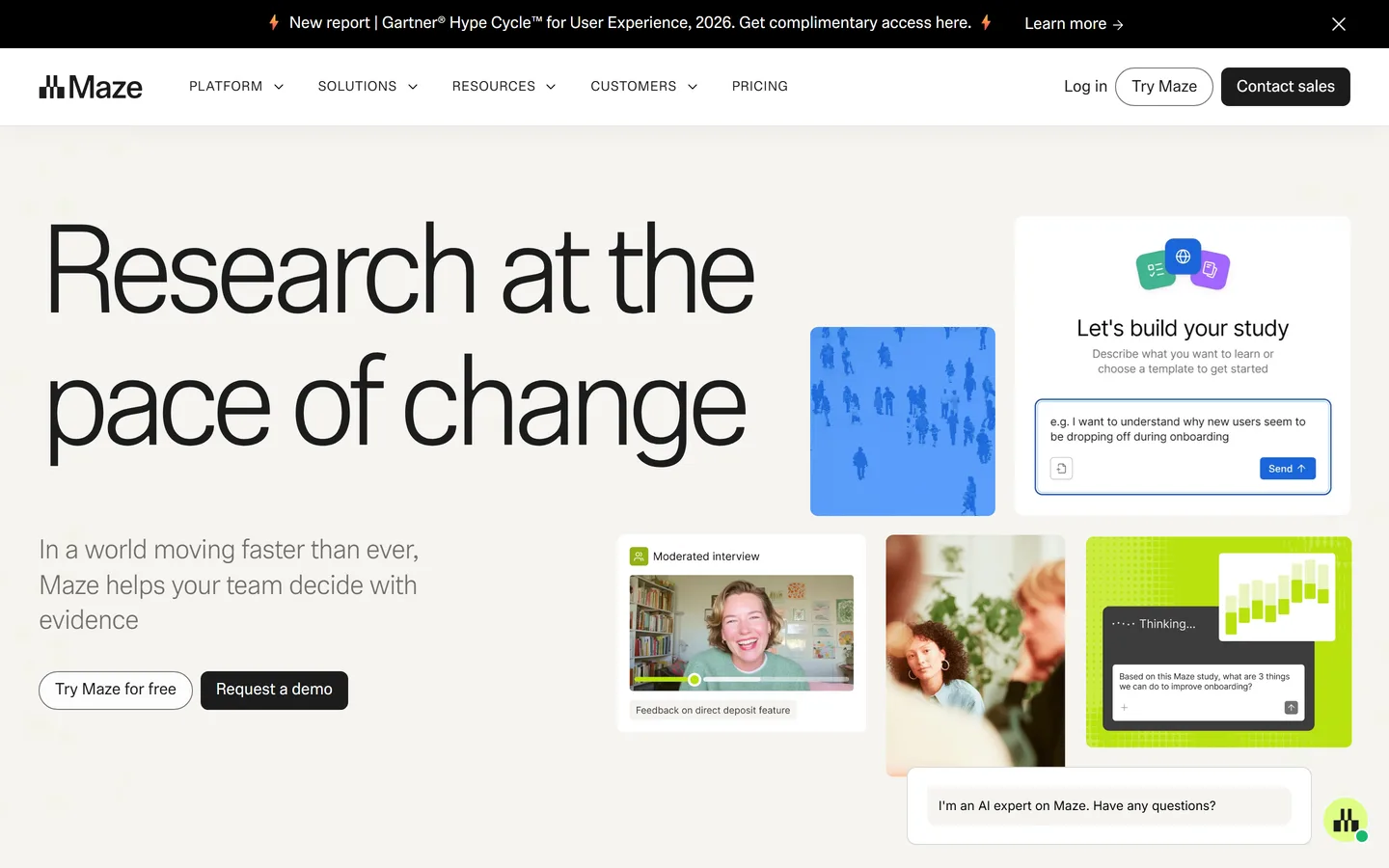
Maze sends unmoderated tasks to participants and returns quantitative usability results the same day — completion rates, misclick heatmaps, time on task — across prototypes or live products. For settling an argument about a design it is the fastest tool here. Its centre of gravity is validating something you've already designed, so it answers 'does this work' rather than 'is this the right thing to build'; it has added AI-moderated interviews, but discovery is not what the product is shaped around.
Best for
Design teams validating a specific flow or prototype before it ships
Pricing
From ~$99/mo; Organization custom
Free option
Free plan with limited studies
Strengths
Results within hours of launching a test
Strong prototype and flow testing with clear metrics
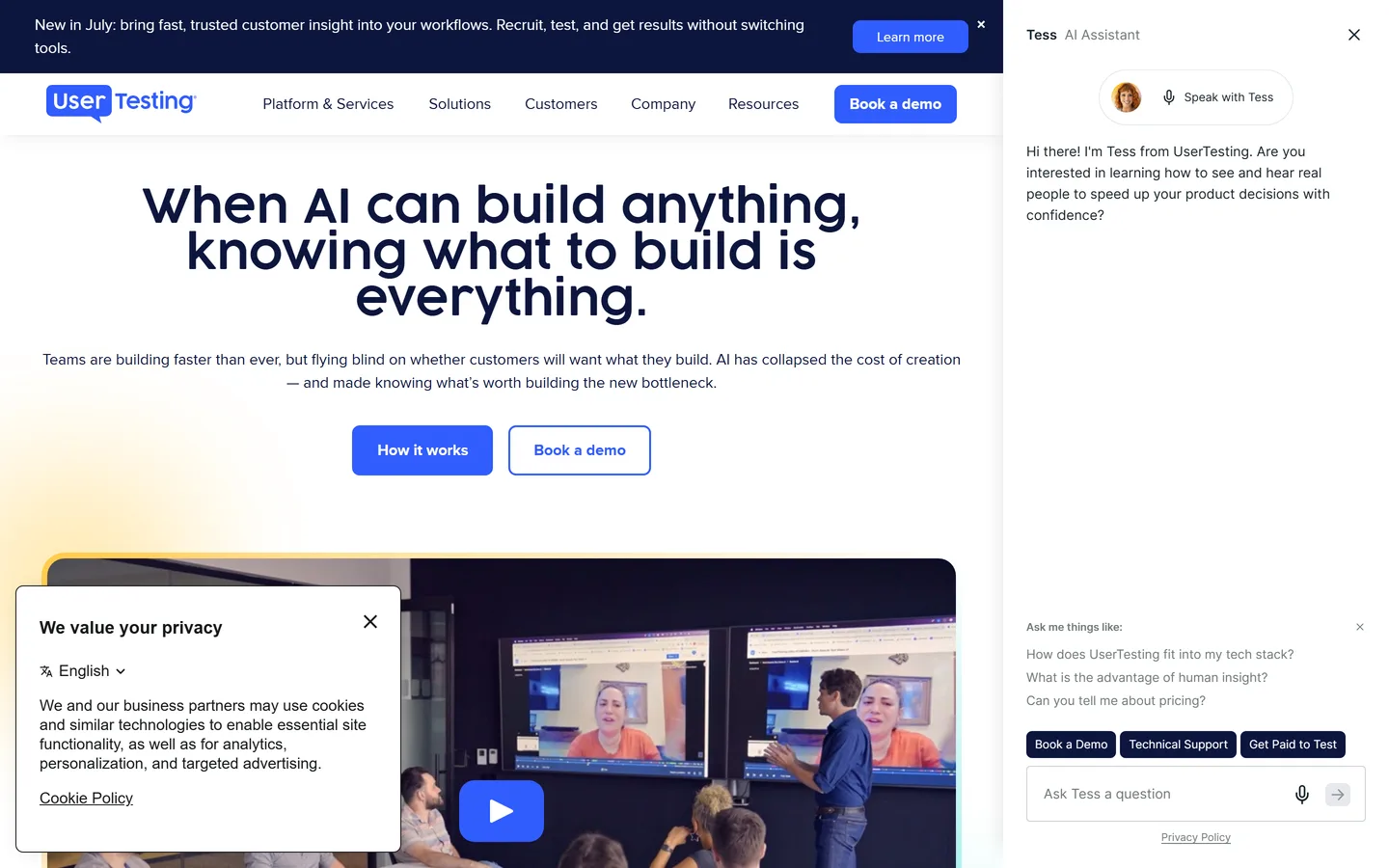
UserTesting pairs a very large participant panel with moderated and unmoderated testing, so you can specify an audience and have annotated session videos back the same day without recruiting anyone yourself. For enterprises that need a repeatable, defensible testing program it's the incumbent. It is also the most expensive option on this page by a wide margin, and the pricing model — annual, seat-based, quote-only — makes it hard to justify below a certain team size.
Best for
Larger organizations that need tested video evidence on demand
Pricing
Enterprise, quote-only (typically five figures/yr)
Free option
Free trial only
Strengths
Very large, well-targeted participant panel
Moderated and unmoderated in one platform
Video highlight reels that travel well to stakeholders
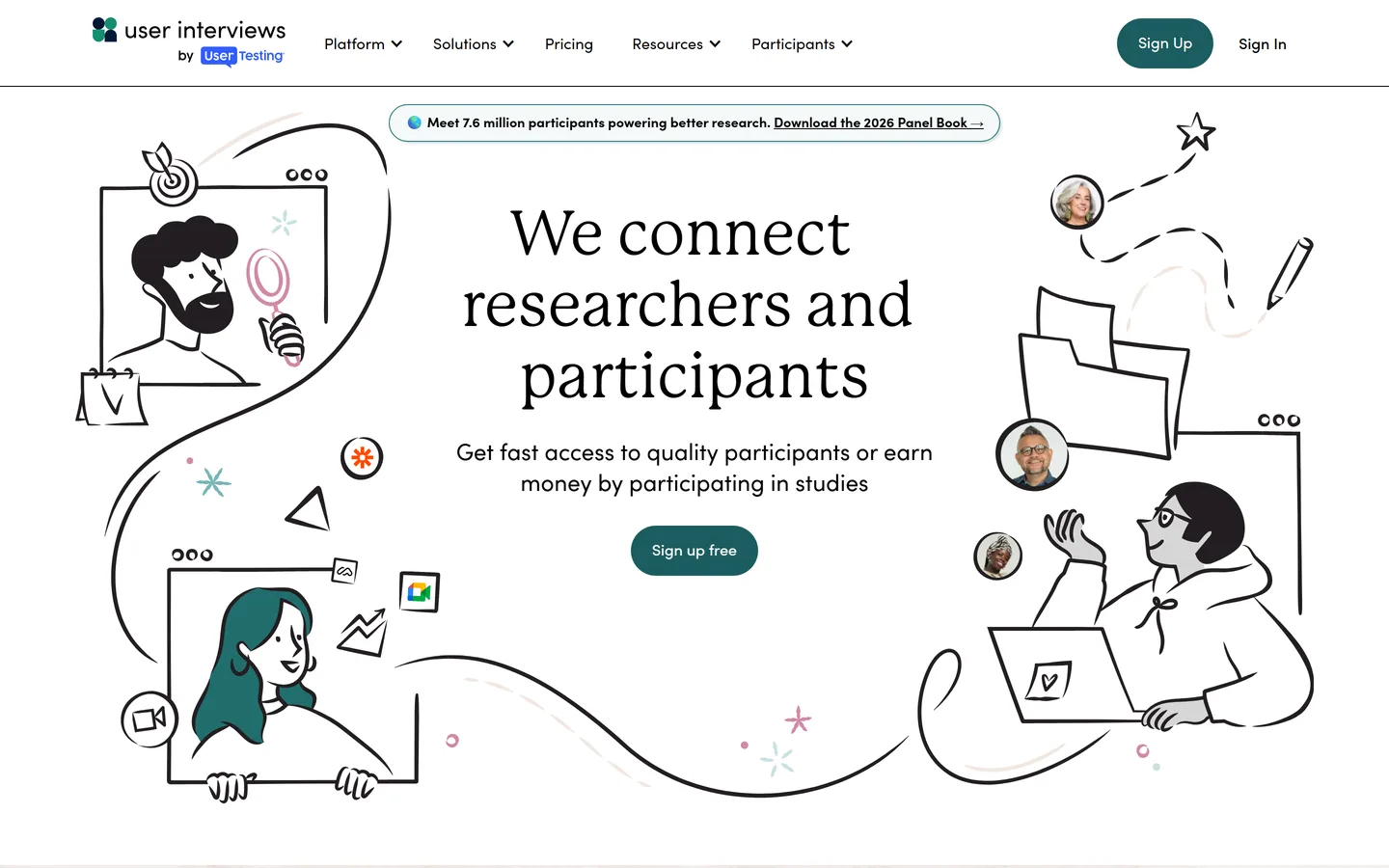
User Interviews solves the bottleneck most teams actually hit: it recruits participants from a panel of over half a million people, screens them, schedules them, and handles incentives. It also manages your own customer list as a research panel, which matters once you're going back to the same customers repeatedly. It deliberately does not analyze anything — you run the session in your own tool and take the recording wherever you synthesize.
Best for
Anyone whose research stalls because they can't find people to talk to
Pricing
Pay-as-you-go from ~$45/participant; plans above
Free option
Free for your own panel, limited
Strengths
Fast, well-screened recruiting including hard-to-reach B2B roles
Research in the moment, on the participant's phone
dscout.com
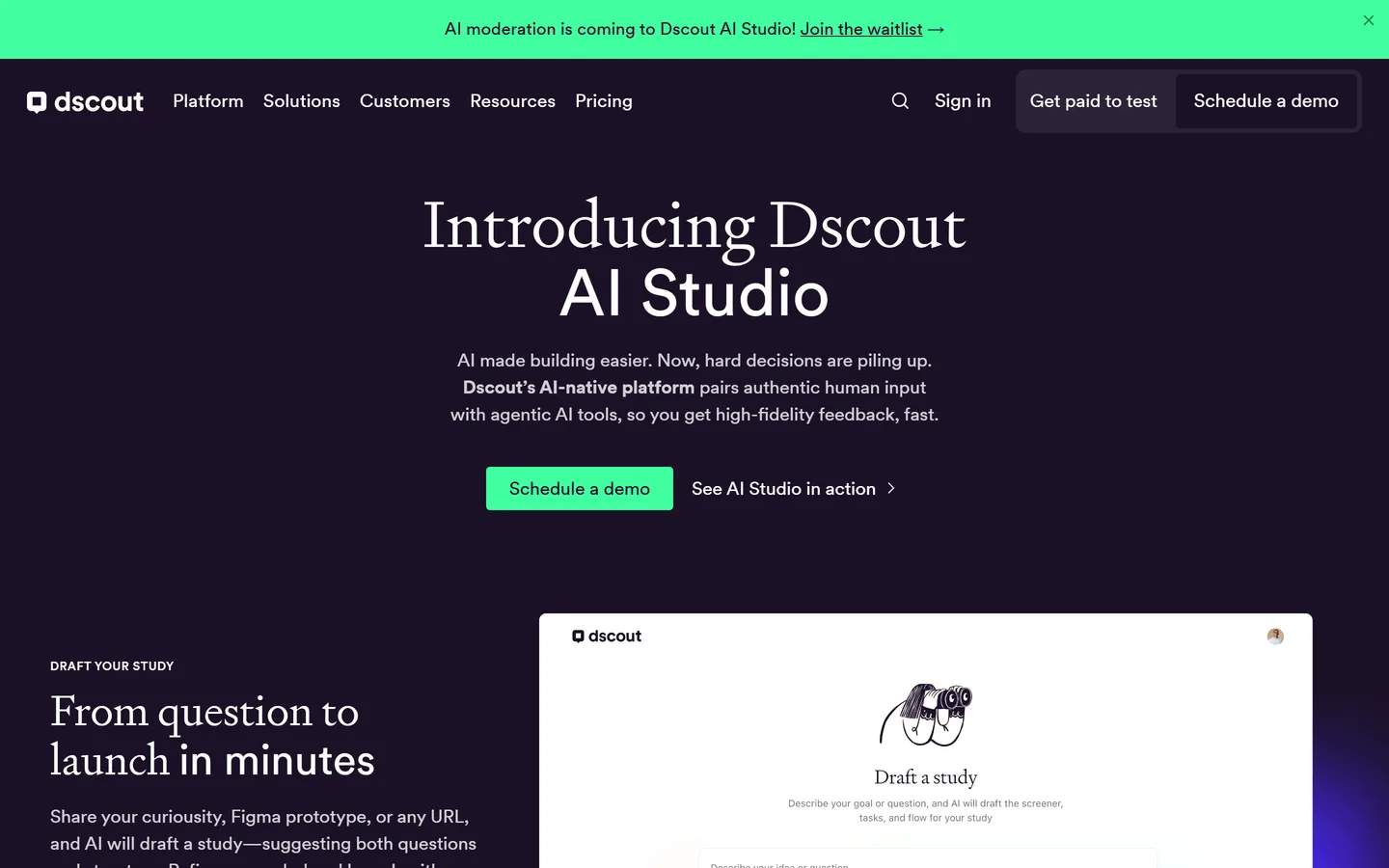
Dscout runs mobile diary studies: participants record video and answer prompts over days or weeks, in the place the behavior actually happens, rather than describing it from memory in a call. For questions about routine, context, and what people do when nobody's watching, it produces evidence no interview can. It's a specialist tool with a specialist price, and the raw material — hours of participant video — is a real analysis workload.
Best for
Diary studies and in-context research where a scheduled call would miss the point
Pricing
Enterprise, quote-only
Free option
None
Strengths
Longitudinal, in-context evidence you can't get from a call
Enterpret unifies feedback you're already receiving — support tickets, app reviews, sales call notes, community posts, survey verbatims — and builds a taxonomy over it so you can see what's rising and for which customer segment. It's the strongest answer to 'what are customers already telling us', which is a genuinely different question from 'what should we go find out'. It needs volume to be worth it: with a few hundred tickets a quarter, the patterns are readable without a platform.
Best for
Teams with high inbound volume across support, reviews, and sales calls
Pricing
Enterprise, quote-only
Free option
None
Strengths
Unifies every inbound feedback channel in one taxonomy
Good trend and segment breakdowns over time
Reduces the argument about what customers 'keep asking for'
Limitations
Only sees feedback that already exists — no discovery
Customer research software is the category name for the tools above once you stop thinking of them as a list: anything that helps a team learn what customers need and why, from planning a study through to acting on what it found. In practice it splits into four jobs. Capture — recording, transcribing, and storing the conversation or the survey. Synthesis — extracting pain points, requests, and quotes and grouping what repeats. Storage and search — the repository, so a finding from March is still findable in September. And decision — carrying the themes into personas, priorities, and a roadmap.
Most customer research software does one or two of those jobs well. Survey tools capture at volume and stop. Repositories store and search and stop. Notetakers capture one call and stop. The reason Intervool leads this list is that it runs all four for interview-based research in one place, which is what a product team without a research department actually needs — not the best tool for each job, but a stack of one.
Customer research platform
A customer research platform is what vendors call customer research software once it covers enough of the workflow to be the system of record rather than a point tool. The practical test is simple: could a new PM open it and understand what the last quarter of research said, without asking anyone? If the answer depends on a separate spreadsheet, a Notion page, and someone's memory, it is a tool, not a platform.
For teams choosing a platform in 2026 the shortlist is short. Dovetail and Condens are platforms for research teams that already run a rigorous tagging practice. Intervool is the platform for product teams and founders who want the interview → insight → roadmap loop to run without a researcher maintaining it. Qualtrics and UserTesting are enterprise platforms priced accordingly. Everything else on this page is a specialist you pair with one of those — see the customer research methods guide for which method each one serves.
Methodology
How we evaluated these
We grouped by job, not by rank
A ranked list across five categories is meaningless — Hotjar isn't 'better' or 'worse' than User Interviews, they answer different questions. Every tool here is placed by the job it does, and the grid shows where each one is genuinely blank rather than hiding it behind a score.
We judged each tool on its own job
Survey tools aren't marked down for shallow answers and interview tools aren't marked down for not scaling — those are properties of the method, not defects in the product. What each tool is criticised for is failing at the thing it claims.
We assumed you'll buy two, not five
Almost every team we talk to ends up with one qualitative tool and one quantitative one. The page is written for that outcome, which is why each entry names what to pair it with instead of implying it covers the category.
We weighted what happens after the research
Most tools in this category end at a report, and the gap between a finding and a decision is where research quietly dies. Tools that carry findings into prioritization are marked as doing so, and the ones that stop at storage are marked as stopping there.
Pricing checked August 2026, and we're not neutral
Published list prices as of August 2026, rounded, in USD. Intervool is our product and is marked as such — its entry lists what it doesn't cover yet, because you'd find that out in the trial anyway.
FAQ
Common questions
What are customer research tools?
Software for learning what customers need, do, and struggle with. The category spans five distinct jobs: capturing and synthesizing interviews, running surveys at scale, recording real product behavior, testing designs with users, and recruiting people to research with. Tools that market themselves under the same label often do completely different jobs, which is why comparing them on price alone is misleading.
What's the difference between customer research and UX research tools?
Mostly emphasis and who runs them. Customer research asks who the customer is, what problem they have, and what they'd pay to solve — it usually spans marketing, sales, and product, and is often run by founders or PMs. UX research concentrates on how well a specific experience works and is usually run by designers or researchers. The interview and analysis tools overlap almost completely; the usability-testing tools belong more to UX, and the voice-of-customer tools more to the customer side.
How many customer research tools do I actually need?
Two, in most cases. One that captures and synthesizes conversations, so you know what to ask, and one that measures at scale, so you know how many people it affects. Add recruiting when finding participants becomes the bottleneck, and behavioral analytics when you need to see where people stall without asking. Buying more than two before either of those hurts is how teams end up with research spread across tools nobody opens.
Which customer research tool should I start with?
The qualitative one. Surveys and analytics tell you how much and where, but only if you already know which question is worth asking — and that comes from conversations. Start by recording and synthesizing ten to fifteen customer interviews, then use a survey tool to size whatever those interviews surfaced.
Are there free customer research tools?
Yes, and they're viable for a while. Hotjar, Typeform, Survicate, and Maze all have free tiers with volume limits, and free AI notetakers will transcribe interviews for you. The free tiers run out at roughly the point where the volume of research is what makes it hard — which is also the point where a paid tool starts saving more time than it costs. We keep a dedicated list of the free options for customer interviews.
What's the difference between a research repository and a customer research platform?
A repository — Dovetail, Condens — is built to store, tag, and search findings so they can be retrieved later. A platform carries the research further, into personas, segments, or a prioritized roadmap. The repository question to ask yourself is whether your problem is finding old research or acting on new research; they need different tools, and buying a repository to solve an action problem is a common and expensive mistake.
Do AI customer research tools replace talking to customers?
No. AI is genuinely good at the parts that were tedious — transcribing, extracting structured findings from a transcript, spotting what repeats across fifty interviews — and genuinely bad at knowing which follow-up question to ask when someone says something surprising. The value shows up in synthesis, not in the conversation. AI-moderated interview tools exist and work for simple, high-volume feedback; they don't replace a real discovery conversation.