UX research tools are software for planning, recruiting, running, and analyzing user research — usability tests, user interviews, surveys, card sorts and tree tests, session recordings, and the repository where findings live afterwards. No single platform covers all of those well, so this guide compares the 20 leading UX research tools by the method each one is actually built for, with published pricing and free plans, so you can assemble a small stack: one hub for the research you do most, plus one or two specialists. It leans on Nielsen Norman Group's finding that five users surface roughly 85% of usability problems — the tools that make small studies quick and cheap to run often are the ones that earn their place.
It depends on the research method you run most. For unmoderated usability and prototype testing, Maze is the fastest, Lyssna the best value, UserTesting the enterprise standard, and UXtweak the broadest suite on a free plan. For moderated user interviews and analysis, Intervool takes interviews through AI synthesis to a prioritized roadmap, Lookback is the classic session recorder, and Looppanel is a strong AI note-taker for researchers. For a research repository, Dovetail is the most mature and Condens the best value. For participant recruiting, User Interviews is the most flexible, Prolific the cheapest for quick studies, and Respondent the best for B2B audiences. For surveys, Typeform for standalone and Sprig for in-product. For information architecture, Optimal Workshop; for behavioral analytics, Hotjar and Mixpanel; for diary studies, Dscout. A practical stack for a small team is one interview hub plus one usability-testing tool, and a recruiting panel only when you can't reach the users you need.
Jump to a tool
Compared at a glance
Columns are the six jobs UX research tools get bought for. Read across before comparing prices — most tools cover one or two, and the gaps tell you what you'd pair it with.
Yes Does thisPartial Partly, or with workaroundsNo Not a feature
What each column means
Unmoderated testing
Sends task-based tests (prototype, live site, first-click, five-second) to participants and reports completion, paths, and friction without a moderator.
Moderated interviews
Runs or ingests live one-to-one sessions and produces speaker-labelled transcripts and analysis.
Recruiting panel
Sources, screens, schedules, and pays participants from its own panel — not just your own customer list.
Surveys & feedback
Standalone or in-product surveys and micro-surveys, with targeting and response analysis.
Behavioral analytics
Session replay, heatmaps, funnels — what users actually did in the product.
Repository & synthesis
Stores findings across studies, tags or AI-clusters them into themes, and keeps each theme linked to its evidence.
The categories, and what each is for
These products get compared as if they’re interchangeable. They aren’t — they’re solving different halves of the job.
Usability & prototype testing
Task-based tests on prototypes or live products, mostly unmoderated, with completion rates, click paths, and heatmaps. The quantitative, validate-a-design side of UX research.
Capture moderated sessions, transcribe them, and turn what people said into themes and decisions. The qualitative, discover-what-to-build side.
Intervool, Lookback, Looppanel
Research repositories
Store, tag, and search findings across every study so research compounds instead of disappearing into slide decks.
Dovetail, Condens
Participant recruiting
Source, screen, schedule, and pay participants from a panel or your own users. Usually the slowest step in any study.
User Interviews, Prolific, Respondent
Surveys & in-product feedback
Reach many users quickly with structured questions — standalone forms or targeted micro-surveys inside the product.
Typeform, Sprig
Information architecture
Card sorting, tree testing, and first-click tests for getting navigation and labels right before you build them.
Optimal Workshop (also UXtweak, Lyssna)
Behavioral analytics & diary studies
What users actually did — session replays, heatmaps, funnels — and what they do over days or weeks in their own environment.
Hotjar, Mixpanel, Dscout
The tools in detail
01
Intervool
Our productUser interviews & analysis
User interviews through AI synthesis to a prioritized roadmap
app.intervool.com/interviews
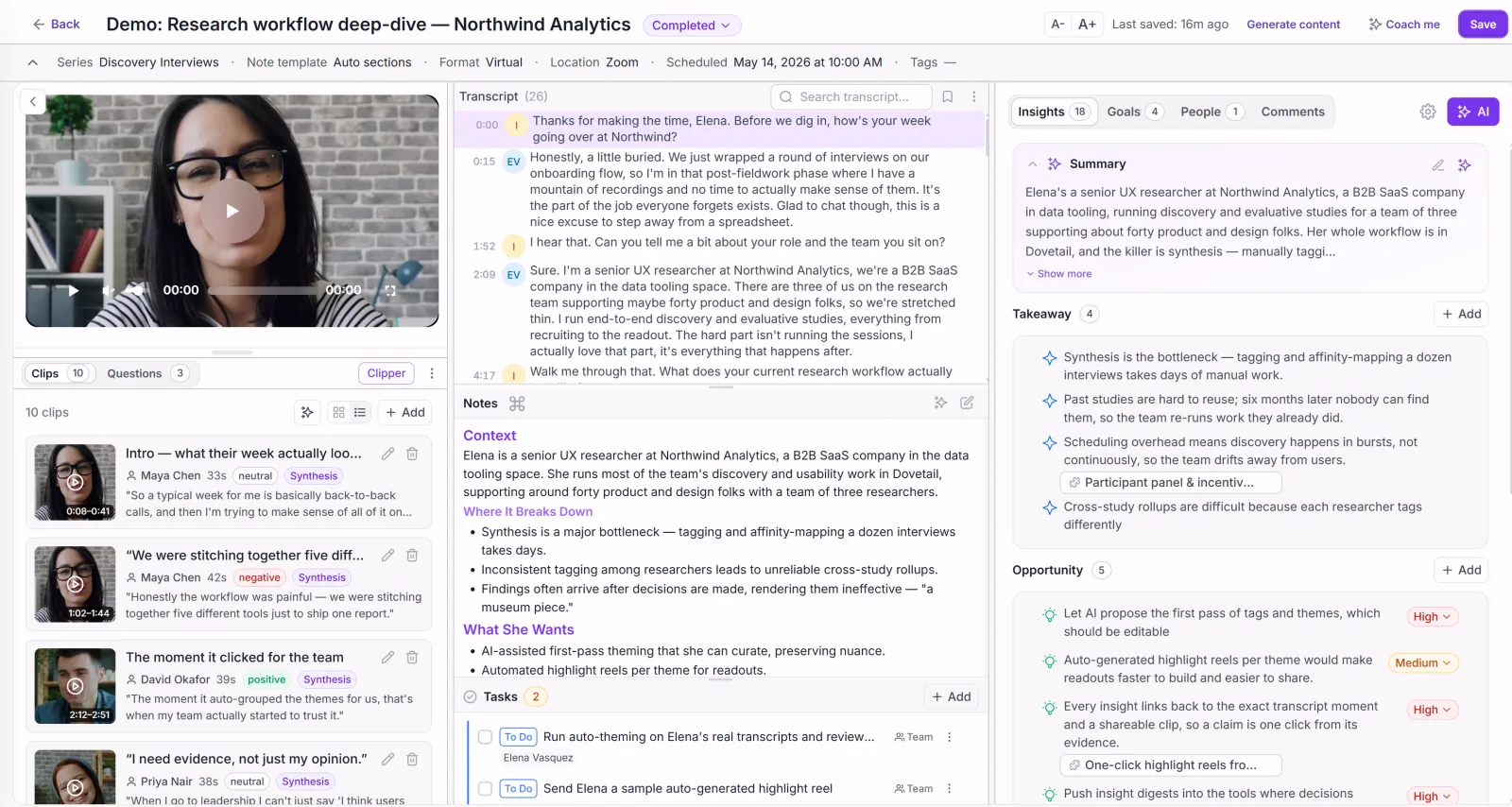
Every interview: video, transcript, and AI takeaways in one view.
Intervool is UX research software for the interview half of the job: it transcribes user interviews — auto-joined, recorded in-app, or uploaded from anywhere — extracts pain points, needs, and requests from each session, and clusters what repeats into evidence-linked themes across the whole study. Themes roll up into personas and segments and a prioritized roadmap, each item one click from the exact quote behind it, and the searchable library doubles as a lightweight research repository. It does not do usability testing, surveys, or recruiting; it accepts recordings from the tools that do, so a Maze or Lookback session can be synthesized alongside your interviews.
Best for
Product and UX teams whose research is mostly interviews and who need it to reach product decisions
Pricing
Basic $39/mo · Team $279/mo (6 seats) · Enterprise custom
Free option
14-day free trial, no credit card
Strengths
Interview capture, transcription, and cross-study synthesis in one place
AI themes stay linked to the transcript moment and person behind them
Ends in personas, segments, and a prioritized roadmap, not a report
Usable by a PM or founder without a research background
Flat pricing, not per-seat
Limitations
No unmoderated usability testing — pair with Maze, Lyssna, or UXtweak
No participant panel — pair with User Interviews or Prolific
Lighter tagging governance than Dovetail for large research orgs
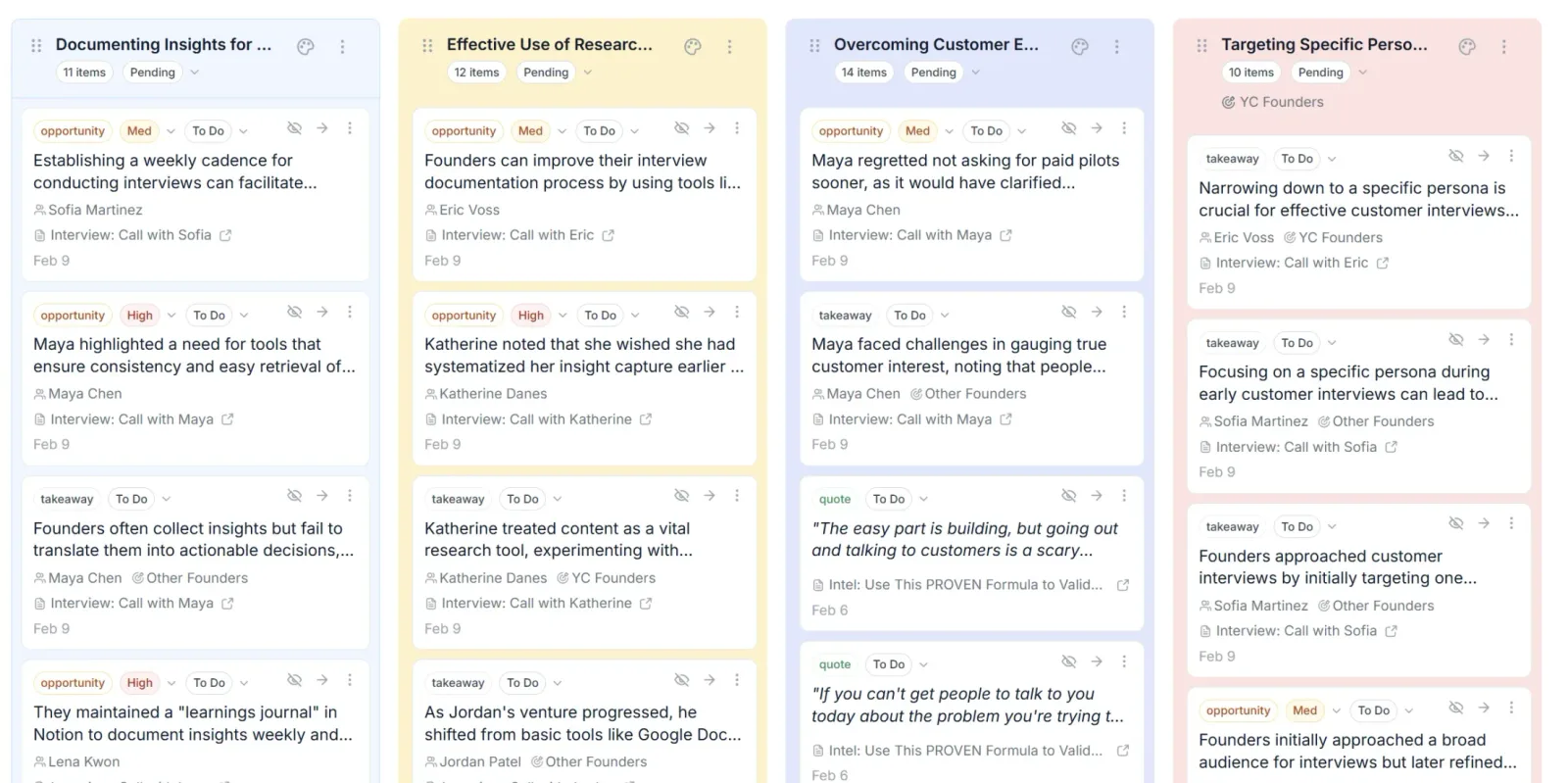
app.intervool.com/themes
Themes across every interview, with the evidence attached.
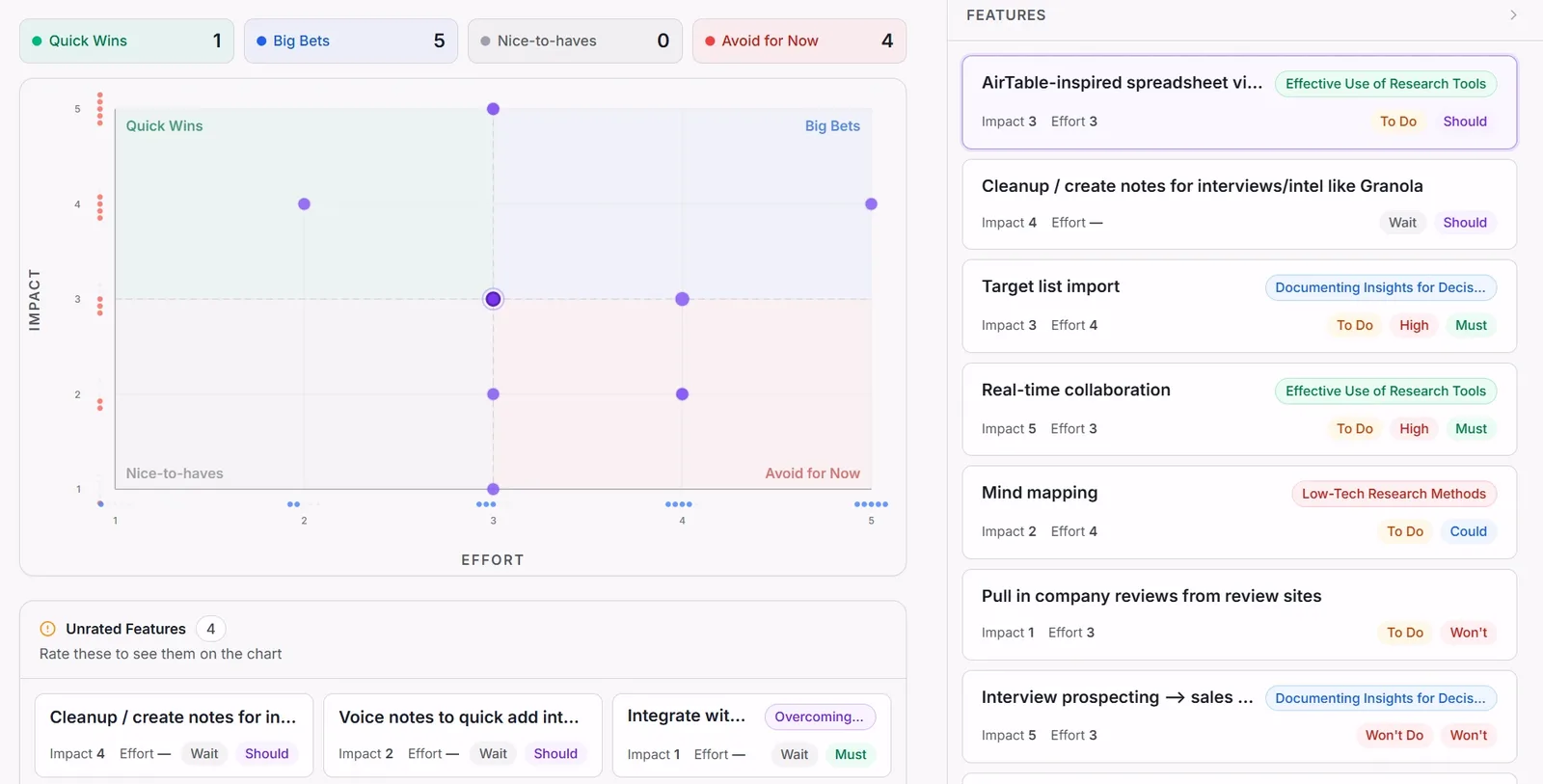
app.intervool.com/roadmap
Themes become prioritized bets — each one click from the quote behind it.
Fastest unmoderated testing on prototypes and live products
maze.co
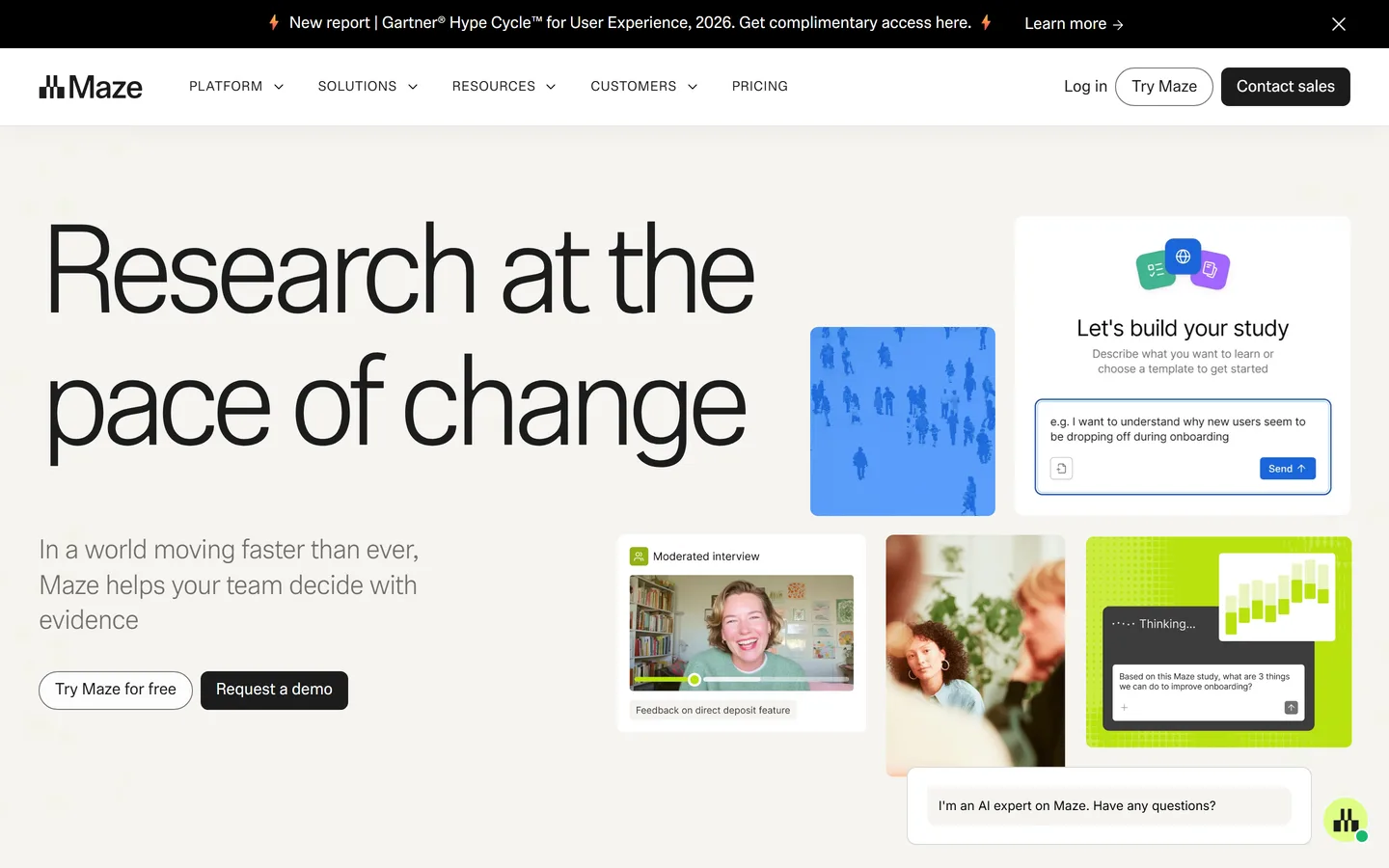
Maze sends unmoderated tests to participants and returns results within hours — task completion, misclick heatmaps, time on task, and path analysis across Figma prototypes or live products — plus surveys, card sorting, tree testing, and an AI-moderated interview feature. It is the strongest option here for validating a specific design decision quickly, with a built-in panel for recruiting. Its centre of gravity is testing a design you've already made rather than discovering what to make, and prices step up sharply above the entry plan.
Best for
Design and product teams validating flows before and after they ship
Pricing
Starter from ~$99/mo; Organization and Enterprise custom
Free option
Free plan with limited studies and responses
Strengths
Results in hours, not weeks
Excellent prototype and flow testing with Figma integration
Best-value usability testing with a built-in panel
lyssna.com
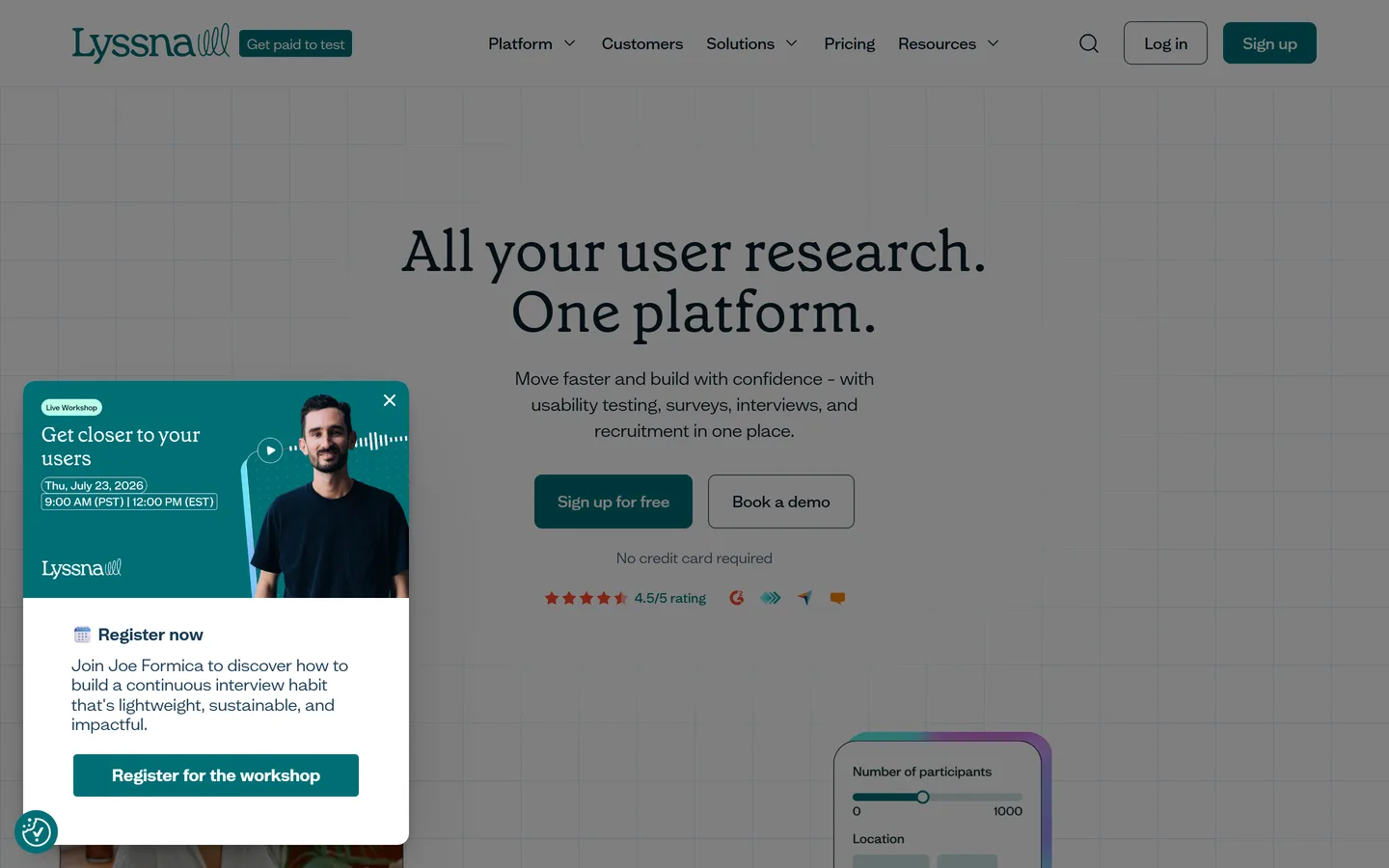
Lyssna (formerly UsabilityHub) runs five-second tests, first-click tests, preference tests, prototype tests, card sorts, tree tests, surveys, and moderated interviews, with a 690,000-person participant panel included on a pay-per-response basis. It's the most affordable credible option for unmoderated testing, and its test types map neatly onto the small, frequent studies that produce most of the value. There's no repository or cross-study synthesis layer, so findings from interviews you run there still need a home.
Best for
Small teams who want quick, frequent tests without enterprise pricing
Pricing
Growth from ~$166/mo (5 seats); Enterprise custom
Free option
Free plan — 3 seats, 15 self-recruited responses/mo
Strengths
Genuinely useful free plan and a cheap Growth tier
Participant panel included, pay per response
Test types suited to quick, frequent studies
Limitations
No repository or cross-study synthesis
Lighter analytics than Maze on prototype tests
Interview features are newer and thinner than the testing side
The enterprise standard for moderated and unmoderated testing
usertesting.com
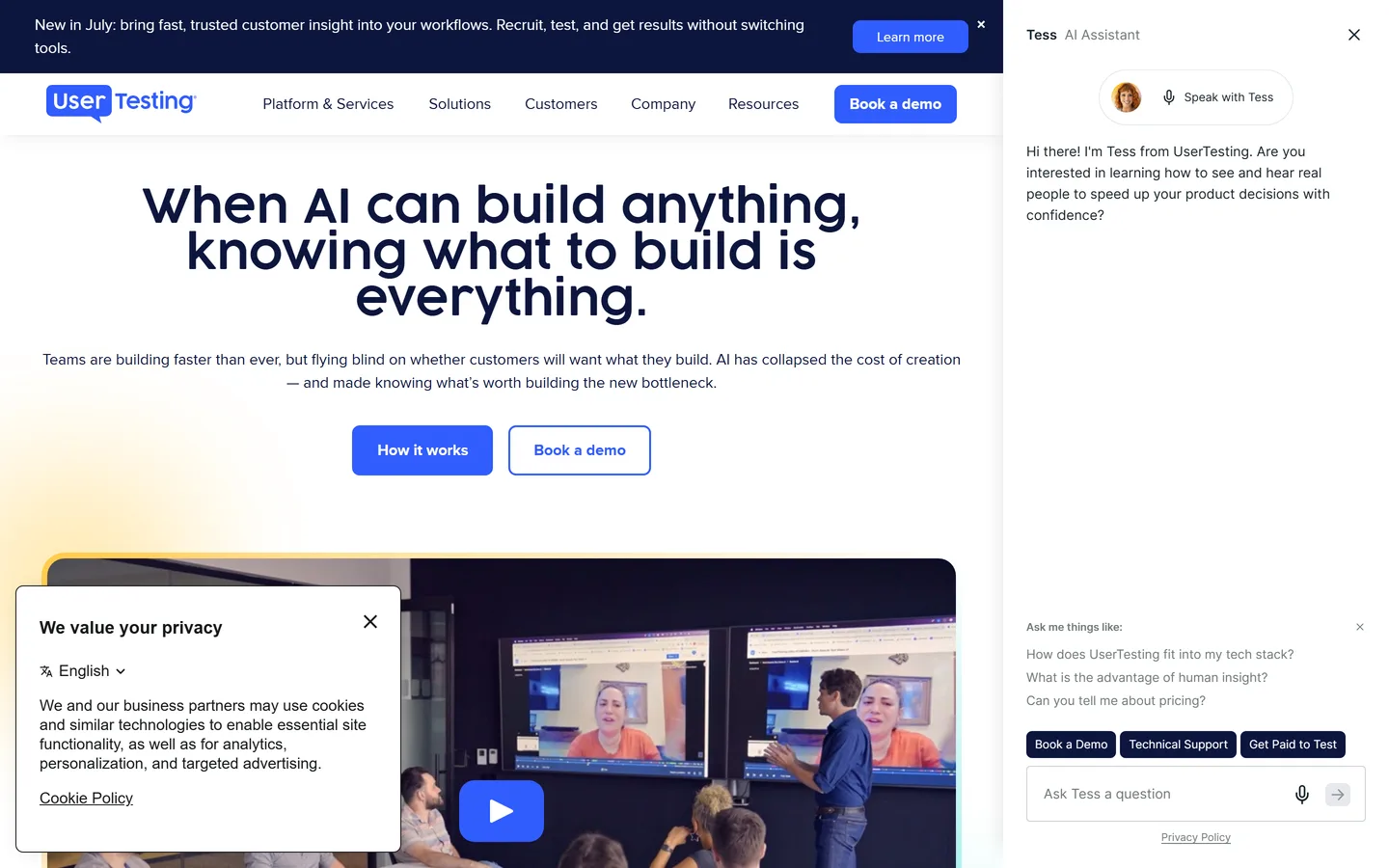
UserTesting pairs a very large contributor panel with moderated and unmoderated testing, think-aloud video, AI-generated highlight reels, and the compliance and governance features enterprises require. If you need a specific hard-to-reach audience on a deadline, its panel is the most likely to have them, and its video-first output is persuasive in stakeholder reviews. It's priced accordingly, on annual contracts, and synthesis across studies is largely manual.
Best for
Large organizations that need a broad panel, video feedback, and governance
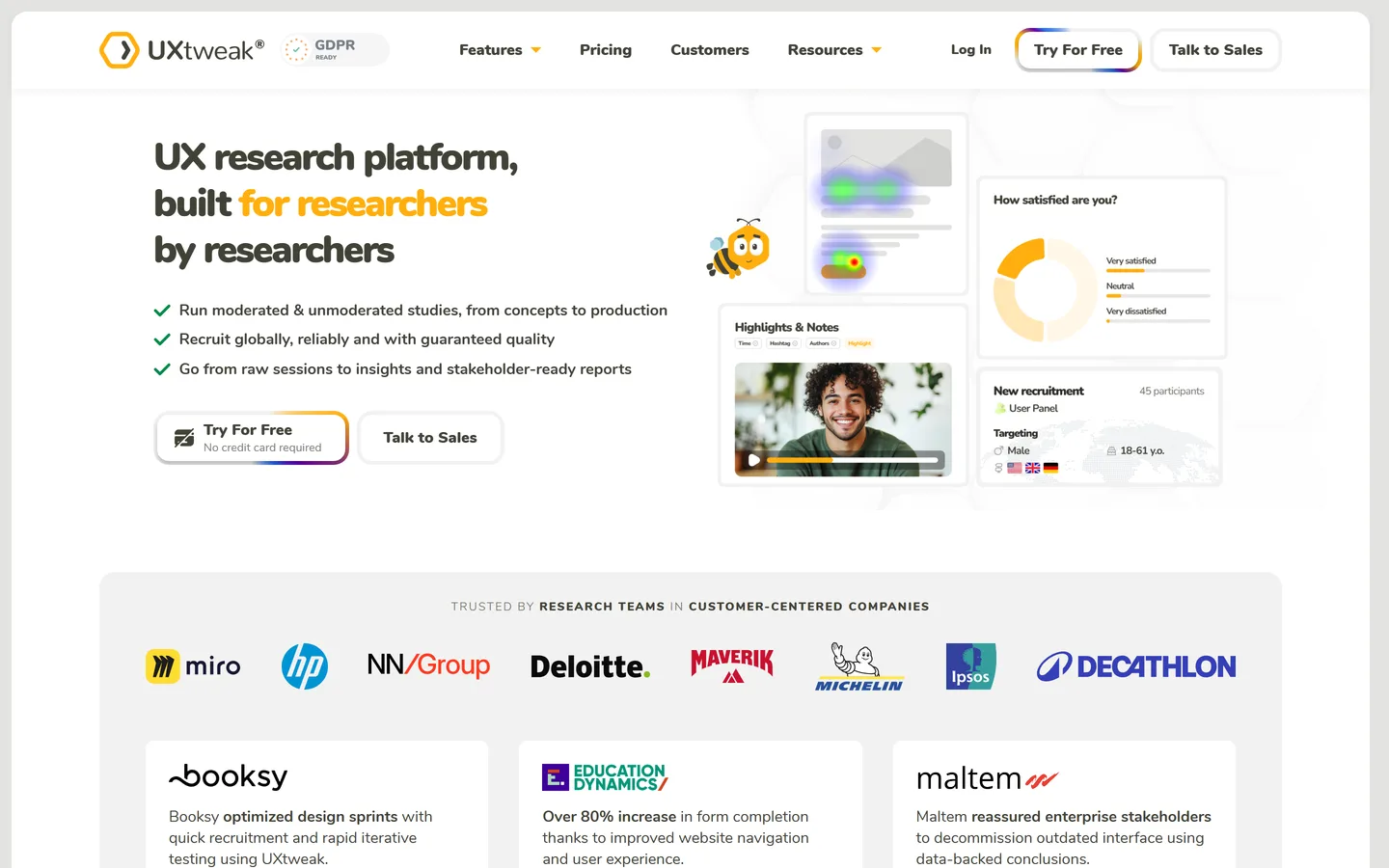
UXtweak bundles moderated and unmoderated website and prototype testing, card sorting, tree testing, first-click and five-second tests, surveys, session recording, and a global recruiting panel into one platform — one of the widest method sets in this guide. Its free plan is real (one user, 15 responses a month, one active study), which makes it a common first UX research tool for solo researchers and small teams. Analysis is per-study; there's no cross-project repository or AI synthesis layer.
Best for
Researchers who want usability testing, IA testing, and recruiting in one tool without a big budget
Pricing
Business plan on request; Custom / enterprise quote
Free option
Free plan — 1 user, 15 responses/mo, 1 active study
Strengths
Very wide method coverage, including IA testing
Usable free plan; mid-tier pricing below the enterprise players
Global panel with quality screening built in
Limitations
Per-study analysis — no repository across projects
Interface is denser than Maze or Lyssna
Business tier pricing is quote-led rather than published
Remote testing with a global panel, priced per session
userlytics.com
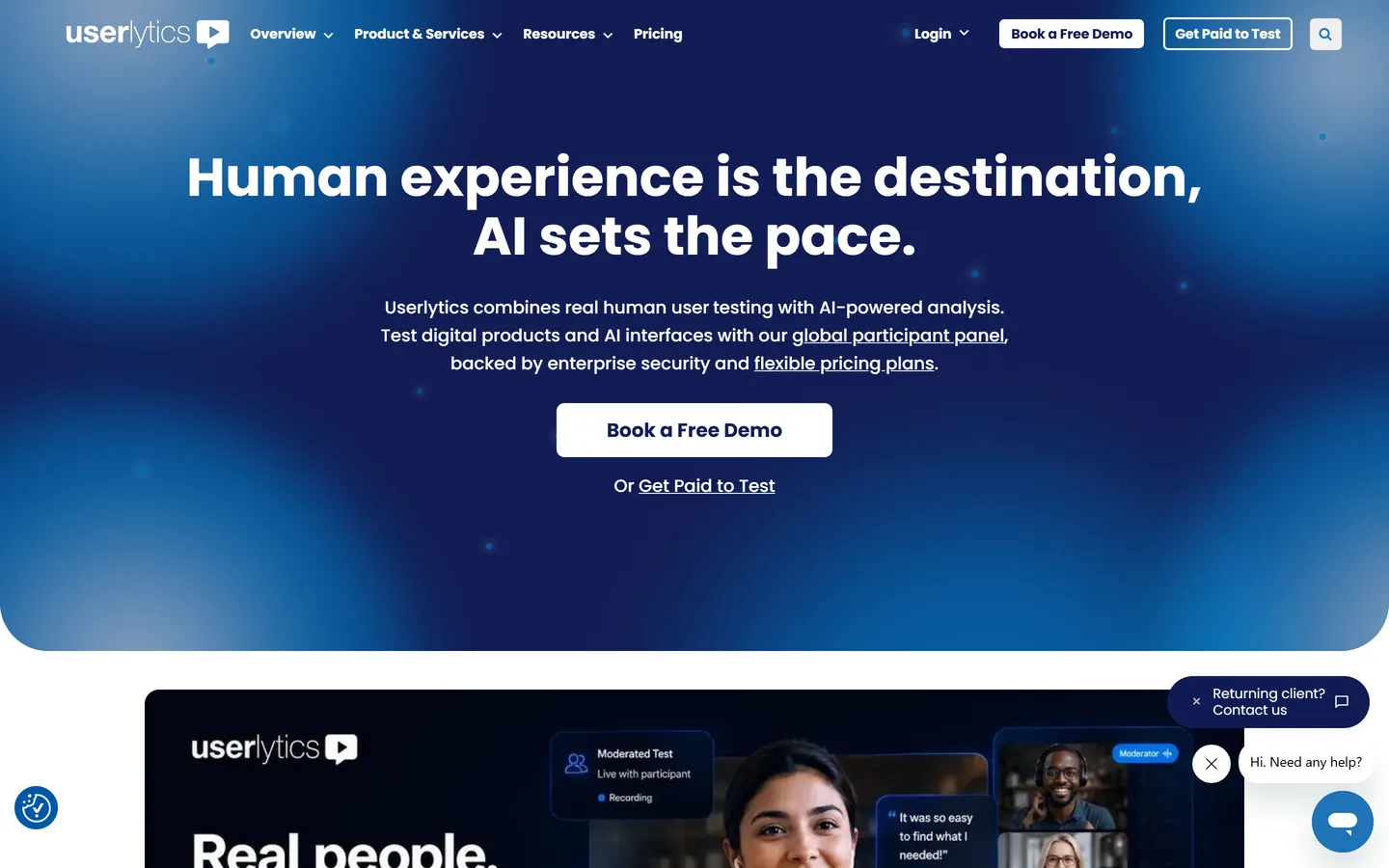
Userlytics runs moderated and unmoderated remote tests — think-aloud video, prototype and live-site tasks, surveys, card sorts, and tree tests — against a global panel with demographic and behavioral screeners, and returns transcribed, annotated recordings with metrics. Its distinctive choice is pricing by session (from about $30 each on annual plans) with unlimited seats, which suits teams that test in bursts. It's an enterprise-leaning platform with no free plan, and analysis stays inside each study.
Best for
Teams running international studies who want to pay per session rather than per seat
Pricing
From ~$30/session on annual plans; self-recruit plan ~$699/mo
Straightforward unmoderated usability testing on live sites
loop11.com
Loop11 runs unmoderated (and moderated) usability tests on live websites and prototypes without a code snippet, reporting task success, time on task, click paths, heatmaps, and AI-generated summaries of session recordings. It's a focused, uncomplicated tool: quick to set up, easy to read, and priced by projects per month rather than by seat. It has no panel of its own for niche audiences and no repository, so it fits best as the testing specialist in a stack.
Best for
Teams testing live websites and prototypes who want simple setup and clear task metrics
Pricing
Rapid Insights ~$199/mo; Pro ~$399/mo; Enterprise custom
Free option
14-day free trial, no credit card
Strengths
Fast setup on live sites — no code needed
Clear task-level metrics and heatmaps
Transparent, mid-range pricing with a real trial
Limitations
Smaller recruiting options than UserTesting or Userlytics
Lookback records live moderated interviews and usability sessions — screen, camera, and audio, on desktop and mobile — with an observer room for stakeholders, timestamped notes, and AI transcription and highlights. It also runs unmoderated self-tests. It's the tool many research teams learned on, and it remains a clean way to capture and share sessions. Analysis is per-session with tagging and highlight reels; cross-study synthesis is limited, and pricing is annual-only.
Best for
Researchers running live moderated interviews and usability sessions with observers
Pricing
Freelance ~$299/yr (10 sessions); Team ~$1,782/yr; Enterprise custom
Free option
60-day free trial, 5 sessions, no card
Strengths
Reliable moderated recording on desktop and mobile
Observer room and live notes for stakeholders
Long, generous free trial
Limitations
Annual billing only
Per-session pricing on top of the plan
Light cross-study synthesis — findings need a repository
Looppanel joins your Zoom, Meet, or Teams calls, transcribes them, and produces AI notes structured around your discussion guide, with tagging, highlight clips, and cross-interview search. It's aimed squarely at UX researchers rather than sales teams, which shows in the discussion-guide-aware notes and the tagging workflow. Pricing is editor-based and includes several seats before it scales, and it stops at analysis — there's no persona or roadmap layer.
Best for
Research teams who want AI notes and tagging on every interview without moving to a full repository
Pricing
Pro from ~$395/mo (5 editors); ~$75/mo per additional editor
Dovetail is the reference repository for UX research: store recordings and transcripts, tag them systematically, highlight moments, cluster them into insights, and search across every study you've ever run, with AI summaries and integrations into Slack, Notion, Zoom, and Figma. Its tagging model and governance are the most developed in the category, and for an organization with a real research function it's the safest choice. It assumes you're doing the analysis; findings live in the repository and get exported when it's time to decide something.
Best for
Research teams who need a rigorous, searchable archive of findings across many studies
Pricing
From ~$29/user/mo to enterprise
Free option
Limited free plan
Strengths
The most mature tagging, search, and governance
Strong integrations and enterprise controls
Scales to large research teams and long archives
Limitations
Per-seat pricing climbs quickly
Findings stay in the repository — decisions happen elsewhere
Needs a researcher maintaining the tagging model to pay off
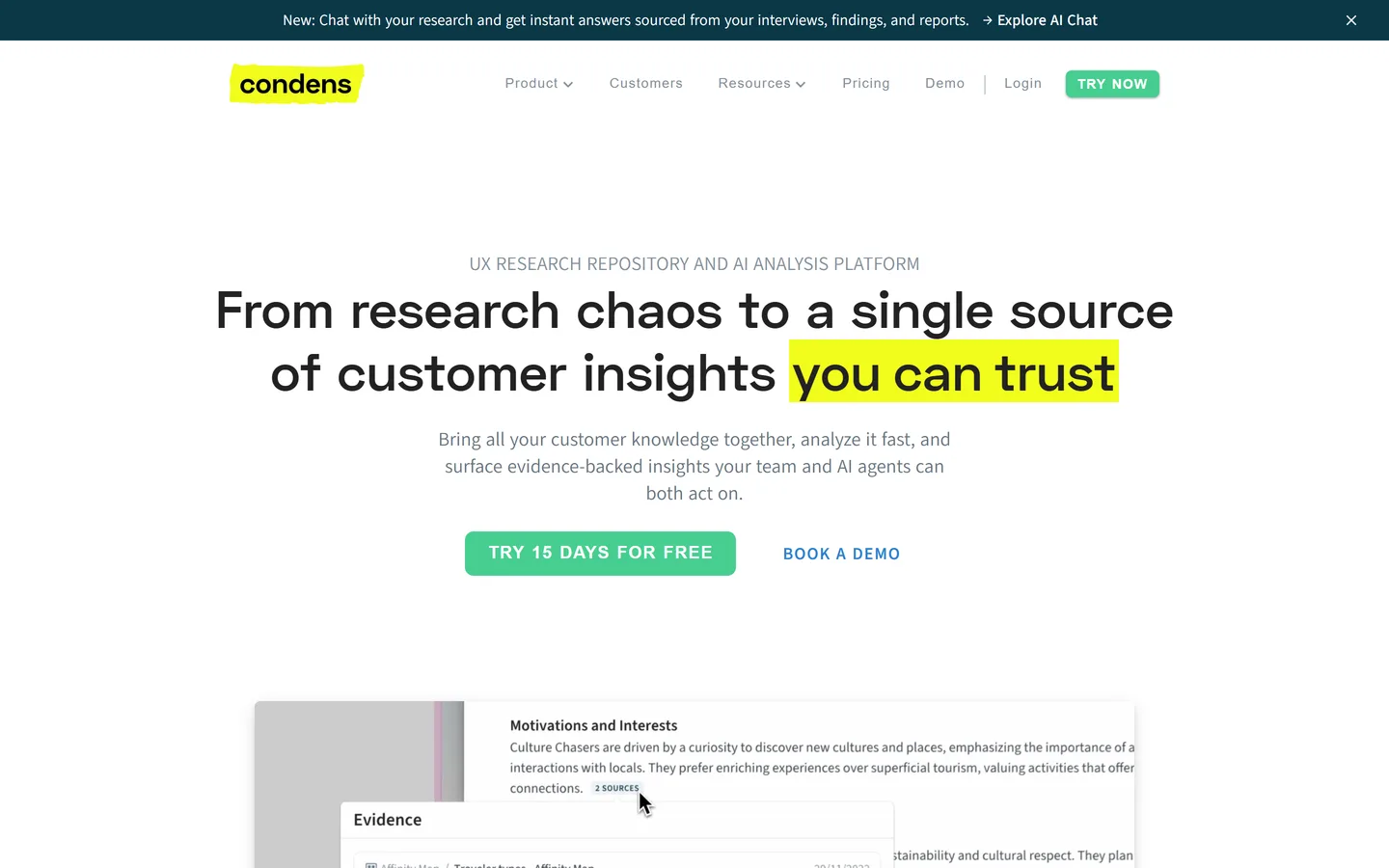
Condens covers the core repository job — storing sessions, tagging, highlighting, affinity mapping, and searching — with a notably clean interface, AI-assisted tagging, and pricing that starts around €15 per user per month. For a team of two or three researchers it delivers most of what Dovetail does at a fraction of the cost. It's lighter on enterprise governance and very large archives, which is exactly the trade a small team should want to make.
Best for
Small research teams who want most of Dovetail at a fraction of the price
Pricing
From ~€15/user/mo
Free option
Free trial only
Strengths
Clean, fast repository workflow
Affordable per-seat pricing
Good affinity-mapping and reporting for a small team
The most flexible way to find research participants
userinterviews.com
User Interviews does one job extremely well: sourcing, screening, scheduling, and paying research participants, either from its panel of several million or from your own customer list via Research Hub. Recruiting is the slowest and least enjoyable part of most studies, and outsourcing it changes how often a team runs research. It doesn't record, analyze, or store anything — pair it with whatever you use for the sessions themselves.
Best for
Any team whose bottleneck is finding people to talk to
Pricing
Recruit from ~$49/participant plus incentives; Research Hub on subscription
Free option
Free to run your own participant list on the entry tier
Strengths
Fast recruiting from a large, well-screened panel
Also manages your own customer list and incentives
Pay-per-participant, no platform commitment on Recruit
Fast, vetted participants for surveys and unmoderated studies
prolific.com
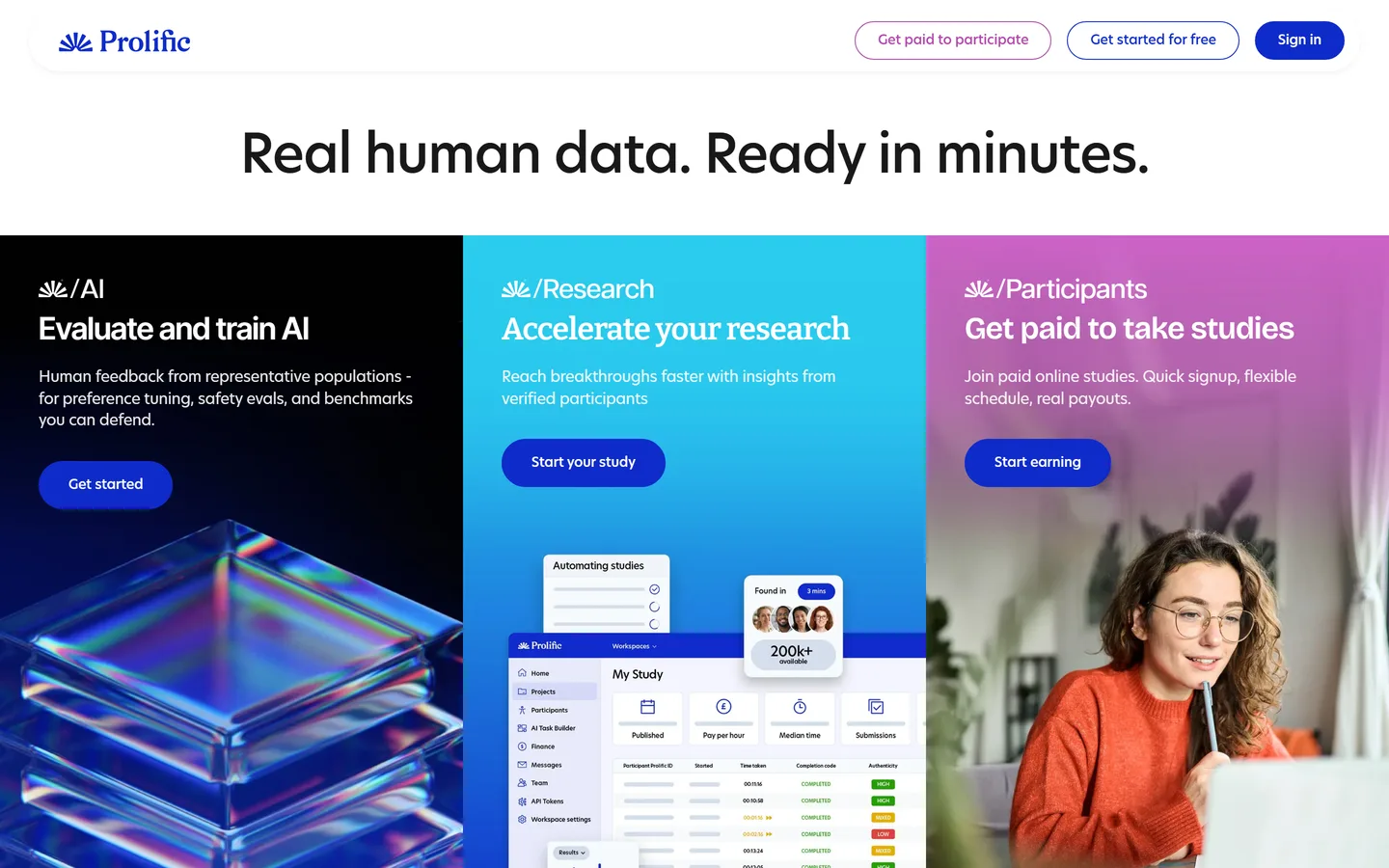
Prolific is a participant pool of over 300,000 vetted people that you can filter on hundreds of demographic and behavioral screeners and route to any survey or unmoderated test you host elsewhere. It began in academic research, which shows in its data-quality controls and fair-pay rules. There's no subscription — you set the participant reward and Prolific adds a platform fee — so it's the cheapest way here to get 50 responses by tomorrow. It doesn't schedule moderated interviews or host studies itself.
Best for
Quick quantitative or unmoderated studies that need real, attentive respondents by tomorrow
Pricing
No subscription — participant reward (min ~$8/hr) plus ~43% platform fee (~33% academic)
Free option
Free to sign up; pay per study
Strengths
Very fast fills with strong data-quality controls
No subscription — pay per study
Hundreds of screeners for targeted samples
Limitations
Best for surveys and unmoderated tasks, not moderated interviews
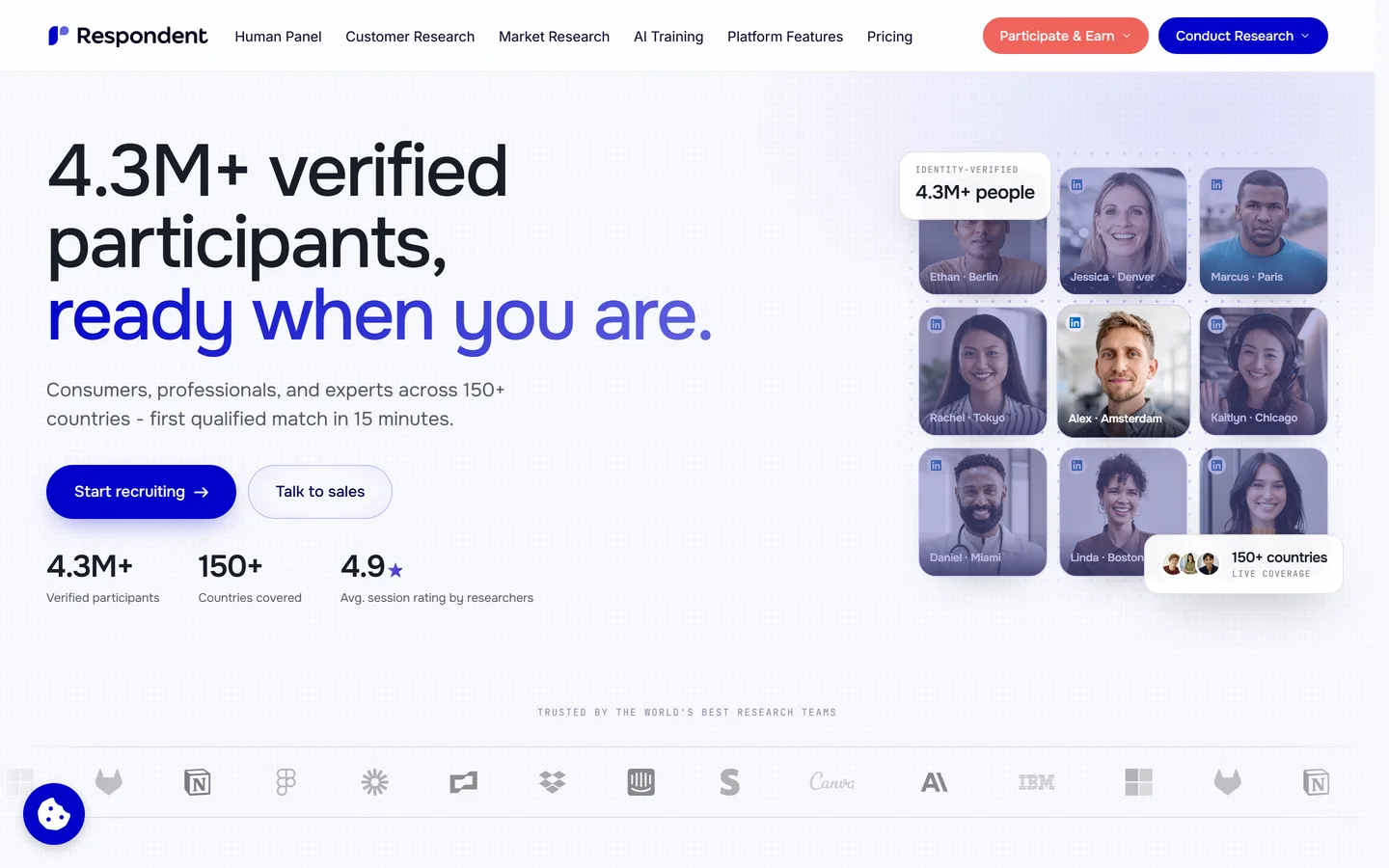
Respondent specialises in recruiting professionals — verified by work email and LinkedIn — for moderated interviews and studies, which makes it the go-to when your users are procurement managers or DevOps leads rather than consumers. It handles screening, scheduling, and incentive payments and charges a per-session fee on top of the incentive you set (higher for B2B than B2C). It's recruiting only, and B2B incentives plus fees make each session meaningfully more expensive than a consumer panel.
Best for
Teams who need to interview specific job titles, industries, or buyers
Pricing
Pay-as-you-go ~$40/session B2C, ~$80/session B2B, plus incentives
Free option
None
Strengths
Verified professional participants
Handles screening, scheduling, and payment
Pay-as-you-go with no platform subscription
Limitations
B2B sessions get expensive once incentives are added
Conversational surveys with the best completion rates
typeform.com
Typeform's one-question-at-a-time format produces noticeably higher completion rates than traditional forms, and its logic jumps, integrations, and AI-assisted question drafting make it the default for standalone research surveys and recruiting screeners. It reaches many users quickly with structured questions; it isn't a tool for the open-ended why. Responses export to sheets and analytics tools, and it has no in-product targeting.
Best for
Standalone surveys, screeners, and questionnaires you send by link or email
Pricing
From ~$25/mo; Business ~$83/mo
Free option
Free plan, 10 responses/month
Strengths
High completion rates from the conversational format
In-product micro-surveys and AI analysis of open text
sprig.com
Sprig triggers short surveys inside your web or mobile product based on user behavior — right after someone abandons a flow or ships a first project — and uses AI to theme the open-text answers, alongside session replays and concept tests. That in-the-moment targeting is what a standalone survey tool can't do. It's quantitative-first with AI-summarized qualitative colour, and pricing scales with tracked users.
Best for
Product teams who want targeted feedback at the moment a user does something
Pricing
From ~$175/mo; Enterprise custom
Free option
Free plan with limited responses
Strengths
Behavior-triggered surveys catch users in context
AI themes open-text responses automatically
Replays and concept tests in the same tool
Limitations
Short-answer depth — not a substitute for interviews
Pricing scales with product usage
Needs a product with enough traffic to trigger surveys
The definitive card sorting and tree testing suite
optimalworkshop.com
Optimal Workshop covers the information-architecture corner of UX research: card sorting, tree testing, first-click testing, surveys, and a qualitative notes tool, with polished analysis views (dendrograms, similarity matrices, pietrees) that make IA results legible to stakeholders. If you're restructuring navigation or naming a taxonomy, it answers questions nothing else here asks as well. Outside IA work it won't be your main platform, and the free plan has been discontinued in favour of a paid Starter tier.
Best for
Getting navigation, labels, and taxonomy right before you build them
Hotjar (now part of Contentsquare) records real sessions, builds heatmaps, runs on-site surveys and feedback widgets, and — through Hotjar Engage — recruits and records user interviews. It's the cheapest way to find out where users get stuck, and its role in a research stack is generating good questions: you spot a drop-off or a rage-click cluster, then run interviews to understand why. It shows behaviour, not reasons, and analysis is per-session rather than cross-study.
Best for
Seeing where users struggle before you know what to ask about
Pricing
From ~$32/mo
Free option
Free plan with limited daily sessions
Strengths
Cheap and quick to install
Recordings and heatmaps surface real friction
On-site surveys and interview recruiting in the same suite
Product analytics — funnels, retention, and replays at scale
mixpanel.com
Mixpanel is event-based product analytics: funnels, retention curves, cohorts, session replay, and experiments across web and mobile. In a UX research stack it's the quantitative layer that tells you which flow is leaking and which segment churns, so your qualitative research goes where it matters. It has a generous free tier (up to a million events a month) and usage-based pricing above it. It measures behaviour precisely and explains none of it — that's the interviews' job.
Best for
Product teams who need to quantify what users do before deciding what to research
Dscout specialises in longitudinal and in-context research — participants record video diaries from their own lives over days or weeks via a mobile app, which captures behaviour no lab session can — alongside live moderated interviews and unmoderated tasks with its managed panel. For understanding a habit, a workflow, or anything that unfolds over time, it's the strongest tool in this guide. It's a specialist instrument with enterprise pricing, and overkill for a quick round of interviews.
Best for
Research into behaviour that happens over days, not minutes
Ranking a recruiting panel against a repository produces a meaningless list. Every tool is placed in the method it actually competes in, and the grid shows which of the six buyer jobs it covers so you can see the gaps before you buy.
We assumed you're building a stack
Almost no team is served by one tool. Each entry names what you'd pair it with, because the realistic question is which two or three products you need, not which single one wins.
We weighted small, frequent studies
Nielsen Norman Group's finding that five users surface about 85% of usability problems shapes this list. Tools that make a small study cheap and quick to run score better than tools optimized for large samples, because frequency beats sample size for most product teams.
We checked where findings go to die
The common failure in UX research isn't collecting too little, it's findings that never reach a decision. We flagged which tools carry research through to a repository or prioritization and which stop at a per-study report.
Pricing checked August 2026, and we're not neutral
Figures are published prices as of August 2026, rounded; enterprise tiers are quote-based and negotiable, and a few vendors (Maze, UXtweak) only show mid-tier prices after sign-up. Intervool is ours and is marked as such — it scores 'no' on usability testing, surveys, and recruiting because it genuinely doesn't do them, and the specialists we'd pair it with are all listed here.
FAQ
Common questions
What are UX research tools?
UX research tools are software for planning, recruiting, running, and analyzing user research. They cover usability and prototype testing (Maze, Lyssna, UserTesting), moderated user interviews and analysis (Intervool, Lookback, Looppanel), research repositories (Dovetail, Condens), participant recruiting (User Interviews, Prolific, Respondent), surveys (Typeform, Sprig), information-architecture testing (Optimal Workshop), and behavioral analytics (Hotjar, Mixpanel). Most teams combine two or three rather than using one platform for everything.
What are the best UX research tools in 2026?
By method: Maze, Lyssna, UserTesting, UXtweak, Userlytics, and Loop11 for usability testing; Intervool, Lookback, and Looppanel for user interviews and analysis; Dovetail and Condens for research repositories; User Interviews, Prolific, and Respondent for participant recruiting; Typeform and Sprig for surveys; Optimal Workshop for information architecture; Hotjar and Mixpanel for behavioral analytics; and Dscout for diary studies.
What's the difference between UX research software and usability testing tools?
Usability testing tools are one category of UX research software: they run task-based tests on a prototype or product and measure completion, paths, and friction. UX research software is the wider set that also includes interview capture and analysis, repositories, recruiting, surveys, and analytics. Maze and Lyssna are usability testing tools; Intervool and Dovetail are interview-analysis and repository tools; all of them are UX research software.
What are the best free UX research tools?
Genuinely usable free plans exist for UXtweak (1 user, 15 responses a month, one active study), Lyssna (3 seats, 15 self-recruited responses a month), Maze (limited studies), Typeform (10 responses a month), Hotjar (limited daily sessions), Mixpanel (up to a million events a month), and Dovetail (a limited free tier). Prolific and User Interviews are free to sign up and charge per participant. Intervool, Lookback, and Loop11 offer free trials rather than free plans. See our affordable user research tools guide for a fuller list.
What UX research tools does a small team or startup actually need?
Usually two. One hub for the research you do most — for most product teams that's user interviews — and one specialist for the research you do occasionally, typically unmoderated usability testing on a free or entry plan. Add a recruiting panel only when you can't reach the users you need through your own channels. A workable stack is roughly $40–$200 a month, not the four-figure sum the category's enterprise pricing pages imply.
Which UX research tools are best for enterprise teams?
UserTesting, Dscout, Userlytics, and Dovetail are the tools built for large research organizations: broad managed panels, governance and compliance controls, SSO, and annual contracts. Great Question and Qualtrics also serve that segment. Enterprise teams typically run one of those alongside a repository and a dedicated recruiting platform such as User Interviews.
Qualitative vs quantitative UX research tools — which do I need?
Quantitative tools (Maze, Lyssna, Mixpanel, Hotjar, Sprig, Typeform) tell you what is happening and how often: completion rates, drop-offs, survey scores. Qualitative tools (Intervool, Lookback, Looppanel, Dovetail, Dscout) tell you why, from what users say and do in interviews and diaries. Most teams need one of each: analytics or testing to find the problem, interviews to understand it.
Do I need a dedicated researcher to use these tools?
For some, yes. Dovetail's value depends on a disciplined tagging model somebody maintains, and Dscout studies need real design skill. Others are built to be used by whoever is doing the research: Intervool, Maze, Lyssna, UXtweak, Hotjar, and Typeform are all usable by a founder, PM, or designer without research training.
Can AI replace UX researchers?
No, and the tools that work best are honest about it. AI is genuinely good at transcription, extracting structured observations, moderating simple unmoderated tests, and spotting recurring patterns across many sessions — the labour-intensive middle of research. Deciding what to study, designing questions that don't lead the witness, and knowing which finding actually matters remain human work. What AI changes is that a team without a researcher can now do useful research, not that researchers are unnecessary.
How many users do I need to test with?
For usability problems, five is the well-supported answer — Nielsen Norman Group's research found five users surface roughly 85% of issues, with steeply diminishing returns after. Discovery interviews are different: you're looking for patterns across different kinds of user, so plan for five to eight per segment and stop when new interviews stop surprising you.