9 Best AI Notetakers for Customer Interviews in 2026
AI notetakers have become very good at one job: turning a call into a clean transcript and a tidy summary. For customer interviews that's necessary but not sufficient — the value of research isn't in any single call, it's in what repeats across thirty of them. This guide compares the leading AI notetakers on the work that comes after the transcript: finding patterns across interviews, keeping the evidence attached, and turning it into something you can actually build from.
What's the best AI notetaker for customer interviews?
For general meetings, Granola and Fathom produce the best notes with the least friction, and Fireflies has the widest integration surface. For customer interviews specifically, the notetaker category has a structural gap: these tools summarize each call in isolation and stop there. Intervool is built for the step after — it transcribes interviews too, then clusters what repeats across all of them into themes, builds personas and segments from the evidence, and carries it through to a prioritized roadmap where every item stays one click from the quote behind it. If you interview customers to decide what to build, that continuity matters more than note quality.
Jump to a tool
Compared at a glance
Every tool here handles capture well. The differences show up afterwards — so these are the columns that actually decide the choice.
Yes Does thisPartial Partly, or with workaroundsNo Not a feature
Transcribes
Records or ingests a call and produces a speaker-labelled transcript automatically.
Works on uploads
Accepts recordings you already have — audio, video, or written notes — not just live calls it joined.
Cross-call themes
Finds what repeats across many interviews, rather than summarizing each call in isolation.
Personas & segments
Builds and maintains profiles of customer types and groups from what the research says, as a first-class workflow.
Prioritized roadmap
Turns what you learned into ranked feature bets inside the same tool, rather than exporting to a separate PM tool.
Evidence trail
Every conclusion stays one click from the exact transcript moment and person it came from.
The categories, and what each is for
These products get compared as if they’re interchangeable. They aren’t — they’re solving different halves of the job.
Research workspaces
Capture interviews, synthesize across all of them, and carry findings through to personas, segments, and a roadmap.
Intervool
Research-aware notetakers
Built specifically for user research — tagging, highlight reels, and AI queries across a set of interviews.
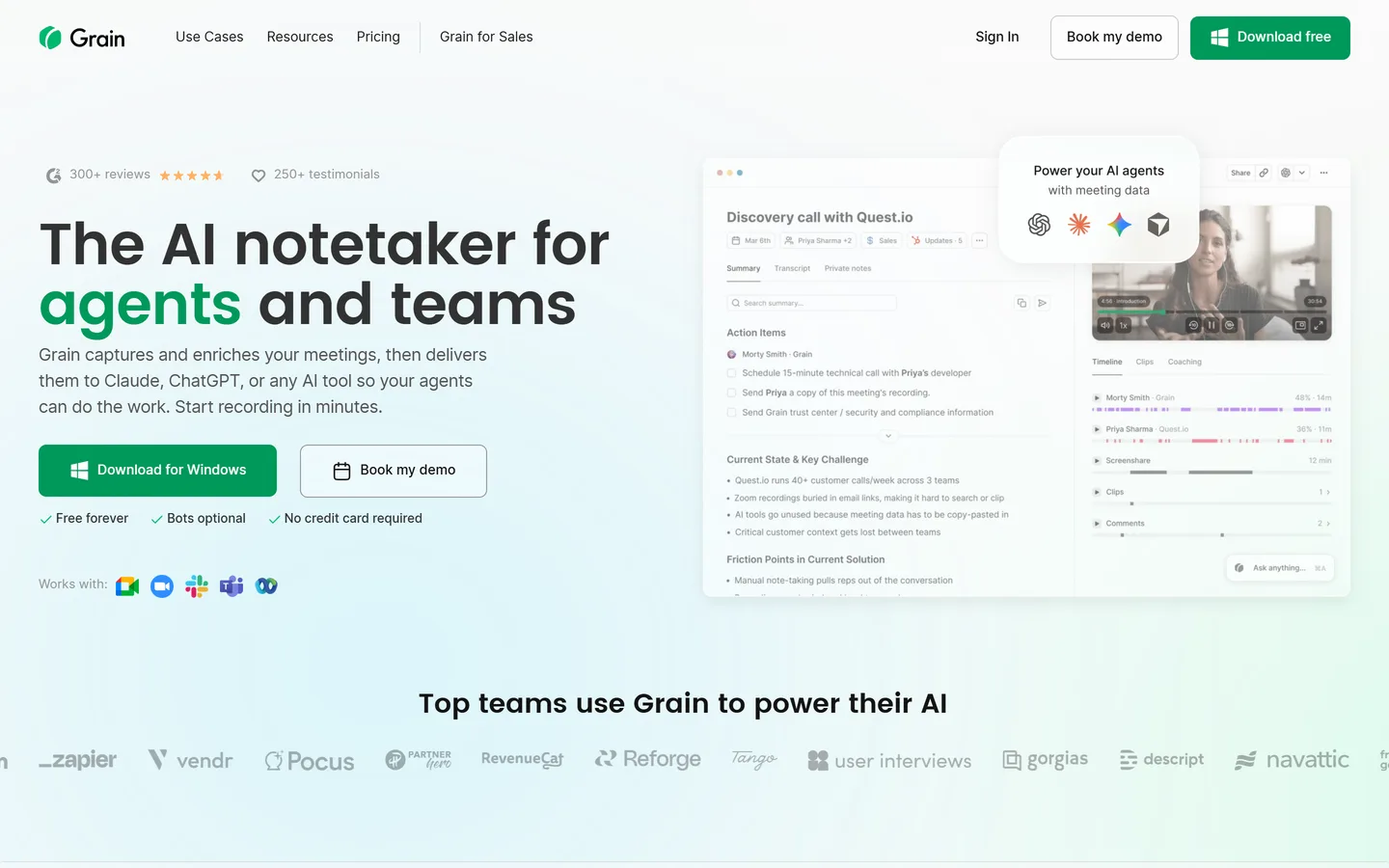
Looppanel, Grain
General AI notetakers
Excellent per-meeting notes and transcripts for any call type. Not built around a research question.
Granola, Fathom, Circleback, tl;dv
Transcription platforms
Accuracy and volume first — strong transcripts, broad integrations, light synthesis.
Otter.ai, Fireflies.ai
The tools in detail
01
Intervool
Our productResearch workspace
The notetaker that doesn't stop at the notes
app.intervool.com/interviews
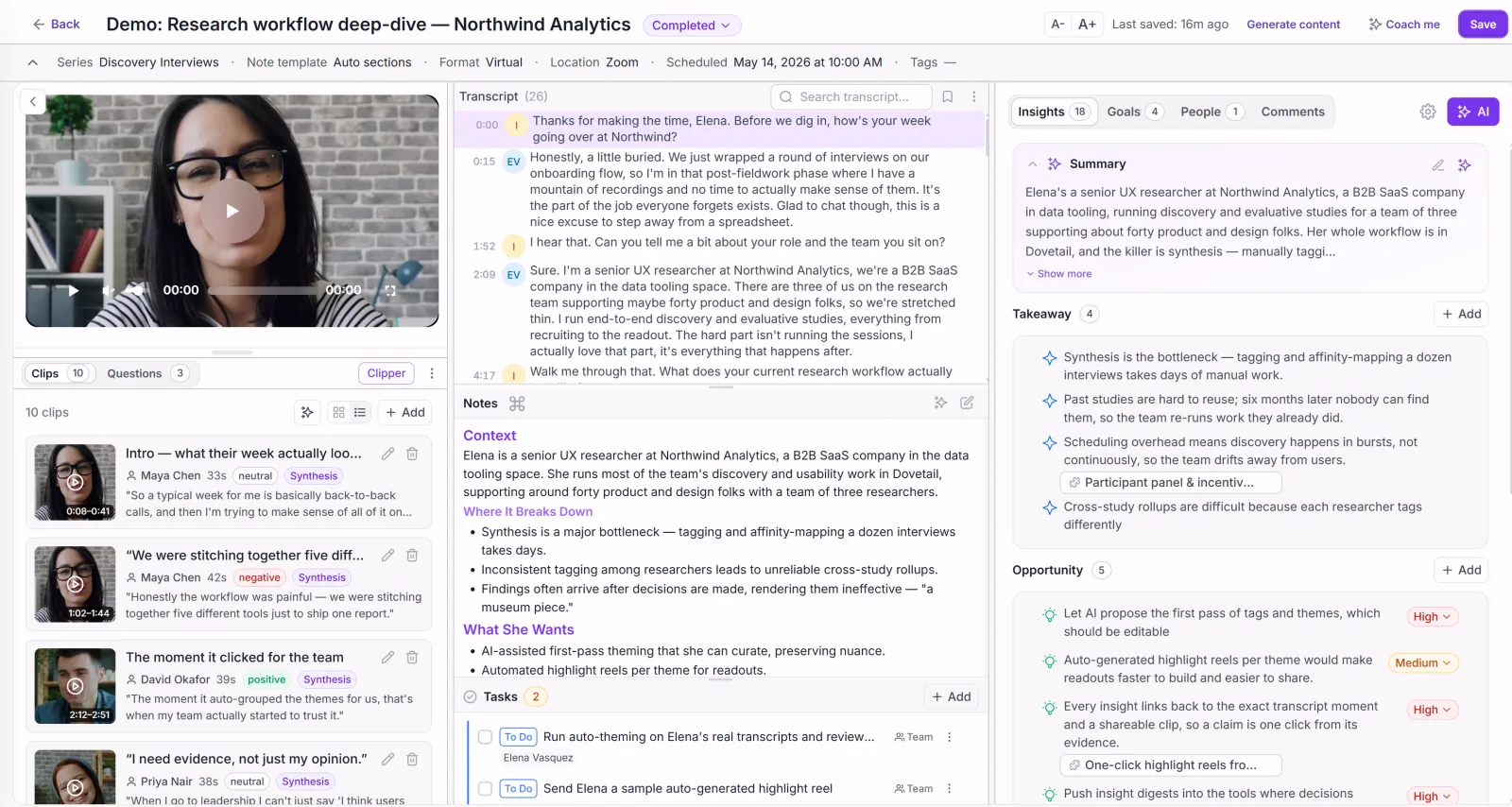
Every interview: video, transcript, and AI takeaways in one view.
Intervool records and transcribes customer interviews like a notetaker, then does the part notetakers skip: it extracts pain points, feature requests, and opportunities from every call, clusters what repeats into evidence-linked themes, builds dynamic personas and segments from what it learns, and turns those themes into a prioritized roadmap. Every persona trait and every roadmap item stays one click from the exact transcript moment behind it. You can also upload interviews you already recorded elsewhere — including exports from any notetaker on this list — so switching doesn't strand past research.
Best for
Founders and product teams who interview customers to decide what to build
Pricing
Basic $39/mo · Team $279/mo (6 seats) · Enterprise custom
Free option
14-day free trial, no credit card
Strengths
Synthesizes across every interview, not one call at a time
Works on uploads too — bring recordings from Granola, Otter, or Zoom
Dynamic personas and segments that update as you learn
Themes become a prioritized, evidence-linked roadmap in the same workspace
Built for founders and PMs — no dedicated researcher needed
Limitations
Not a general-purpose meeting notetaker — built around research calls
No participant recruiting (pair with User Interviews or Respondent)
No usability testing (pair with Maze or Lyssna)
app.intervool.com/insights
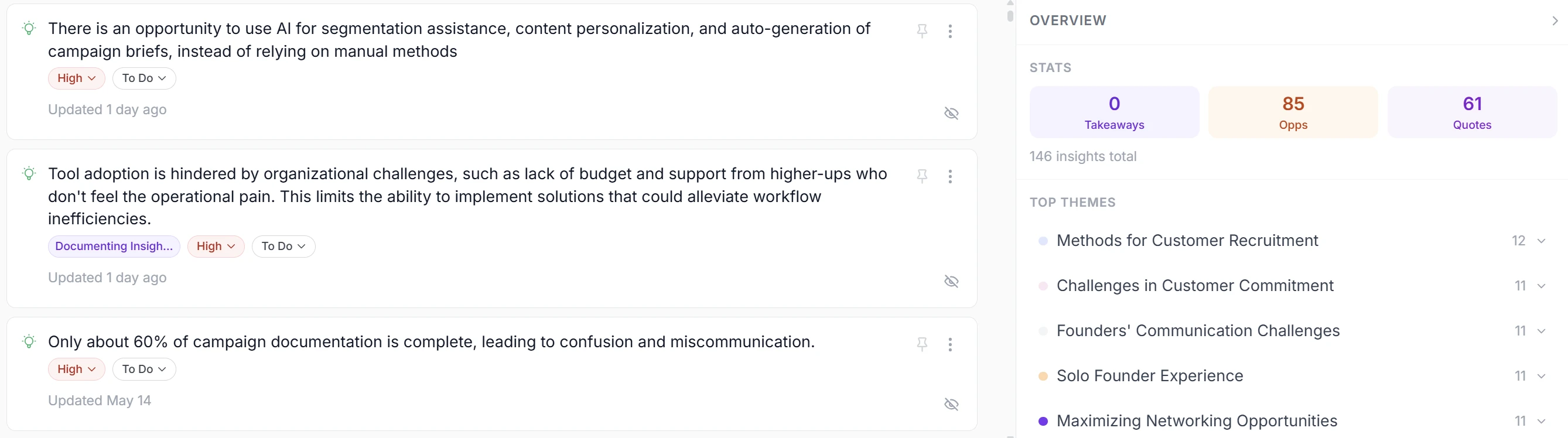
Insights from every call, clustered into themes you can act on.
app.intervool.com/roadmap
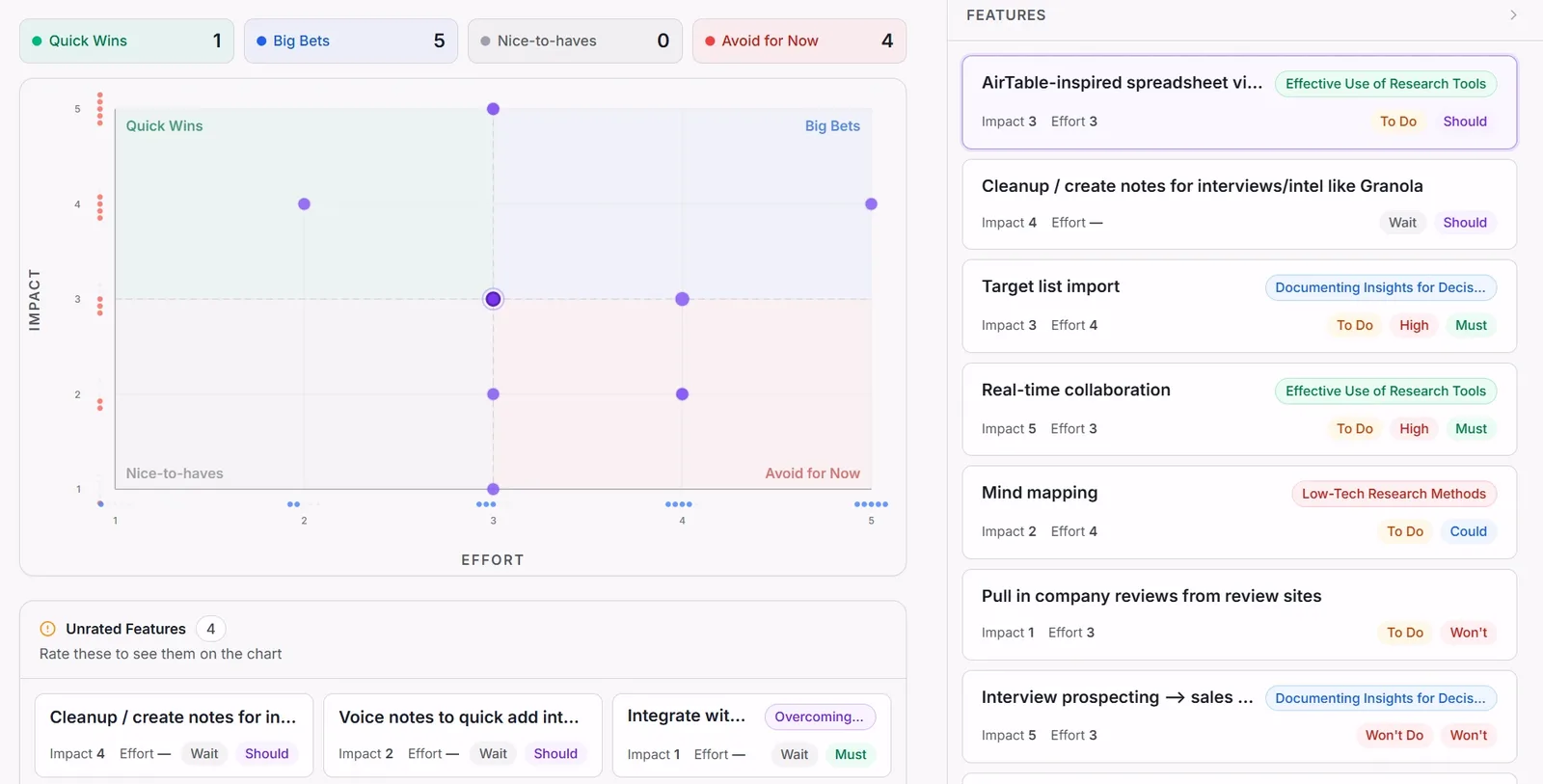
Themes become prioritized bets — each one click from the quote behind it.
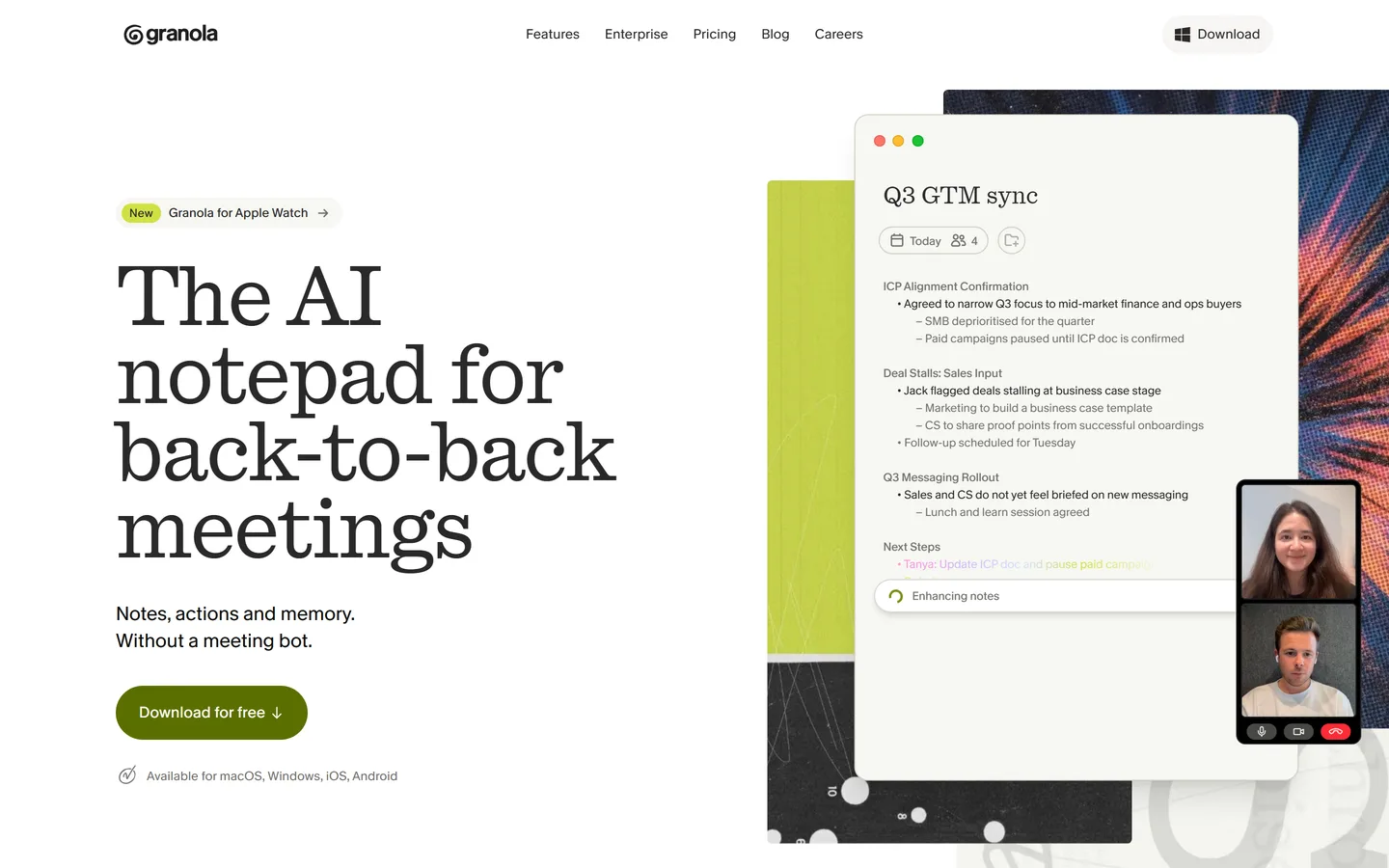
Granola is a Mac-first AI notepad that listens to your meeting audio directly rather than joining as a bot, then merges your rough typed notes with the transcript into a clean write-up afterwards. The absence of a meeting bot is a real advantage for customer calls — nothing awkward joins the room. It's built around the individual meeting: excellent notes per call, with limited machinery for finding what recurs across a series of interviews.
Best for
People who take their own notes and want AI to fill the gaps
Pricing
Business from ~$14/user/mo; Enterprise ~$35/user/mo
Free option
Free tier with limited meeting history
Strengths
No bot joins the call — less friction with external interviewees
Blends your own notes with the transcript unusually well
Fast, clean, low-effort interface
Limitations
Per-meeting focus — little cross-interview pattern detection
Mac and desktop-first; weaker for teams on other platforms
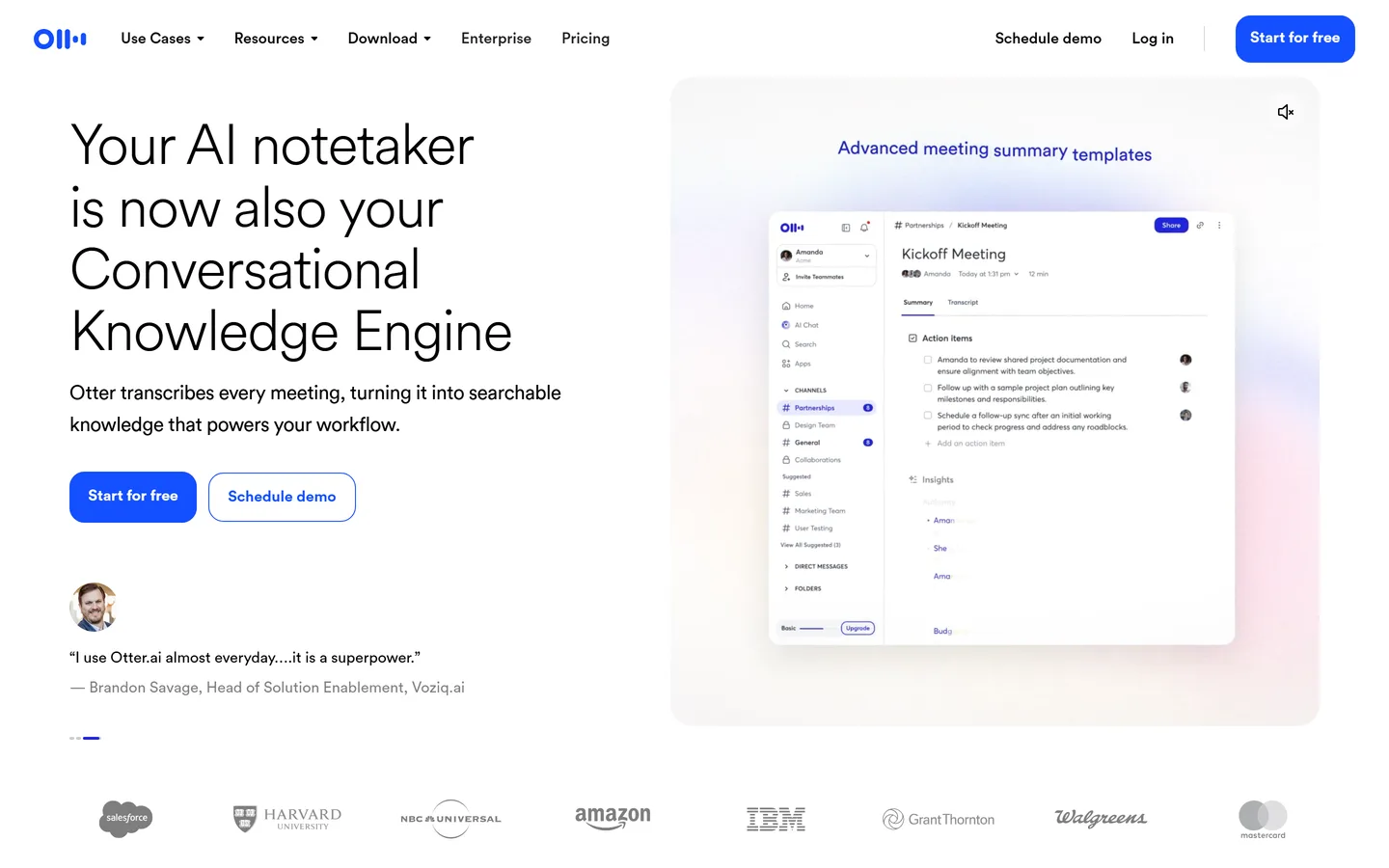
Otter.ai is one of the most established transcription products, with strong real-time accuracy, live captions, and a generous free tier. It transcribes and summarizes meetings and makes them searchable, which covers the capture half of research well. It is a transcription platform rather than a research tool — there's no concept of a study, a persona, or a theme that spans interviews.
Best for
Teams who need reliable, searchable transcripts of everything
Pricing
Pro from ~$16.99/user/mo; Business ~$30/user/mo
Free option
Free plan with monthly transcription minutes
Strengths
Excellent transcription accuracy, including real-time
Generous free tier and low entry price
Live captions are genuinely useful for accessibility
Limitations
No research-specific synthesis across interviews
Summaries are per-meeting; patterns are yours to spot
Meeting recorder with the widest integration surface
fireflies.ai
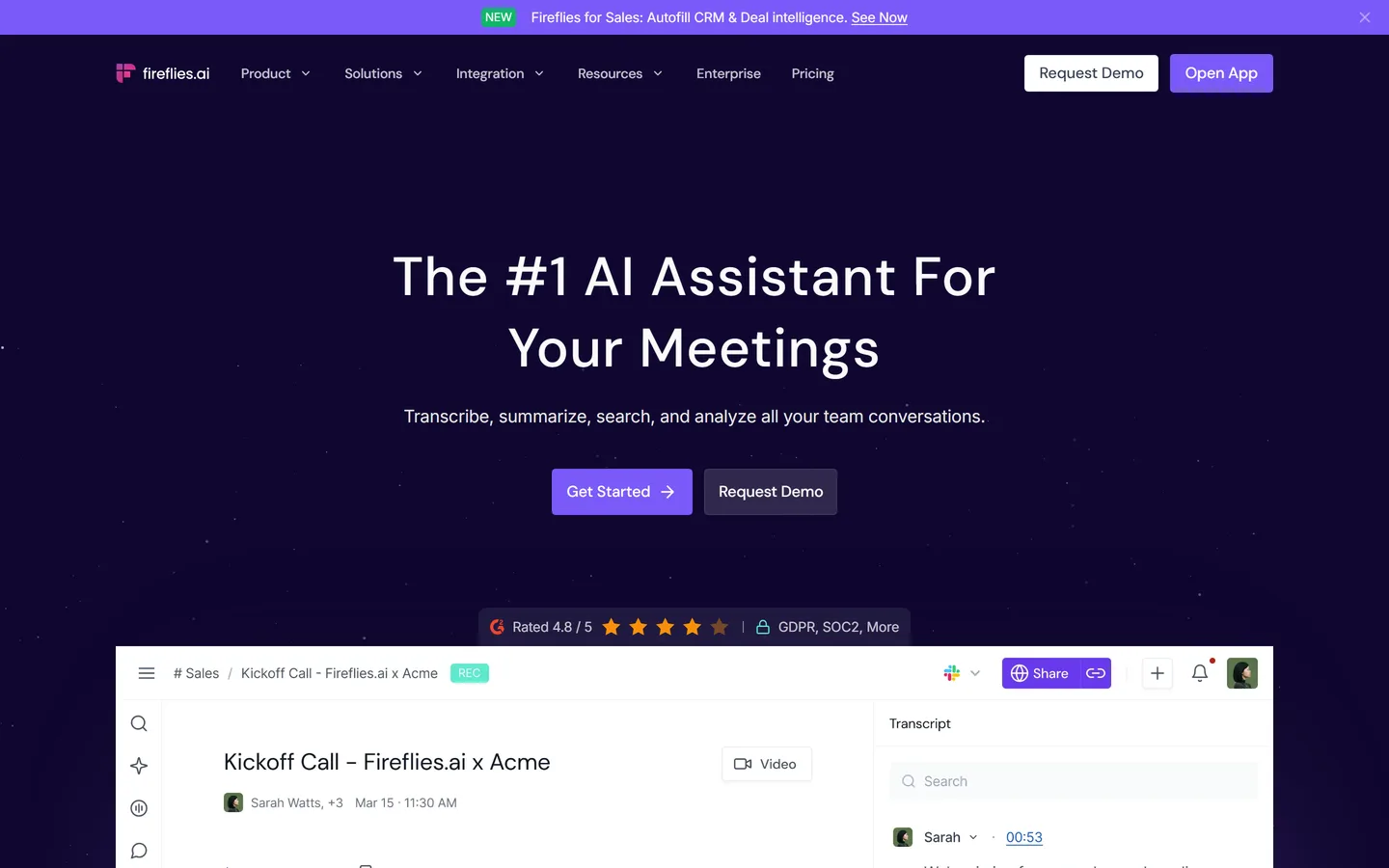
Fireflies.ai joins calls across Zoom, Meet, and Teams, transcribes them, and pushes summaries and action items into CRMs and other business tools. Its conversation-intelligence features — topic tracking, keyword alerts, and analytics across calls — are a step beyond pure transcription and are aimed squarely at sales workflows. For customer research it's a capable recorder whose analysis layer is tuned for deal signals rather than product insight.
Best for
Revenue and ops teams who need calls pushed into a CRM
Pricing
Pro from ~$18/user/mo; Business ~$29/user/mo
Free option
Free forever — unlimited transcription, capped storage and AI credits
Strengths
Very broad integrations, especially CRM
Topic and keyword tracking across many calls
Team-oriented search and sharing
Limitations
Analysis is sales-shaped, not research-shaped
No personas, segments, or evidence-linked roadmap
Bot joins the call, which can feel heavy on customer interviews
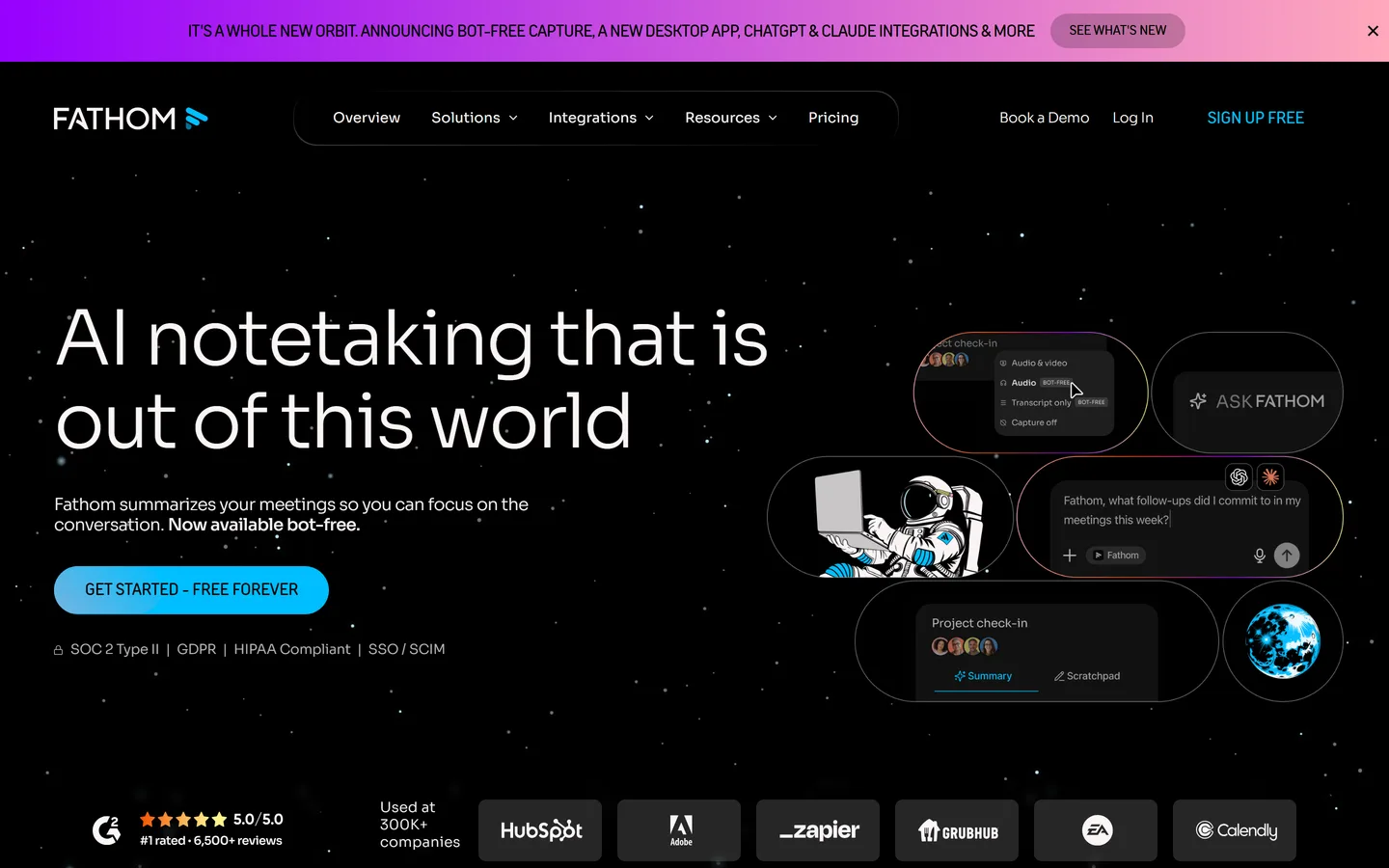
Fathom records, transcribes, and summarizes video calls, and its free plan is unusually complete — for a single person capturing calls, it's hard to beat on value. Summaries are well-structured and arrive fast, and highlight clipping is simple. Like the rest of the notetaker category, it works one meeting at a time: there's no layer that reads thirty interviews and tells you what keeps coming up.
Best for
Individuals who want good automatic summaries at no cost
Pricing
Team plans from ~$19/user/mo
Free option
Free for individuals, with unlimited recording
Strengths
Genuinely useful free plan for individuals
Fast, well-structured summaries
Easy highlight clips for sharing moments
Limitations
Individual-productivity tool more than a team research system
Grain records and transcribes calls and makes it very easy to cut a short video clip of the moment that mattered and share it in Slack or a doc. That capability is genuinely valuable in research — a fifteen-second clip of a customer struggling persuades a room in a way a bullet point never does. Its coaching and deal-intelligence features lean toward sales, and synthesis across a full study is still manual.
Best for
Teams who need to circulate the actual customer moment, not a summary
Pricing
Business from ~$29/user/mo
Free option
Free plan with limited recordings
Strengths
Best-in-class clip creation and sharing
Clips carry real persuasive weight in stakeholder reviews
Generous free recording with multi-language support
tldv.io
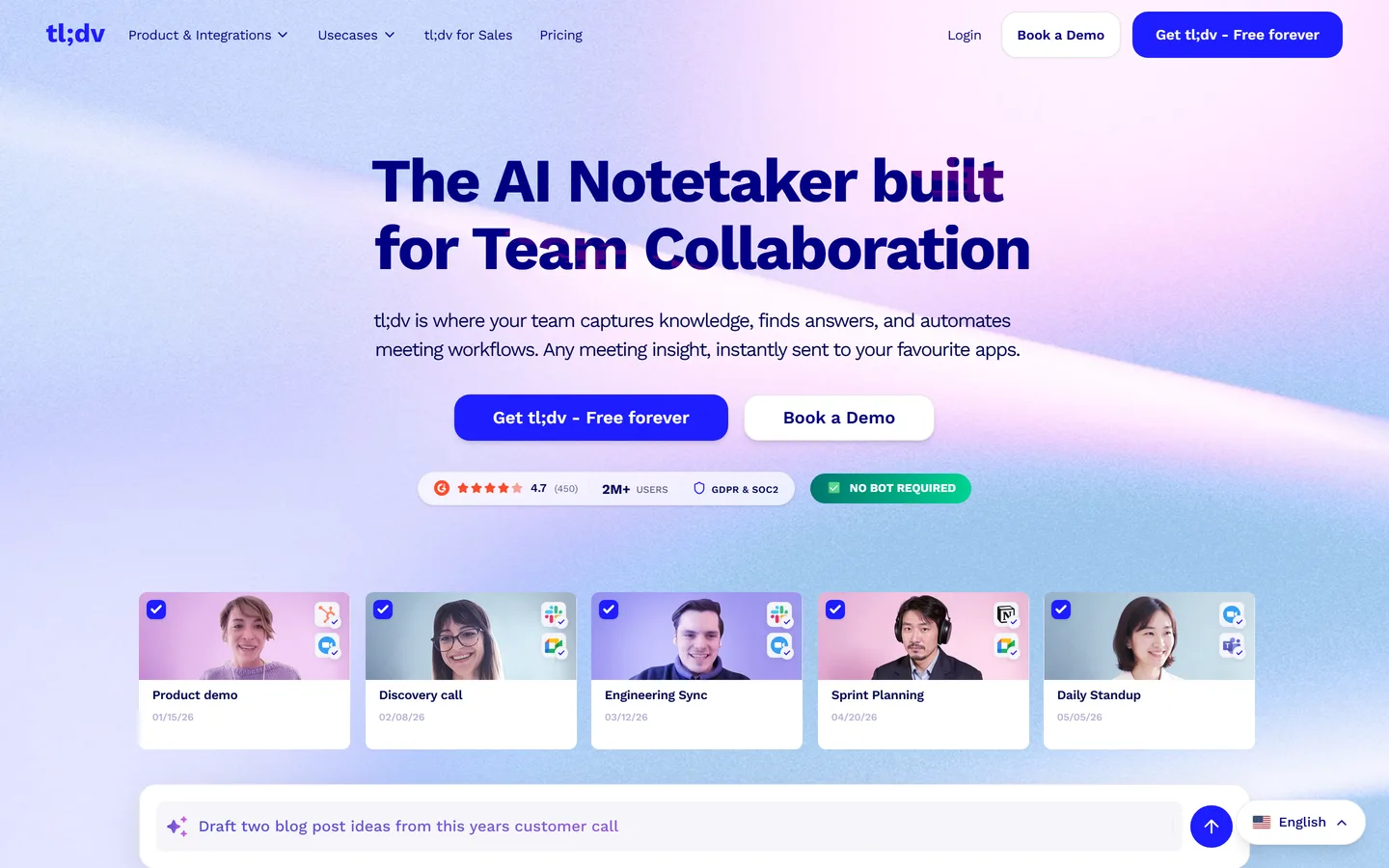
tl;dv records and transcribes Zoom, Meet, and Teams calls with strong multi-language coverage and one of the more generous free plans in the category. Timestamped highlights and simple clip sharing make it easy to bookmark moments as you go. It's a meeting tool first — good capture and retrieval, with synthesis limited to per-meeting summaries and manual tagging.
Best for
Distributed teams recording a high volume of calls cheaply
Pricing
Pro from ~$20/user/mo
Free option
Free plan with unlimited recordings and limited AI credits
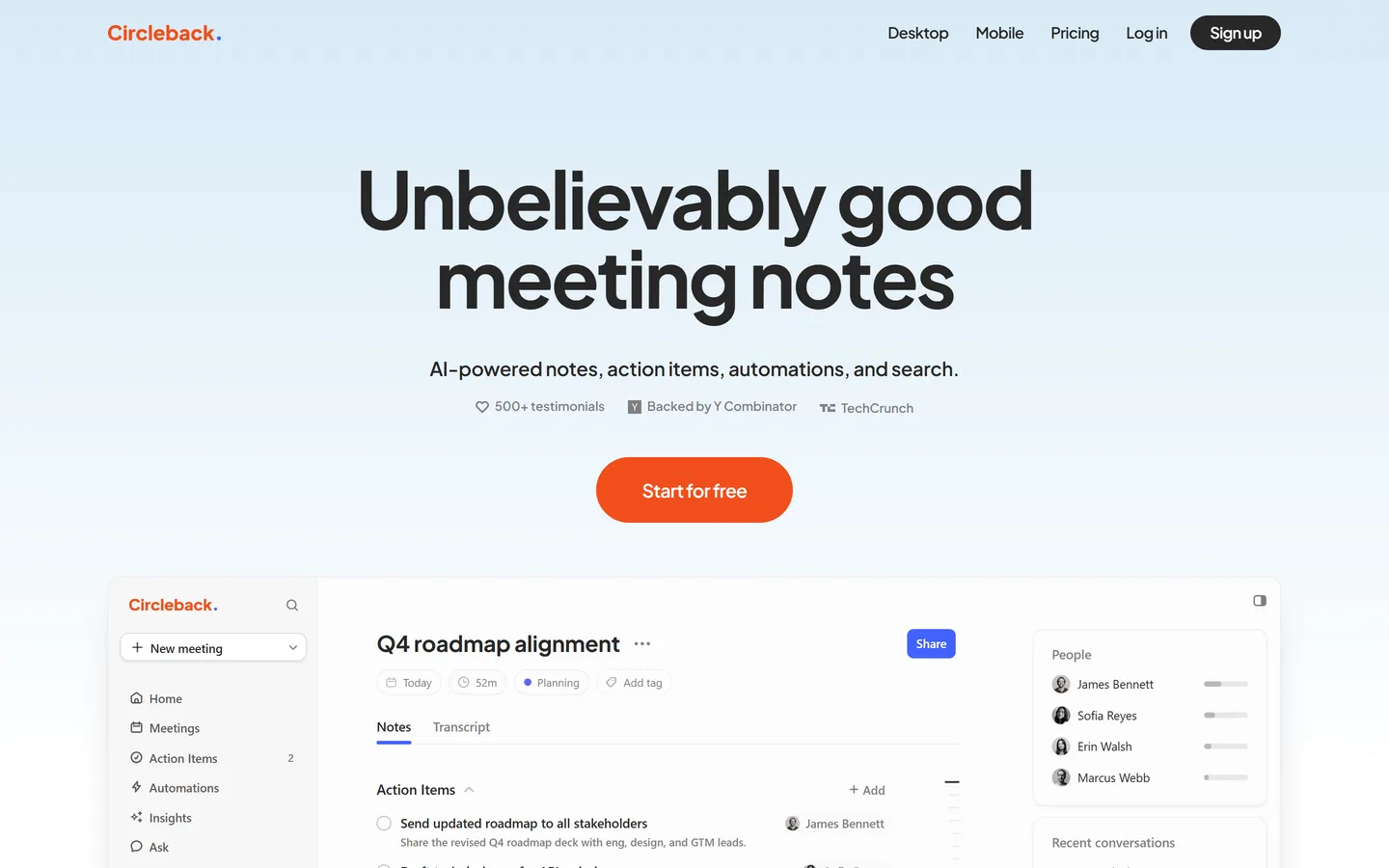
Circleback produces notably tidy meeting notes with strong action-item detection and automations that route those items into other tools. It's a polished, focused product for meeting follow-through. For customer research it captures well but offers no study-level view: each interview is its own artifact.
Best for
Teams who care most about follow-through after the call
Pricing
Individual from ~$20.83/user/mo; Team ~$25/user/mo
An AI notetaker built specifically for user research
looppanel.com
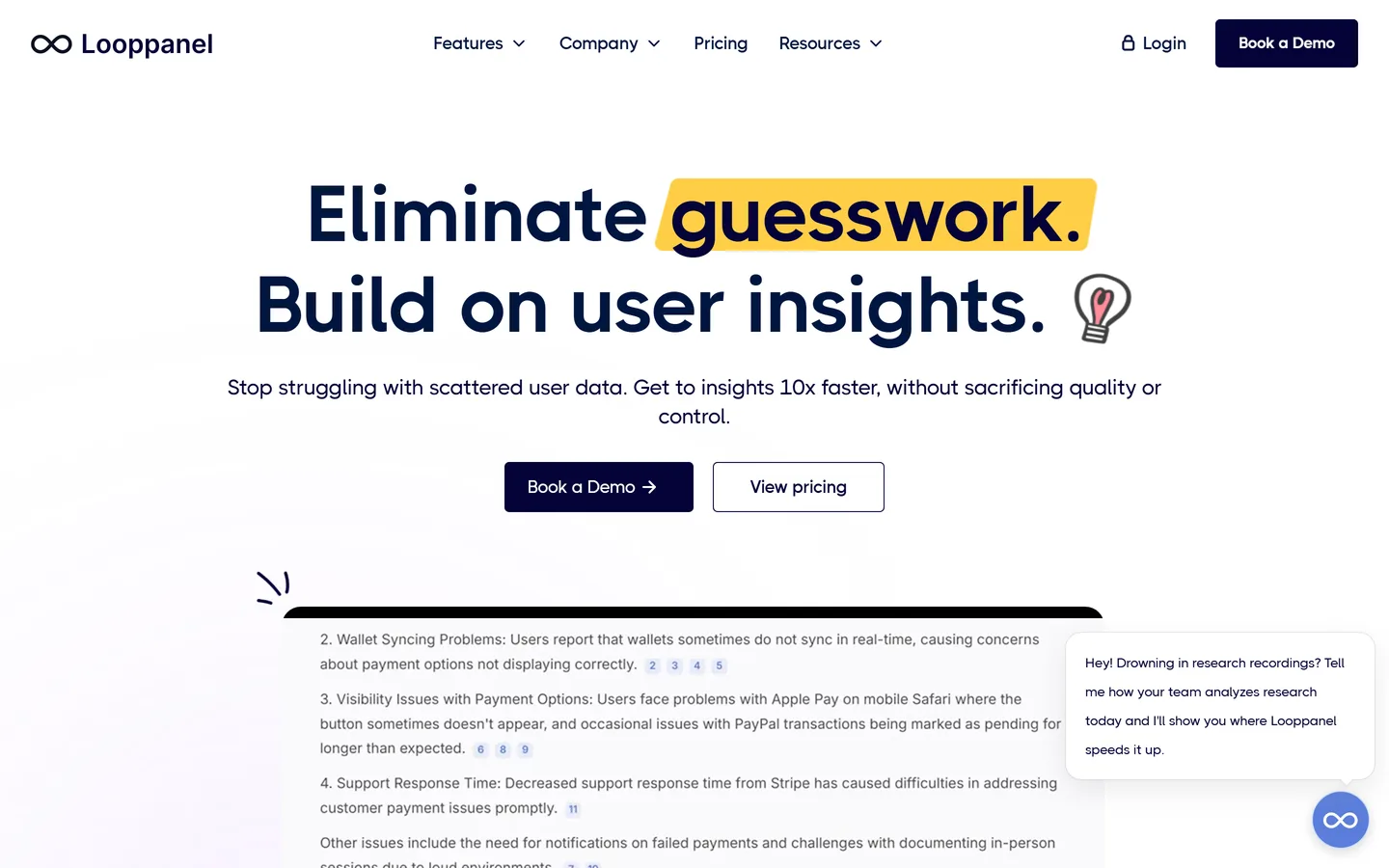
Looppanel is the notetaker in this list that was actually designed for user research: it joins calls, transcribes them, auto-generates research notes against your questions, and lets you ask AI questions across a set of interviews. For a researcher running a defined study it's a strong fit. Its output is analysis — the handoff into personas, prioritization, and a roadmap happens in other tools.
Best for
Researchers who want research-shaped notes and cross-call queries
Pricing
Pro from ~$395/mo (5 editors); ~$75/mo per additional editor
Free option
1-month free trial only
Strengths
Purpose-built for user research, not generic meetings
Ask-AI across a set of interviews, not just one
Good tagging and highlight workflows
Limitations
Analysis is the end of the line — no roadmap layer
We judged them as research tools, not meeting tools
Every product here takes good notes. The question we asked instead was: after twenty customer interviews, does this tool help you see what repeats? That's the job research has to do, and it's where the category splits.
We checked what happens to uploads
Real research includes calls that were recorded somewhere else, plus old audio and written notes. Tools that only work on meetings they personally joined leave a chunk of your evidence stranded, so we marked upload support explicitly.
We looked for the evidence trail
A summary you can't trace back to a quote is an opinion. We checked whether conclusions stay linked to the exact transcript moment and the person who said it, because that link is what makes research defensible in a roadmap conversation.
We used published pricing
Pricing reflects each vendor's public pricing page as of August 2026 and is rounded to the nearest useful figure. Vendors change pricing often — check the source before you buy, and treat enterprise quotes as negotiable.
We're not neutral, and we say so
Intervool makes this list because it does the thing the page is about. It's marked as ours everywhere it appears, the limits are listed alongside the strengths, and every competitor here is a tool we'd genuinely recommend for the job it's best at.
FAQ
Common questions
What is the best AI notetaker for customer interviews?
For note quality on individual calls, Granola and Fathom lead, and Fireflies has the widest integrations. For customer research specifically, the limitation across the category is that each call is summarized in isolation. Intervool transcribes interviews and then synthesizes across all of them into themes, personas, segments, and a prioritized roadmap, with every conclusion linked to the quote behind it.
Is there a free AI notetaker for customer interviews?
Yes. Fathom's free plan is the most complete for individuals, tl;dv offers unlimited free recordings with limited AI credits, and Otter.ai includes a monthly free transcription allowance. All three are capture-only in practice — free tiers rarely include synthesis across a set of interviews.
Do AI notetakers work for user research, or just meetings?
They work well for capture and poorly for synthesis. A notetaker will reliably give you a transcript and a per-call summary. What it typically won't do is tell you that eleven of your thirty interviews described the same onboarding problem — that requires a tool that models a study rather than a meeting, such as Looppanel for analysis or Intervool for the full research-to-roadmap loop.
Which AI notetakers don't send a bot into the call?
Granola listens to system audio locally instead of joining as a participant, which is the least intrusive option for external customer interviews. Most others — Fireflies, tl;dv, Grain, Looppanel — join as a visible bot. Intervool supports both: auto-join, in-app recording, or uploading a file you recorded any other way.
Can I switch tools without losing past interviews?
Usually, yes. Most notetakers let you export recordings or transcripts. Intervool accepts uploaded audio, video, and written notes and processes them exactly like a live call, so interviews captured in another tool still contribute to your themes, personas, and roadmap.
How accurate are AI meeting transcripts?
Modern transcription is typically in the 90–95% range on clear audio in a well-supported language, and degrades with heavy accents, crosstalk, poor microphones, and specialist vocabulary. For research this matters less than it sounds: you're looking for what people mean across many calls, and every tool here lets you correct the transcript where it counts.