Transcription has quietly become a commodity: most tools use similar underlying models and land in the same 90–95% accuracy band on clear audio. That makes the interesting differences the ones nobody advertises — how well speakers are separated, whether difficult audio degrades gracefully, what a human-verified option costs when accuracy has to be near-perfect, and whether anything useful happens once the transcript exists. This guide compares interview transcription software on those, not on the accuracy percentages every vendor claims.
For raw accuracy on difficult audio, Rev is the standard — its AI is strong and its human transcription option is the most reliable way to get near-perfect text when a quote has to be exact. Sonix and Happy Scribe are the best value for volume across many languages, Trint suits newsroom-style workflows, and Descript is unmatched if you also need to edit the audio or video. Otter remains the best free option. All of these produce a transcript and stop there. If the transcript is a means to an end — understanding what thirty interviews collectively say — Intervool transcribes and then extracts insights, clusters recurring themes, and carries them through to personas and a prioritized roadmap.
Jump to a tool
Compared at a glance
Accuracy is broadly comparable across these tools. What differs is speaker handling, file support, and whether anything happens after the transcript.
Yes Does thisPartial Partly, or with workaroundsNo Not a feature
High accuracy
Reliably above ~90% on clear audio without manual correction, in well-supported languages.
Speaker labels
Separates and labels who said what, which matters more in an interview than in a meeting.
Any audio or video file
Transcribes files you upload in common formats, not only calls it joined or hosted.
Human transcription
Offers a human-verified option for audio where near-perfect accuracy is required.
Research features
Goes past the transcript — tagging, insight extraction, or analysis built for research rather than media.
Themes across files
Finds what repeats across many transcripts, rather than treating each file separately.
The categories, and what each is for
These products get compared as if they’re interchangeable. They aren’t — they’re solving different halves of the job.
Transcription plus analysis
Transcribes interviews and then does something with them — insights, themes, personas, and a roadmap.
Intervool
Accuracy specialists
Built for getting the words right, including human-verified options for audio that must be exact.
Rev, Trint
Volume and languages
Fast, cheap, per-hour transcription across a wide range of languages. Best for bulk archives.
Sonix, Happy Scribe
Transcript-as-editor
The transcript is the editing interface — cut the text and the audio or video cuts with it.
Descript, Reduct
The tools in detail
01
Intervool
Our productTranscription plus analysis
Transcription that's the start of the work, not the end
app.intervool.com/interviews
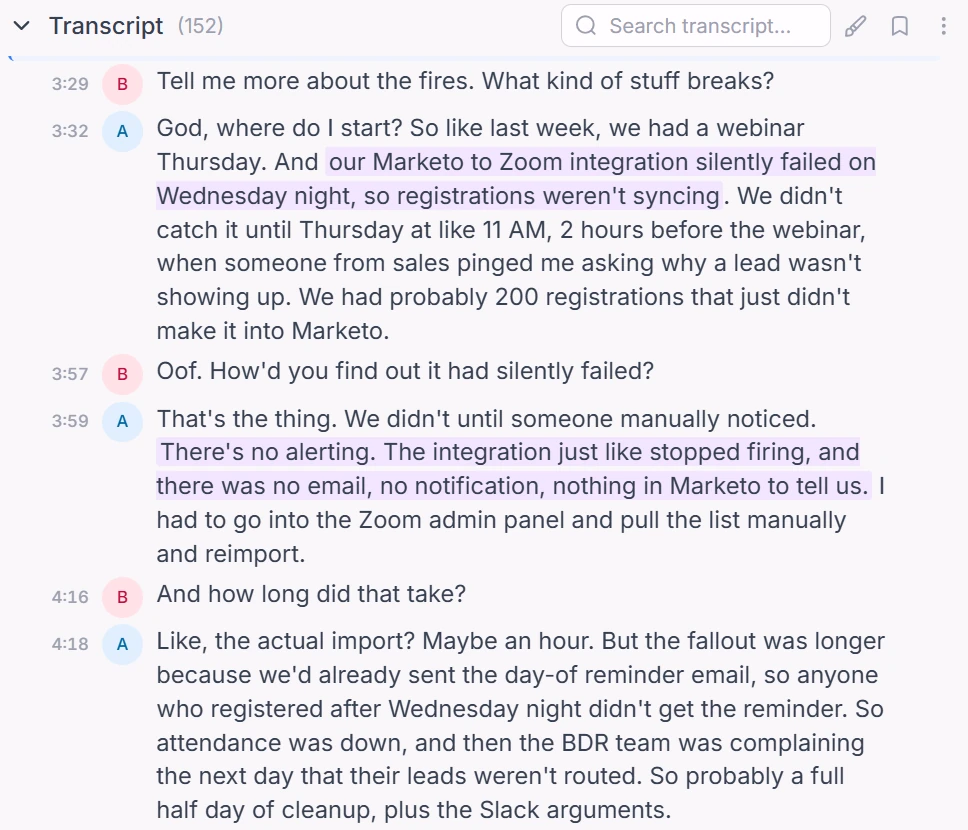
Speaker-labelled transcripts — highlight a passage and it becomes an insight.
Intervool transcribes interviews with speaker labels — from calls it joins, records in-app, or files you upload — and then does the part that makes transcription worth doing. It extracts pain points, feature requests, and opportunities from each transcript, clusters what repeats across all of them into evidence-linked themes, and carries those into dynamic personas, segments, and a prioritized roadmap. Every conclusion stays one click from the exact moment in the transcript. If you only need the words, a dedicated transcription tool is cheaper and you should use one.
Best for
Teams transcribing interviews because they need to learn something from them
Pricing
Basic $39/mo · Team $279/mo (6 seats) · Enterprise custom
Free option
14-day free trial, no credit card
Strengths
Speaker-labelled transcripts from uploads or live calls
Extracts structured insights from every transcript automatically
Finds what repeats across your whole set of interviews
Themes become personas, segments, and a prioritized roadmap
14-day free trial, no credit card
Limitations
More than you need if you only want the words
No human-verified transcription option
Built for research interviews, not media production
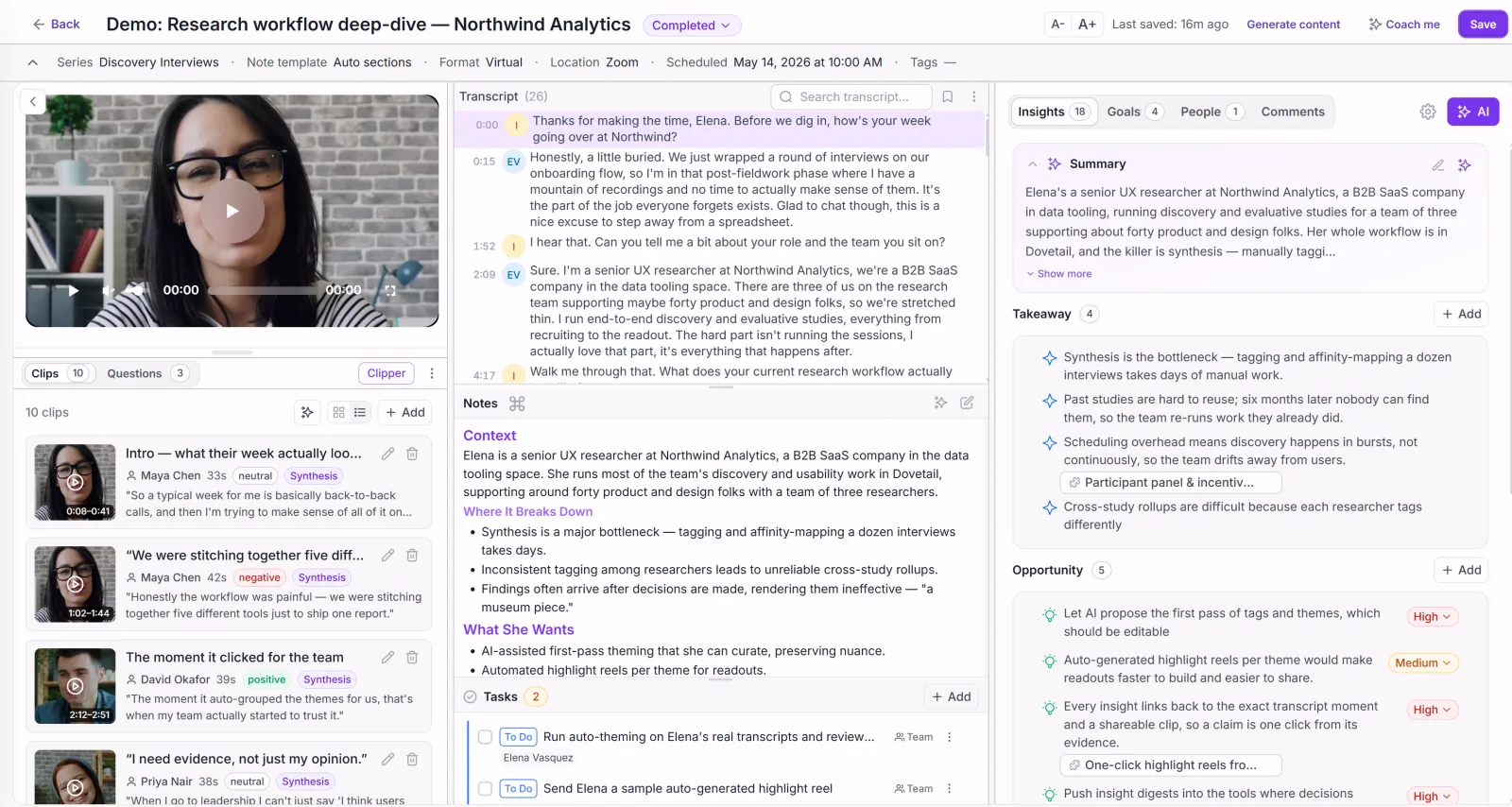
app.intervool.com/interviews
Every interview: video, transcript, and AI takeaways in one view.
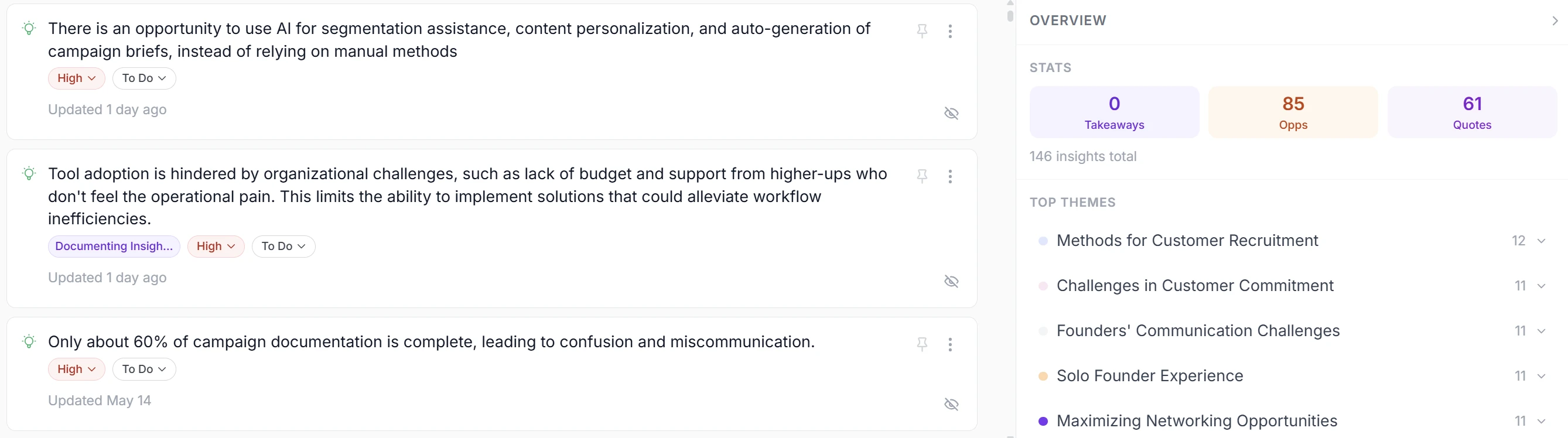
app.intervool.com/insights
Insights from every call, clustered into themes you can act on.
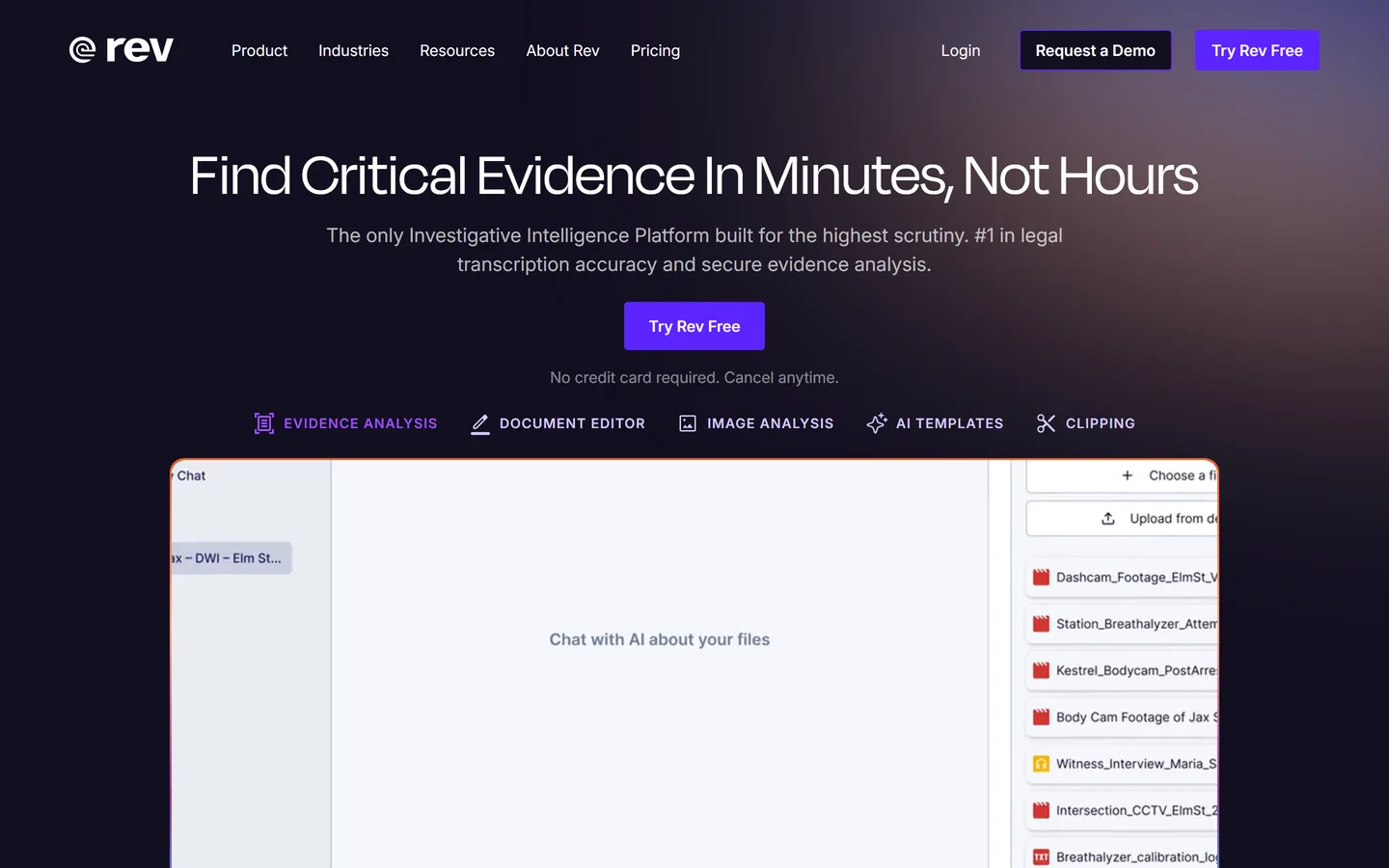
The benchmark for accuracy, including human transcription
rev.com
Rev offers both AI transcription at a low per-minute rate and human transcription at around $1.50 per minute with accuracy approaching 99%. That human option is what sets it apart: for a legal deposition, a research study that will be published, or audio with heavy accents and crosstalk, it's the only reliable way to get text you don't have to check. Its AI tier is competitive but not dramatically better than cheaper rivals.
Best for
Interviews where a quote has to be word-perfect
Pricing
AI subscriptions from ~$30/mo; human transcription ~$1.99/min
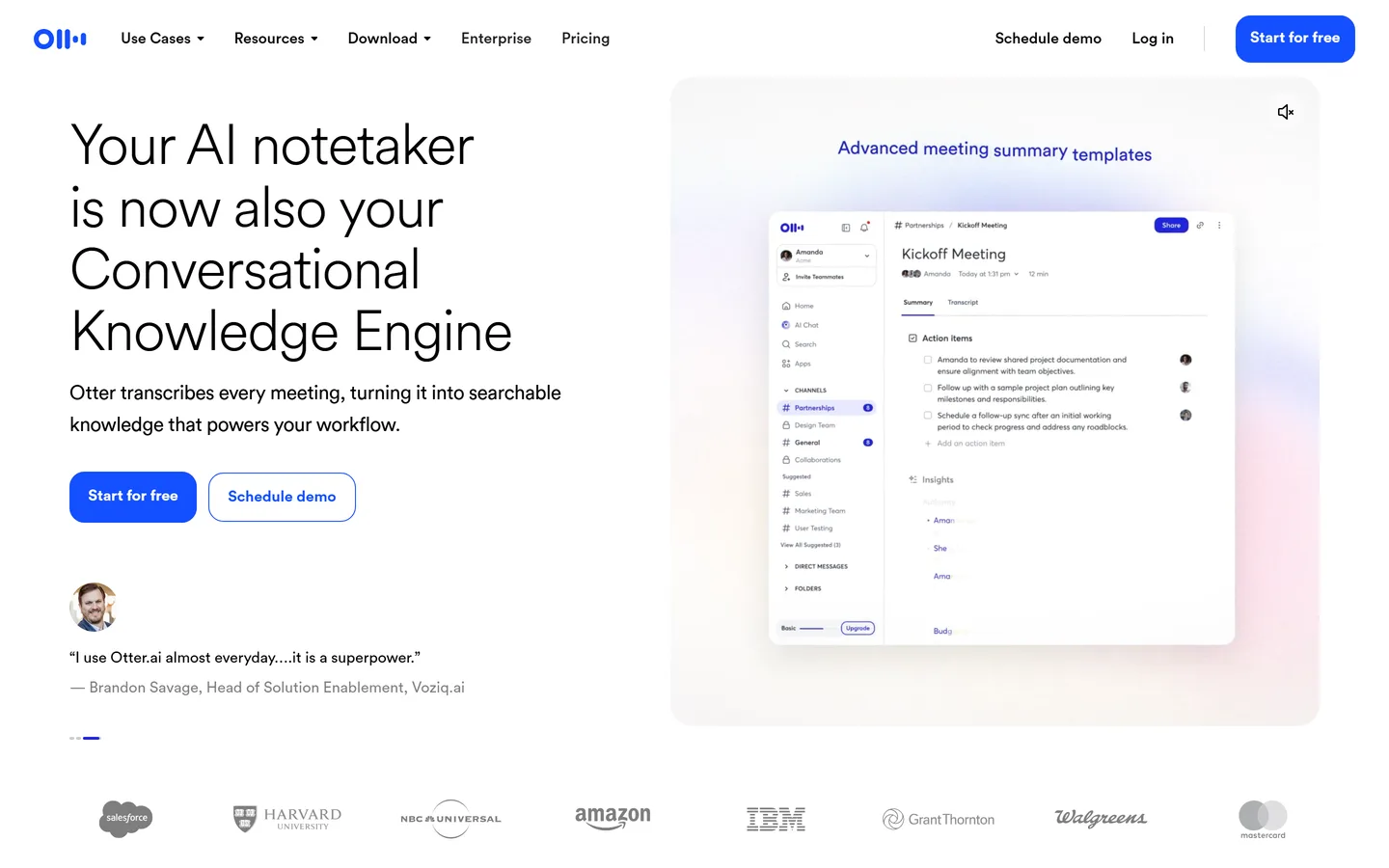
Otter.ai transcribes in real time with strong accuracy and includes a monthly free allowance that covers light interview work entirely. Live captions and in-meeting transcription are genuinely useful during a call, and uploaded files are handled well too. It's a meeting-shaped product: transcripts are searchable individually, and nothing looks across a set of them.
Best for
Anyone who needs reliable transcripts without paying
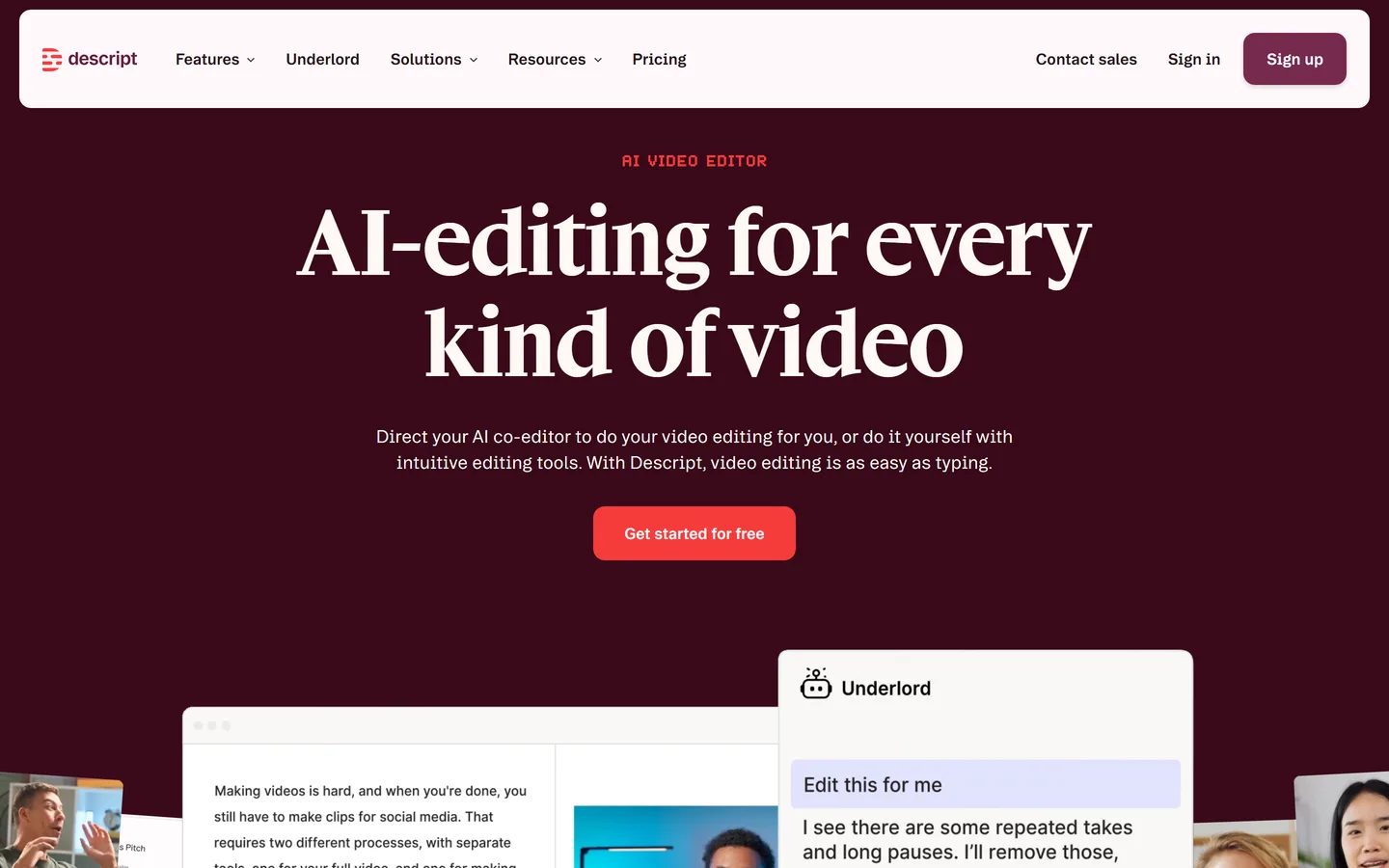
Descript transcribes and then lets you edit the recording by editing the text — delete a sentence and it disappears from the audio. For turning interviews into shareable clips, or cleaning up filler words before a stakeholder sees a recording, nothing else is close. It's built for media production rather than research, so there's no tagging, coding, or cross-interview analysis.
Best for
Teams who publish clips, podcasts, or research showreels
Pricing
From ~$24/user/mo
Free option
Free plan with limited transcription hours
Strengths
Transcript-based editing is genuinely transformative
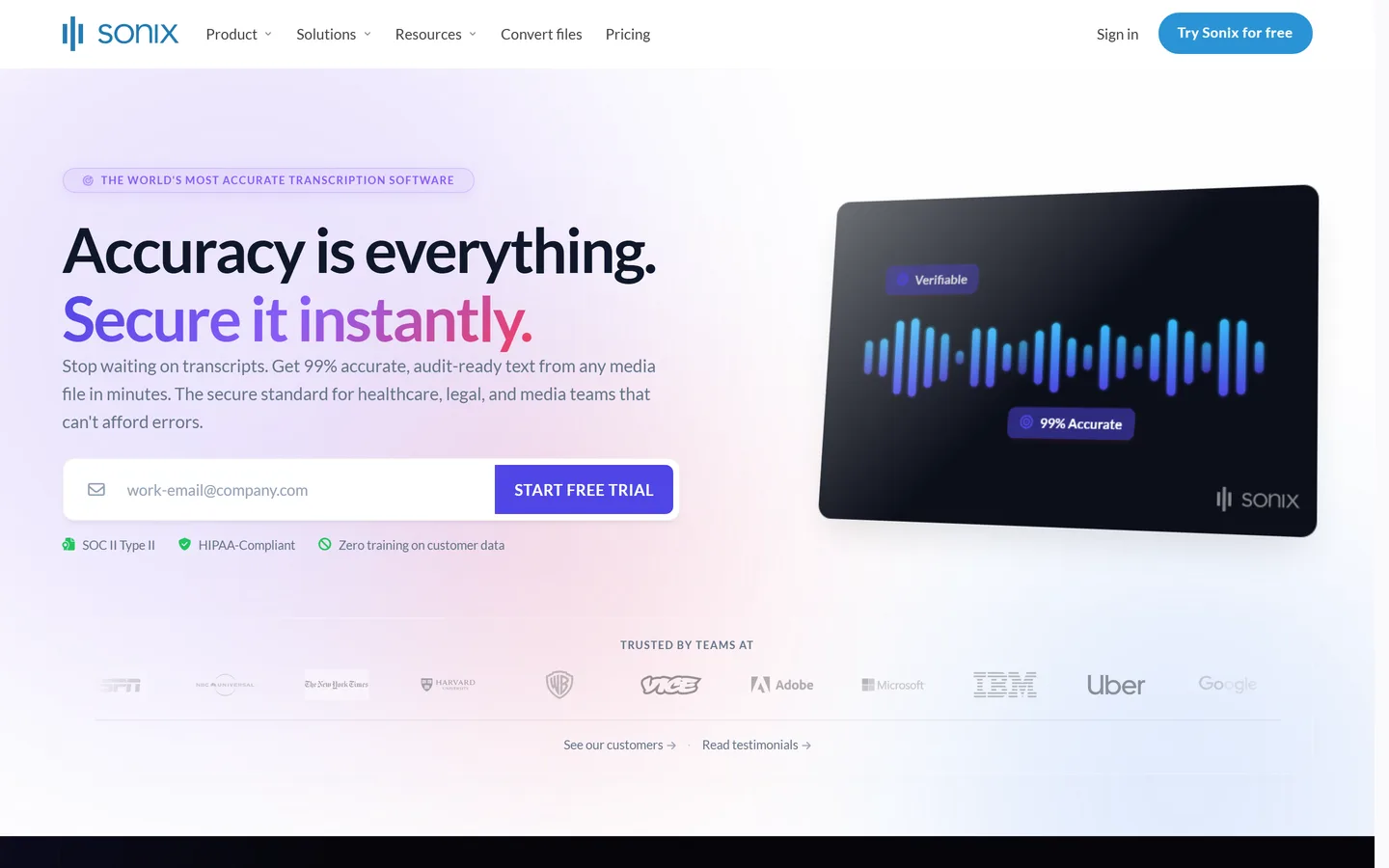
Sonix transcribes in more than 50 languages at a low per-hour rate with fast turnaround, plus translation and subtitle export. If you have an archive of interviews to get through, or research spanning several markets, it's among the best value available. The editor is functional rather than pleasant, and analysis stops at search and basic keyword summaries.
Best for
Transcribing a backlog of recordings across many languages
Pricing
From ~$10/hour pay-as-you-go, or ~$25/mo for subscription plans
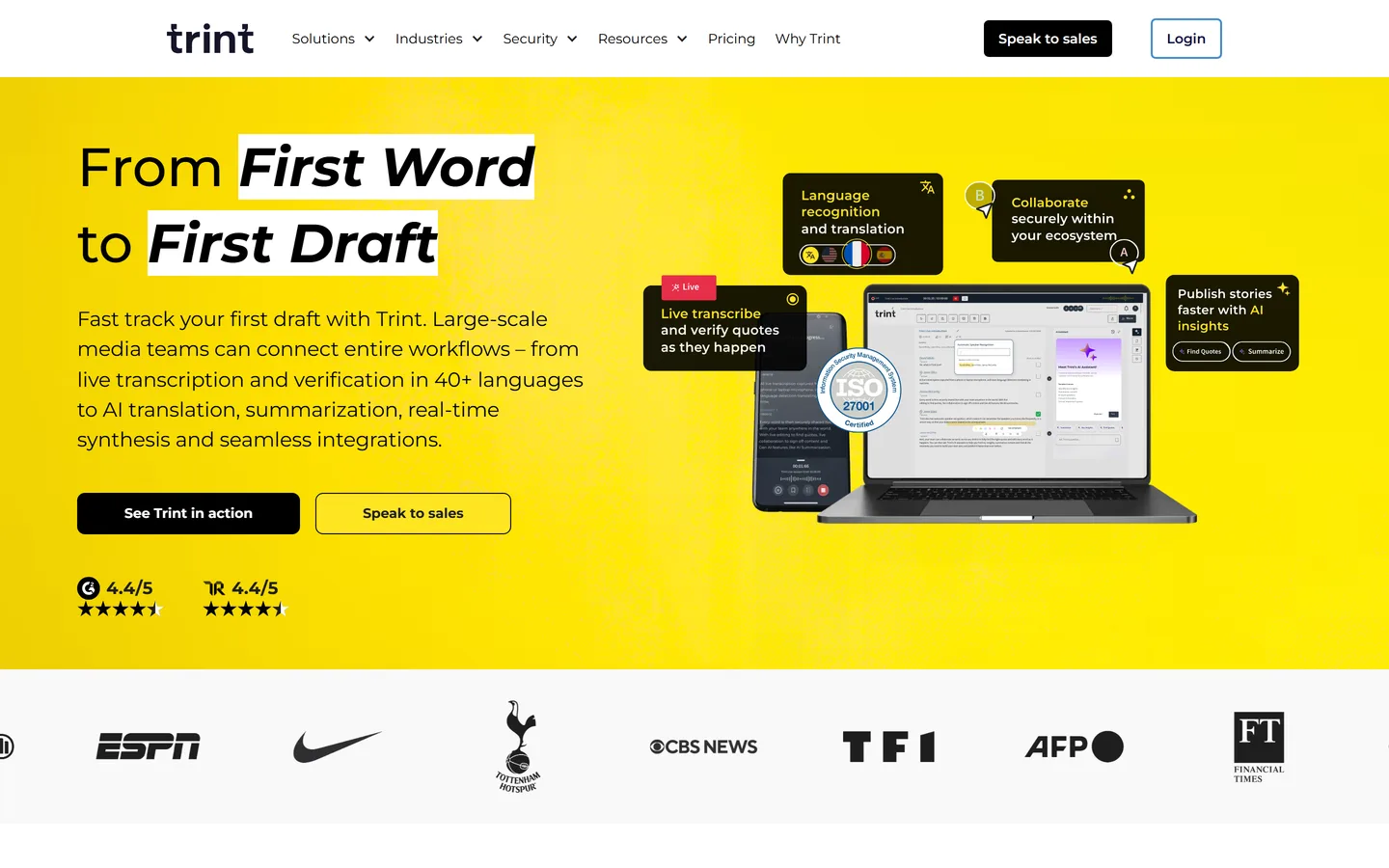
Trint pairs solid transcription with an editor designed for people writing from interviews — highlighting, story building, and collaborative editing with the audio always attached to the text. Its origins are in journalism and it shows in the best way: the workflow assumes you're going to quote this accurately. It's priced above the volume transcription services and offers no research-specific analysis.
Best for
Teams turning interviews into published written work
Pricing
Starter from ~$52/user/mo billed annually (~$80 monthly)
Flexible per-hour transcription with a human option
happyscribe.com
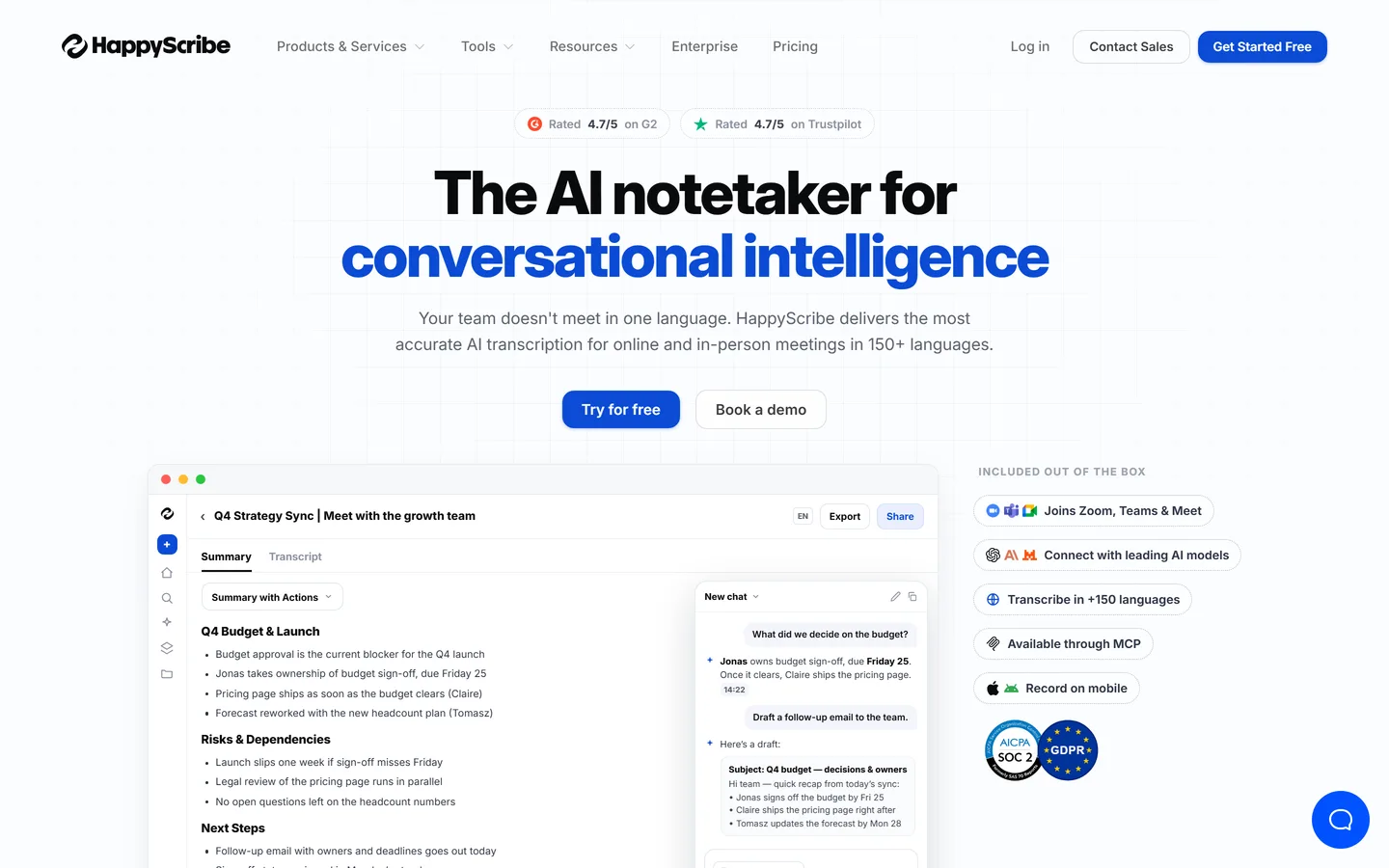
Happy Scribe offers both machine transcription at a low per-hour rate and human transcription when a file warrants it, across a wide language range, with strong subtitle tooling. Being able to choose per file is the practical advantage: run the clear recordings through AI and send the difficult ones to humans. Analysis features are minimal, as with every specialist here.
Best for
Mixed workloads where some files need human accuracy
Pricing
Machine from ~$0.20/min (~$12/hour); human proofreading from ~$1.90/min
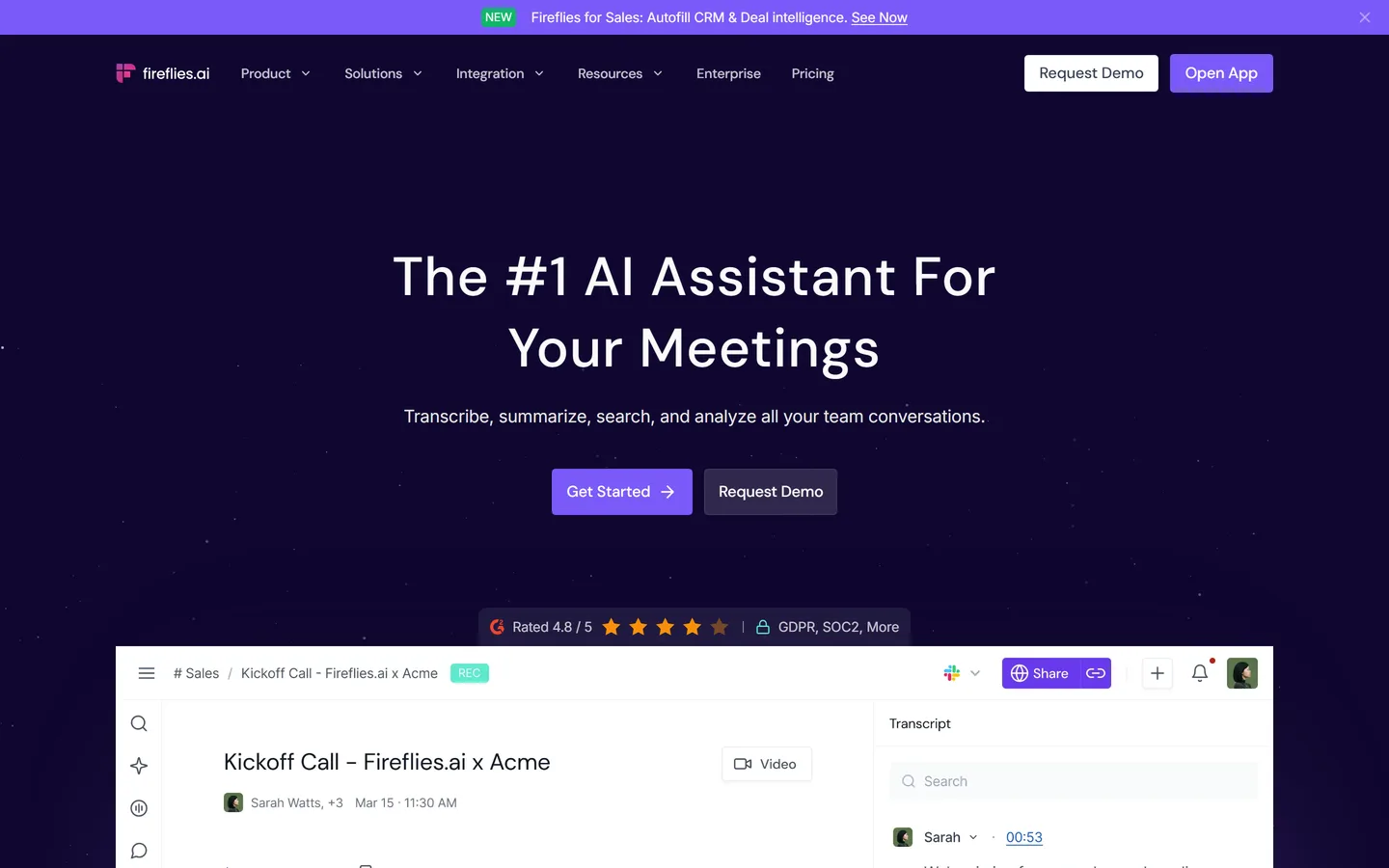
Fireflies.ai joins calls automatically and transcribes them across Zoom, Meet, and Teams, pushing the results into your CRM and other tools. The value is that it's automatic — nobody has to upload anything — which means the archive is complete rather than dependent on discipline. Its analysis layer tracks topics and keywords, tuned for sales signals rather than research themes.
Best for
Teams who want calls transcribed without remembering to do it
Pricing
Pro from ~$18/user/mo
Free option
Free forever — unlimited transcription, capped storage and AI credits
Every vendor claims 95%+ and most are broadly telling the truth on clean audio. The differences that matter appear on bad audio — accents, crosstalk, poor microphones — so we weighted graceful degradation and the availability of a human option over headline figures.
We treated speaker labels as essential
In a meeting, who said what is often optional. In an interview it's the whole point: an unattributed transcript can't tell you whether the interviewer led the witness. Tools are marked on how reliably they separate speakers.
We checked what happens to old files
Most teams have an archive of recordings from before they picked a tool. Support for uploading arbitrary audio and video files decides whether that archive is usable, so it's a grid column rather than a footnote.
We asked what the transcript is for
Transcription is almost never the goal — it's a step toward quoting, publishing, editing, or understanding. Each entry names which of those it's built for, since that's what actually distinguishes these products.
Pricing checked August 2026, and we're not neutral
Published prices as of August 2026, rounded; per-minute and per-hour rates vary by turnaround. Intervool is ours and is marked as such — its own entry says a dedicated transcription tool is cheaper if the words are all you need.
FAQ
Common questions
What is the best transcription software for interviews?
For accuracy on difficult audio, Rev, especially its human transcription option. For free, Otter.ai. For volume across many languages, Sonix or Happy Scribe. For editing audio and video afterwards, Descript. For writing articles from interviews, Trint. For research where the transcript feeds analysis, Intervool transcribes and then extracts themes across every interview.
How accurate is AI transcription?
Typically 90–95% on clear audio in a well-supported language, which means roughly one error every twenty words — usually harmless, occasionally a changed meaning. Accuracy falls with accents, crosstalk, background noise, and specialist vocabulary. For research this is generally fine because you're looking for meaning across many conversations; for a direct quote in something published, verify against the audio or use human transcription.
Is human transcription worth the cost?
For specific files, yes. At roughly $1.50–$2.00 per minute it's expensive at volume but reasonable for the handful of recordings where accuracy is critical — a study being published, a quote going into a legal document, or audio the AI clearly mangled. A practical approach is AI by default, human for exceptions.
Can I transcribe interviews for free?
Yes. Otter.ai's free tier includes a monthly minute allowance, and Fathom and tl;dv transcribe calls free if they can join them. For occasional interview work these are genuinely sufficient. Free tiers cap minutes rather than features, so the constraint arrives during heavy research weeks.
What's the best way to transcribe interviews in other languages?
Sonix and Happy Scribe have the widest language coverage and both offer translation. Accuracy varies substantially by language — major European languages are strong, and less-resourced languages degrade noticeably — so test with a real recording before committing to a multi-market study.
Do I need transcription software if I have an AI notetaker?
Usually not. Notetakers like Fathom, Granola, and Fireflies transcribe as part of what they do, and for calls they can join that's enough. Dedicated transcription earns its place when you have files rather than calls — old recordings, in-person interviews, or audio from a device — or when you need human-verified accuracy.