A user interview study has four stages and almost no tool covers more than two: finding people to talk to, getting them scheduled and paid, running and recording the session, and working out what it all means. Teams usually buy for the stage that hurt most recently and end up with gaps elsewhere — a great recruiting panel and a folder of unwatched recordings, or excellent analysis and nobody to interview. This guide maps the tools onto those four stages so you can see the whole workflow before you buy any of it.
For recruiting, User Interviews is the most flexible and Respondent better for hard-to-reach professional audiences. For running and recording sessions, Grain and Lookback handle observer access well, and any decent notetaker covers a straightforward call. For analysis, Looppanel is the strongest research-specific specialist, and Dovetail the best archive if you have a research team maintaining it. For the analysis-to-decision half — themes across every session, personas and segments, and a prioritized roadmap — Intervool covers it in one workspace. A realistic small-team stack is a recruiting panel when you need strangers, plus one tool that records and analyzes.
Jump to a tool
Compared at a glance
Four stages, and almost nothing covers more than two. Read across to find your gaps before you compare prices.
Yes Does thisPartial Partly, or with workaroundsNo Not a feature
Finds participants
Sources and screens people to interview, from a panel or your own user list.
Scheduling & incentives
Handles booking, reminders, and paying participants — the admin that eats a study.
Runs the session
Hosts or records the interview itself, with observer access or note-taking during the call.
Analyzes the interviews
Transcribes and extracts what matters, rather than handing you a recording to watch again.
Themes across sessions
Finds what repeats across the whole study rather than summarizing each session.
Findings reach decisions
Carries research through to personas, segments, and prioritization, rather than ending in a report.
The categories, and what each is for
These products get compared as if they’re interchangeable. They aren’t — they’re solving different halves of the job.
Run and understand
Record interviews and carry them through analysis to themes, personas, and prioritization.
Intervool
Recruiting & logistics
Source, screen, schedule, and pay participants. Usually the slowest and least enjoyable stage.
User Interviews, Dscout
Session tooling
Host or record the interview with observer access, live notes, and clip creation.
Grain, Maze
Analysis specialists
Transcribe, tag, and query across a study. Where a research team does its thinking.
Looppanel, Dovetail, Condens
The tools in detail
01
Intervool
Our productRun and understand
Covers the half of the workflow that usually gets skipped
app.intervool.com/interviews
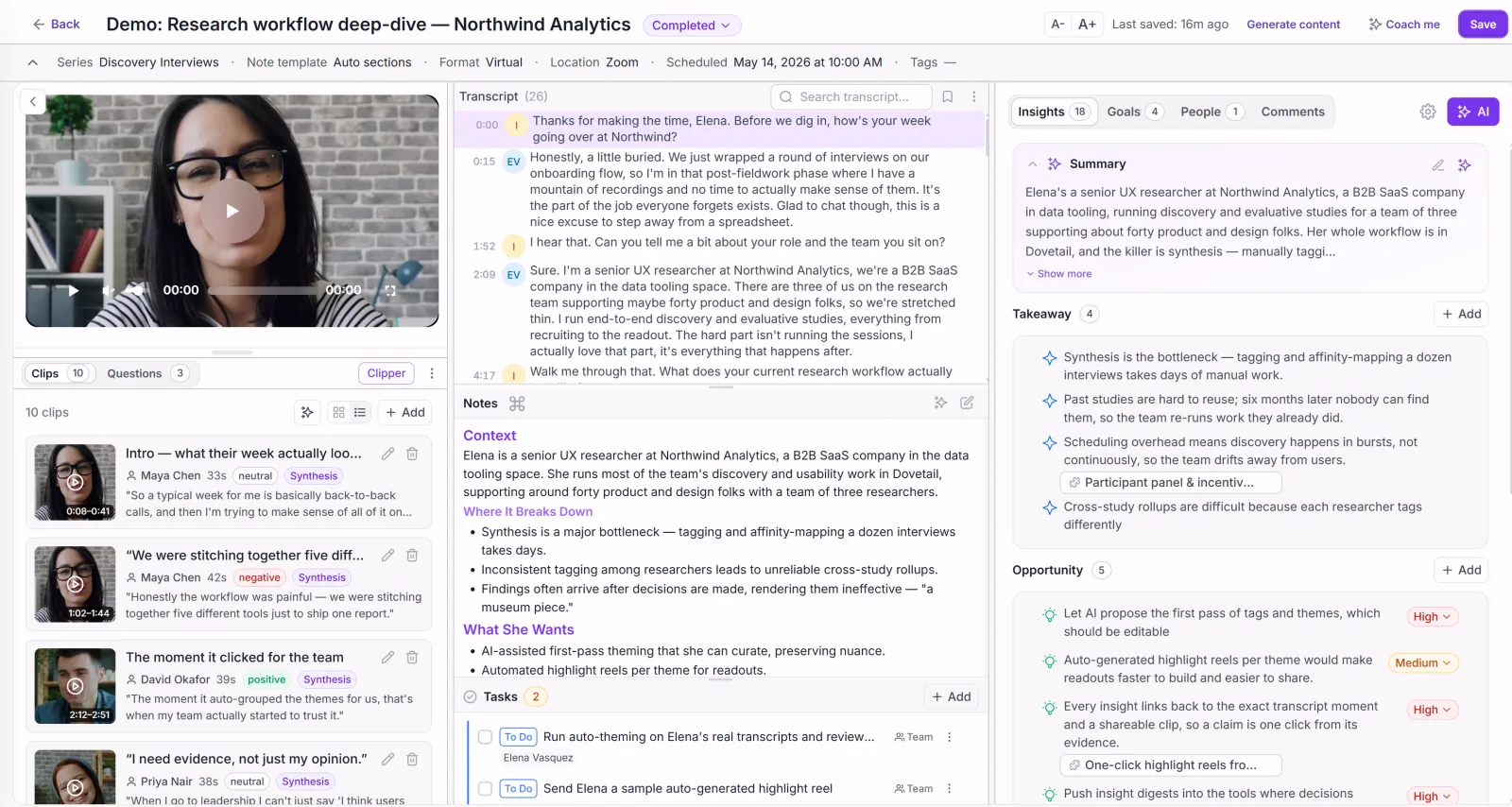
Every interview: video, transcript, and AI takeaways in one view.
Intervool handles the back half of the interview workflow properly. It records or ingests sessions — auto-joining calls, recording in-app, or taking uploads from anywhere — transcribes them, extracts pain points, goals, and requests from each, and clusters what repeats across the whole study into evidence-linked themes. Those themes build dynamic personas and segments and become a prioritized roadmap, with every item one click from the quote behind it. It doesn't recruit, so pair it with a panel when you need to reach people outside your own users.
Best for
Teams who can find people to talk to but keep losing what those people said
Pricing
Basic $39/mo · Team $279/mo (6 seats) · Enterprise custom
Free option
14-day free trial, no credit card
Strengths
Records, transcribes, and analyzes in one place
Themes across every session with frequency and segments
Personas and segments built from the evidence
Findings continue into a prioritized roadmap
Accepts uploads from any session tool you already use
Limitations
No participant recruiting — pair with User Interviews
No scheduling or incentive handling
Not a usability testing tool
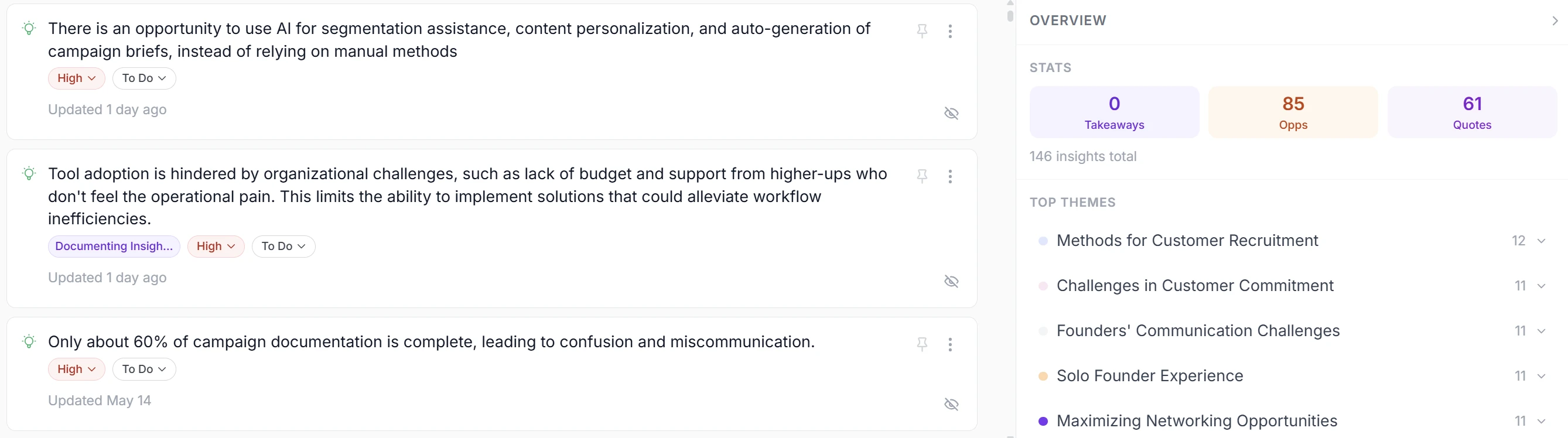
app.intervool.com/insights
Insights from every call, clustered into themes you can act on.
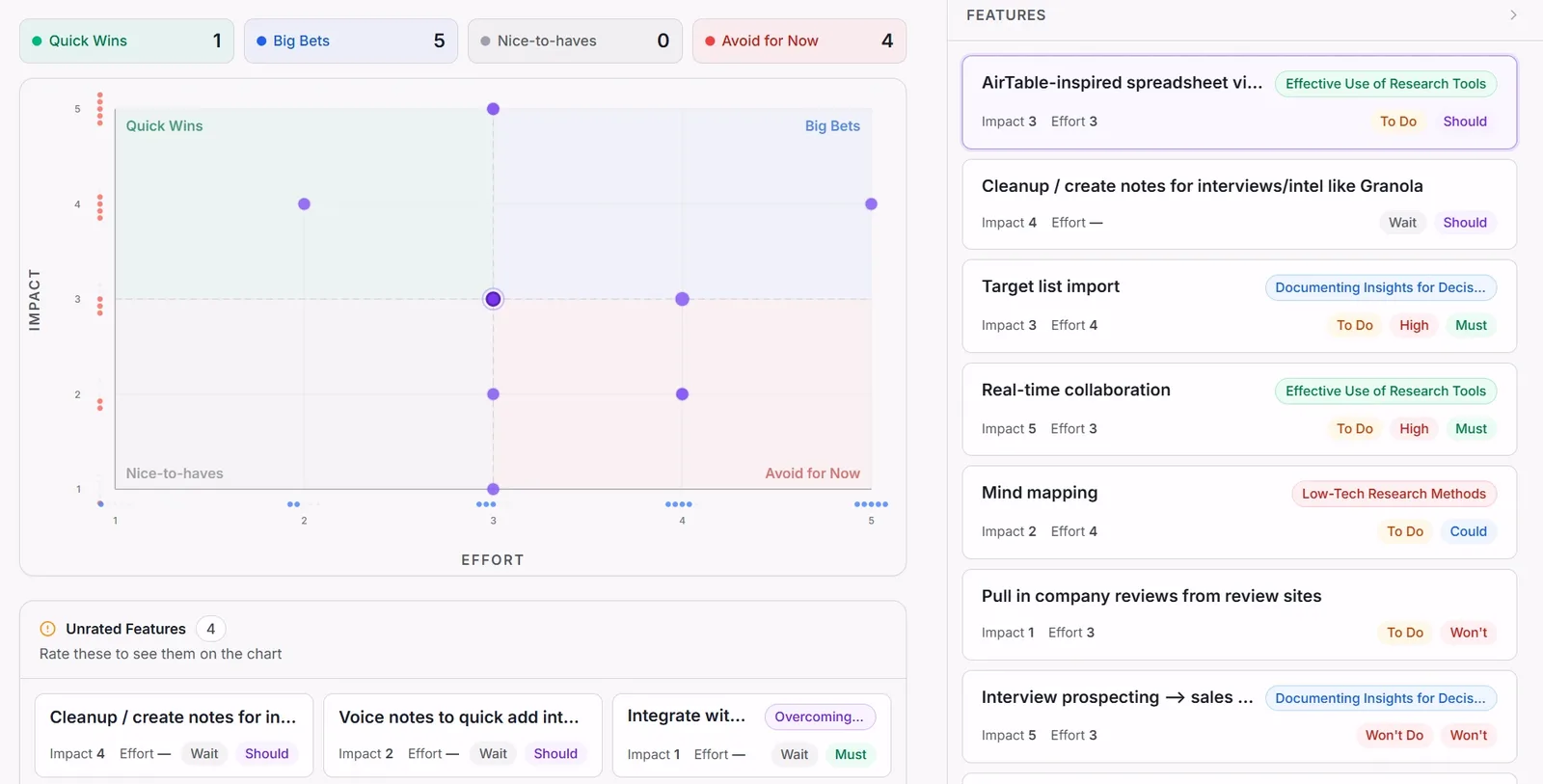
app.intervool.com/roadmap
Themes become prioritized bets — each one click from the quote behind it.
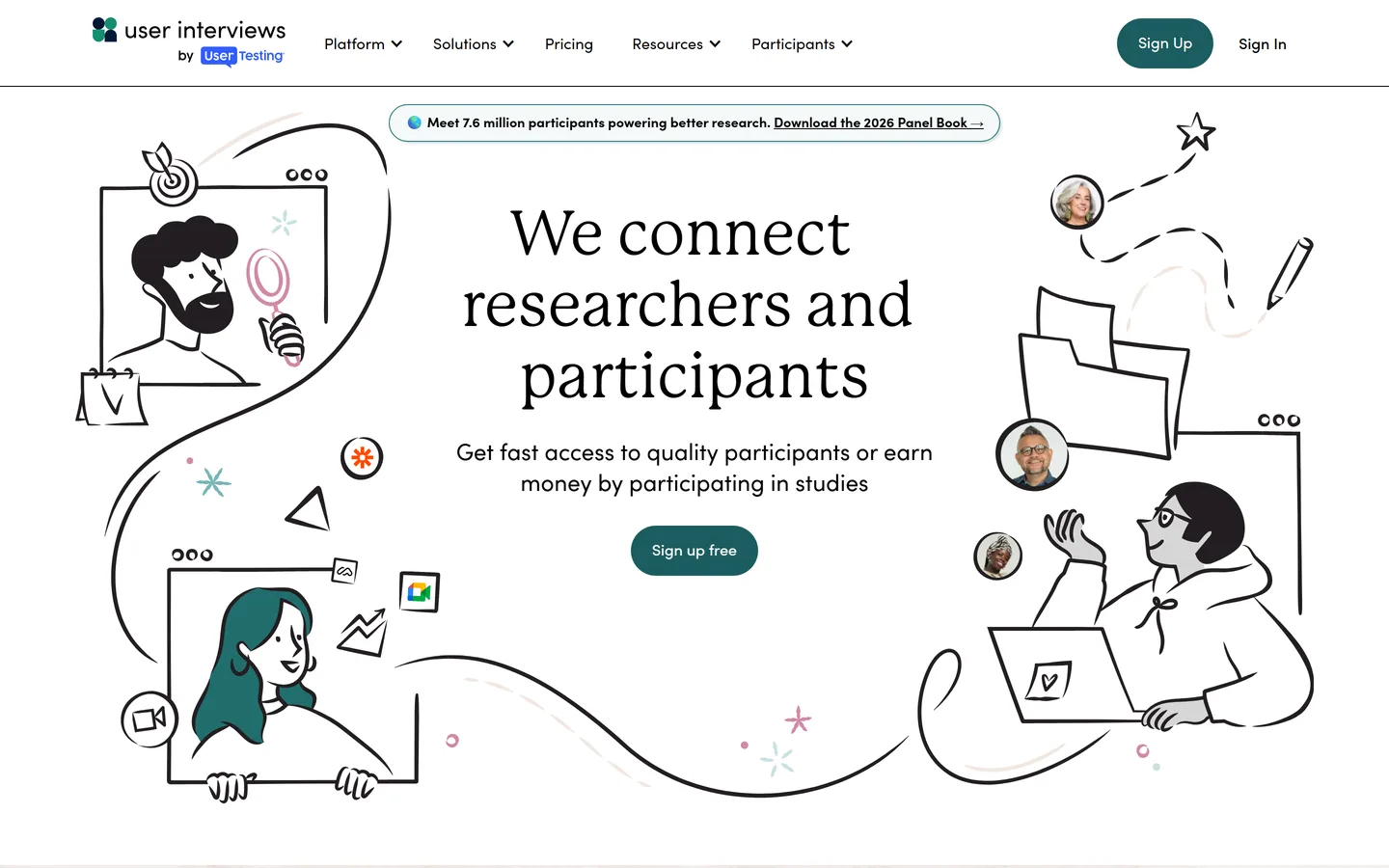
User Interviews sources, screens, schedules, and pays participants from a large panel, and will also manage logistics for people from your own user list — which is the cheaper and often better option. Recruiting is the stage that most often stalls a study, and outsourcing it changes how often a team runs research at all. It stops at the calendar invite: recording and analysis are your problem.
Best for
Any study where finding the right people is the bottleneck
Pricing
From ~$49/session on pay-as-you-go, plus participant incentives
Free option
Free to use with your own participant list on the entry tier
Strengths
Large panel with genuinely good screening
Also handles logistics for your own users
Pay-per-participant with no platform commitment
Limitations
No recording, analysis, or storage
Costs mount per participant plus incentives
Panel participants are less invested than real users
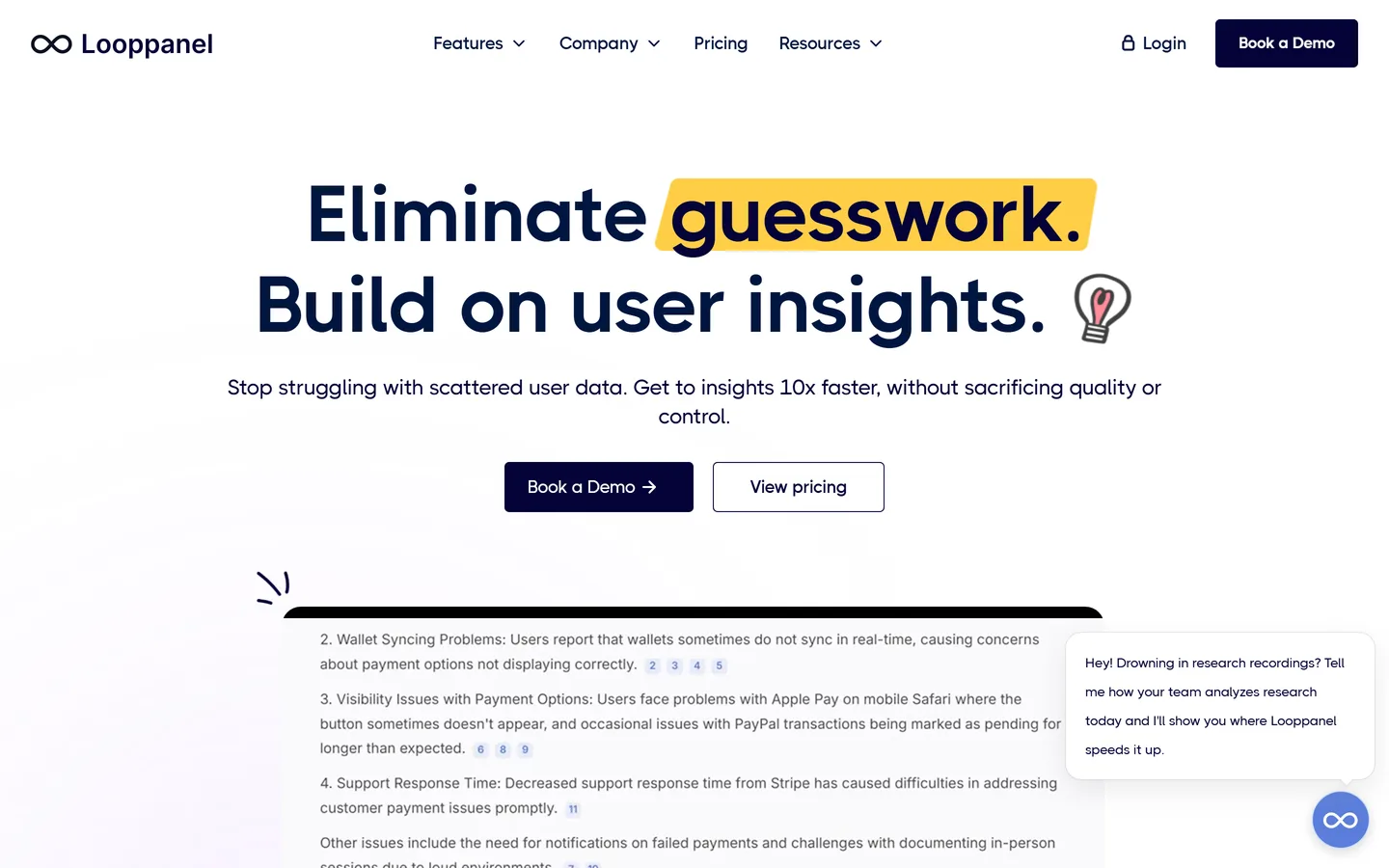
Looppanel joins the call, transcribes it, and organizes notes against the questions you planned to ask — so if you work from a discussion guide, the output arrives in the shape you were going to put it in anyway. Ask-AI works across the whole study rather than one session, which is the feature that distinguishes it from a general notetaker. Its output is analysis; personas, prioritization, and roadmap work happen elsewhere.
Best for
Researchers running studies from a written interview guide
Pricing
Pro from ~$395/mo (5 editors); ~$75/mo per additional editor
Dovetail stores every session, transcript, and tagged finding in a searchable archive, which is what makes research from eighteen months ago usable rather than lost. For a team running continuous interview studies it's the most capable option available, and the tagging model rewards discipline with real consistency. It doesn't recruit, doesn't schedule, and stops at findings.
Best for
Research teams who need findings retrievable years later
Dscout combines a managed participant pool with diary studies — participants record video from their own lives over days or weeks, which surfaces behaviour no scheduled interview will. For questions about habits, workflows, or anything context-dependent, it reaches material other tools can't. It's enterprise-priced and deliberately slow, which makes it a specialist instrument rather than a default.
Best for
Understanding behaviour that unfolds over days rather than an hour
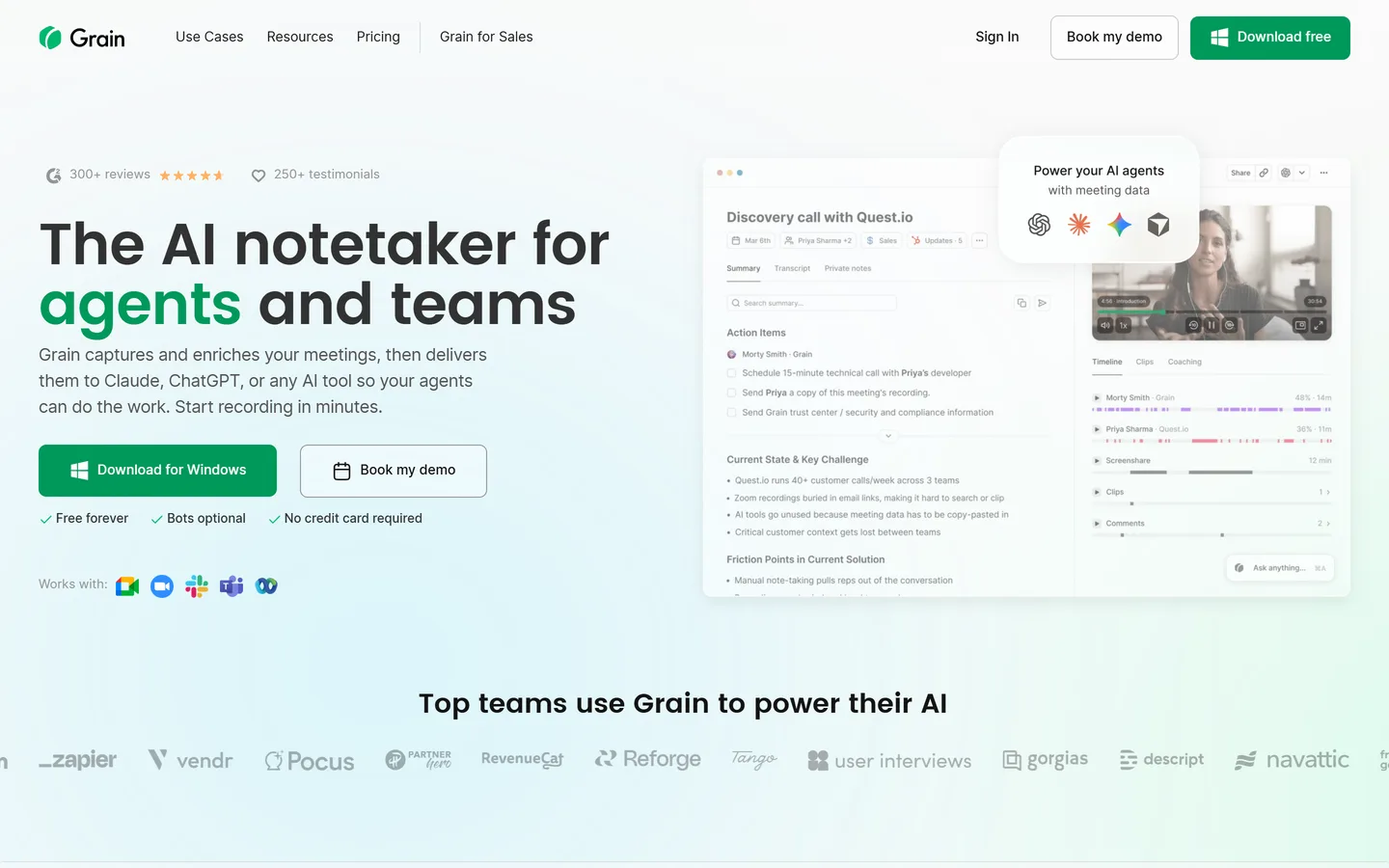
Grain records and transcribes sessions and makes clipping a short, shareable moment trivial. In interview work that's genuinely valuable — a fifteen-second clip of a user failing at something ends debates that a written finding prolongs. It handles the session stage well and leaves recruiting, theming, and prioritization to other tools.
Best for
Teams who need to show stakeholders the actual moment
Condens covers the analysis stage — transcribe, highlight, tag, group into findings, share — with a clean interface and pricing from around €15 per user per month. For a two- or three-person research team it delivers most of what a heavyweight repository does for a fraction of the cost. No recruiting, no scheduling, and lighter AI assistance than the AI-first tools.
Best for
Small research teams analyzing studies on a budget
Maze is primarily an unmoderated testing platform that has added AI-moderated interview features and light participant sourcing, so a team can run a prototype test and a set of interviews from one place. That consolidation is convenient if testing is your main activity and interviews are occasional. If interviews are the main event, a dedicated interview tool will serve you better.
Best for
Teams who mix interviews with prototype validation
Recruiting, logistics, session, analysis. Almost every tool here covers one or two, and the most common purchasing mistake is buying a second tool for a stage you'd already covered while leaving a real gap somewhere else.
We treated recruiting as a first-class stage
It's the stage that most often stops a study happening at all, and it's invisible in most tool comparisons because the analysis tools don't do it. It gets its own column.
We asked what happens to the recording
A folder of unwatched session recordings is the most common outcome of a well-run study. Tools that transcribe, extract, and theme automatically are marked separately from tools that store a video.
We costed a realistic stack
Nobody buys one tool here. Each entry notes what you'd pair it with, and the FAQ prices out what a full workflow actually costs for a small team rather than quoting one line item.
Pricing checked August 2026, and we're not neutral
Published prices as of August 2026, rounded; per-participant recruiting costs exclude incentives. Intervool is ours and is marked as such — it scores 'no' on both recruiting columns because it genuinely doesn't recruit, and User Interviews is the honest recommendation for that stage.
FAQ
Common questions
What are the best user interview tools?
It depends on the stage. Recruiting: User Interviews, or Dscout for longitudinal work. Session recording: Grain, or any capable notetaker. Analysis: Looppanel for AI research notes, Dovetail or Condens for a tagged archive. Analysis through to decisions — themes, personas, and prioritization: Intervool. Most teams need two of these, not one.
How much does a user interview stack cost?
For a small team, roughly $40–$150 a month plus per-participant costs. A capable record-and-analyze tool runs $30–$50 a month, and recruiting is pay-as-you-go at around $45 per participant plus incentives if you can't reach people through your own channels. The recruiting line is usually the bigger number, and it's the one people forget when budgeting.
Do I need a tool to recruit user interview participants?
Not if you're interviewing your own users — email them, offer a small incentive, and use a scheduling link. You need a panel when you need people you can't reach: prospects who chose a competitor, users of another product, or a specific professional role. That's when $45 a head is cheap against a quarter spent building for an audience you assumed.
How many user interviews should I run?
Five to eight per segment for discovery, and stop at saturation — the point where you can predict what someone will say before they say it. For usability problems specifically, Nielsen Norman Group's finding that five users surface about 85% of issues holds up well. If you're comparing two customer types, run that number within each rather than in total.
What's the difference between user interviews and usability testing?
User interviews are conversations about someone's experience, needs, and context — they tell you what to build. Usability testing watches someone attempt tasks with your product — it tells you whether what you built works. Different questions, different tools: an interview tool for the first, Maze or Lyssna for the second.
Can I run user interviews without a researcher?
Yes, and most product teams do. The parts that need practice are asking about past behaviour rather than future intentions, and not leading the witness — both learnable in a handful of sessions. Modern tools handle the rest: transcription, extraction, and theming no longer require training, which is what made research without a researcher practical.