Qualitative data analysis software (QDA software, or CAQDAS in the academic literature) is the category of tools for coding and analyzing text, audio, and video data: interview transcripts, focus groups, open survey answers, field notes, documents. It ranges from desktop suites built for dissertations and multi-year studies to cloud tools you can learn in an afternoon, and now to platforms where AI does the first-pass coding. This guide compares the nine leading options on the jobs QDA is actually bought for — manual coding and codebooks, AI assistance, mixed-methods support, working with recordings, coding as a team, and what happens to the findings — with published pricing and free options for each.
What is the best qualitative data analysis software?
For rigorous academic or mixed-methods work, the three suites remain the standard: NVivo for the largest feature set and institutional support, ATLAS.ti for the best AI-assisted coding among the suites, and MAXQDA for the strongest mixed-methods tooling. For teams that want cloud QDA without the learning curve, Dedoose is the value pick for mixed methods, Quirkos the easiest to learn, and Delve the cleanest for pure thematic coding. Taguette is the best free, open-source option and fully sufficient for small text-based studies. For product and UX teams whose data is customer and user interviews, Dovetail is the mature repository and Intervool is the option that codes every interview automatically and carries the themes into a roadmap — the right choice when the point of the analysis is a decision, not a paper.
Jump to a tool
Compared at a glance
The first two columns are how coding gets done — by you, or with AI. The middle three are the data and team shape a tool supports. The last is what it does with the findings.
Codes directly on recordings, with transcription and timestamps, not only on text.
Team coding
Multiple coders on one project with inter-rater checks or at least real-time collaboration.
Findings → decision
Carries themes into prioritization or a roadmap inside the tool, rather than ending at a report.
The categories, and what each is for
These products get compared as if they’re interchangeable. They aren’t — they’re solving different halves of the job.
Desktop QDA suites
The full method: hierarchical codebooks, memos, queries, mixed-methods matrices, and decades of academic citations. Powerful, expensive, and slow to learn.
NVivo, ATLAS.ti, MAXQDA
Cloud QDA tools
Browser-based coding built for teams and shorter studies — most of the method at a fraction of the price and learning curve.
Dedoose, Quirkos, Delve
Free & open source
Real coding software at no cost, for small text-based studies and anyone who needs to own their data.
Taguette
Interview analysis for product teams
Built for one data type — customer and user interviews — with AI doing the first-pass coding and the findings ending in a roadmap.
Intervool, Dovetail
The tools in detail
01
Intervool
Our productInterview analysis for product teams
Qualitative analysis of customer interviews, coded by AI and carried through to a roadmap
app.intervool.com/insights
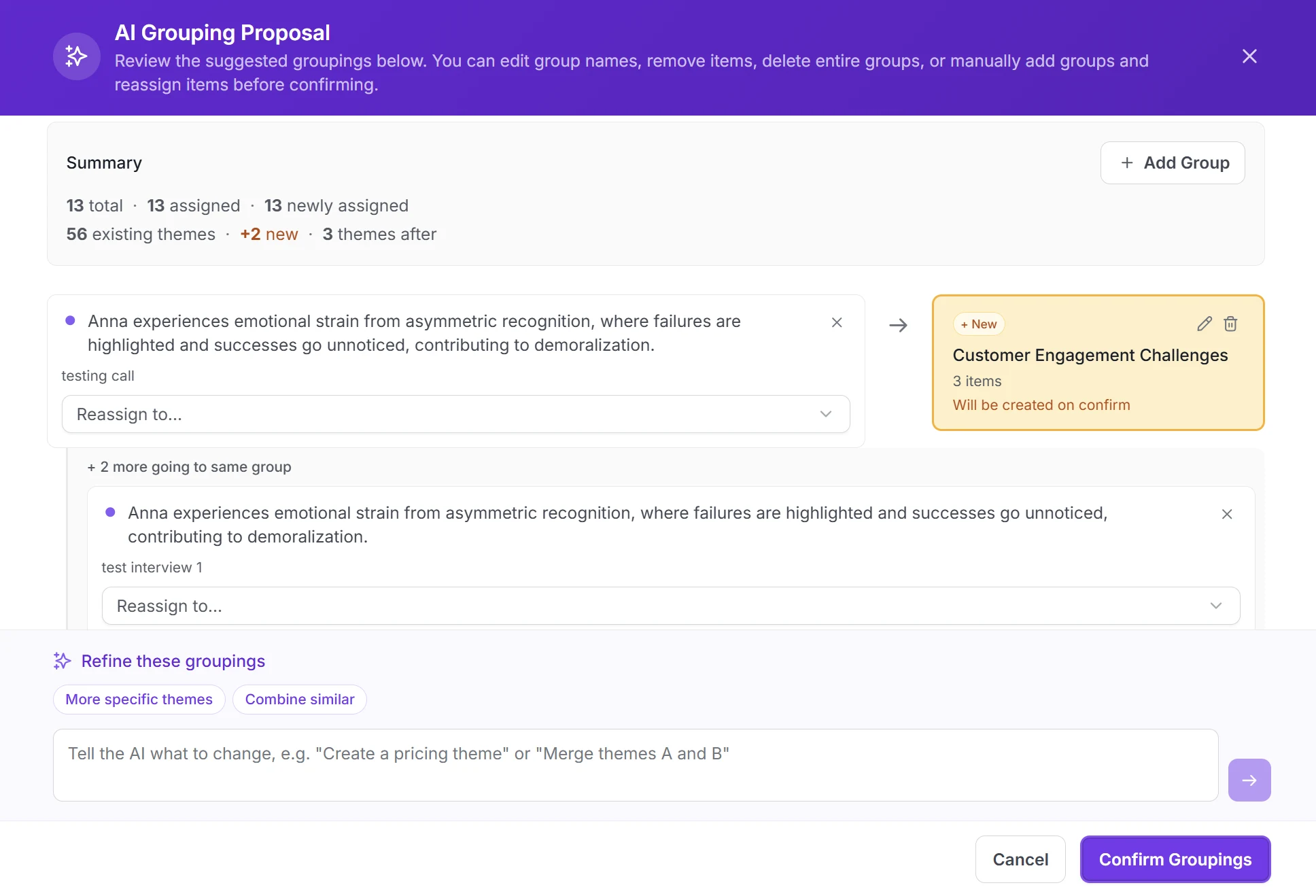
AI proposes the grouping; you merge, split, or reject it.
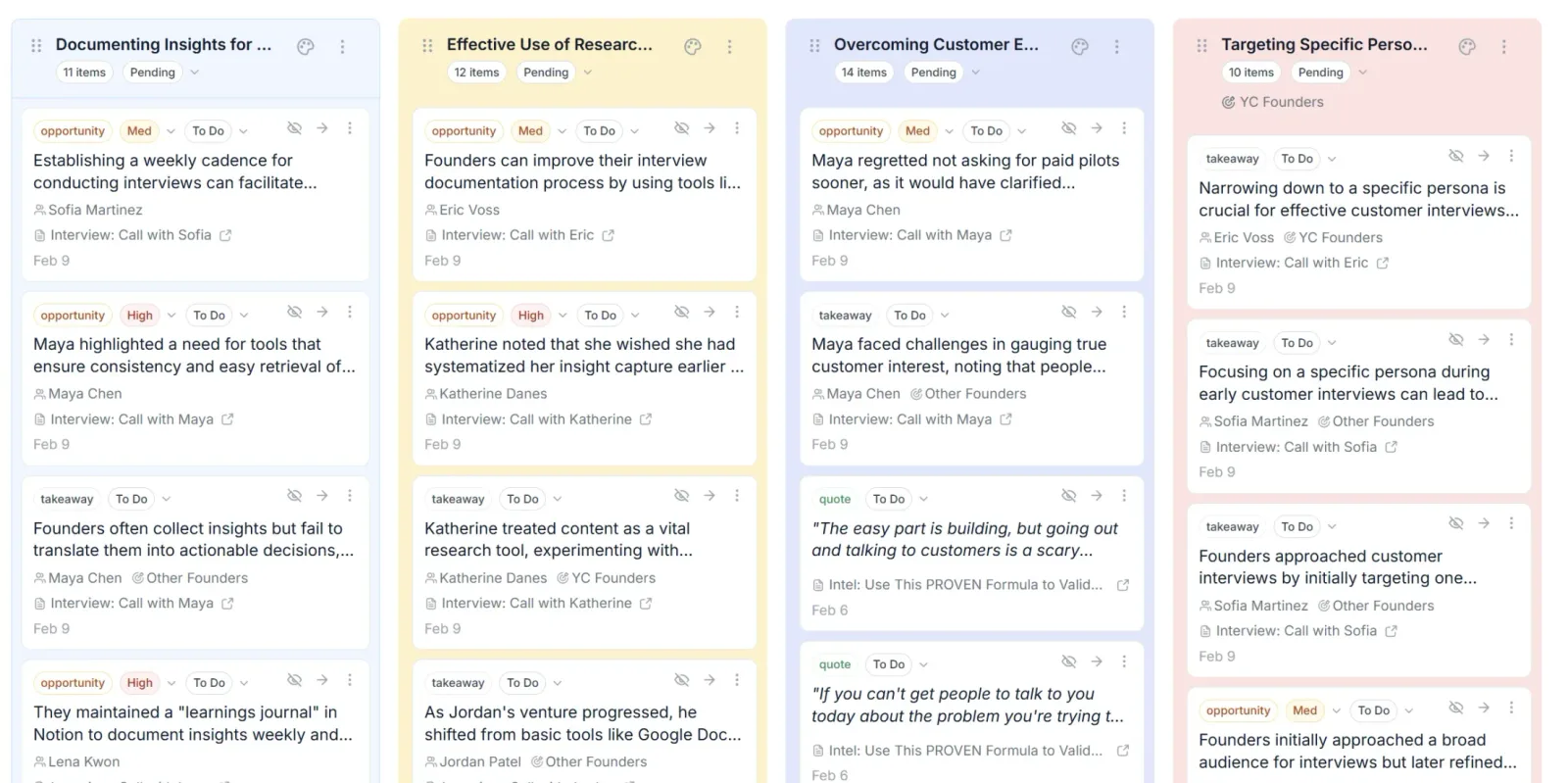
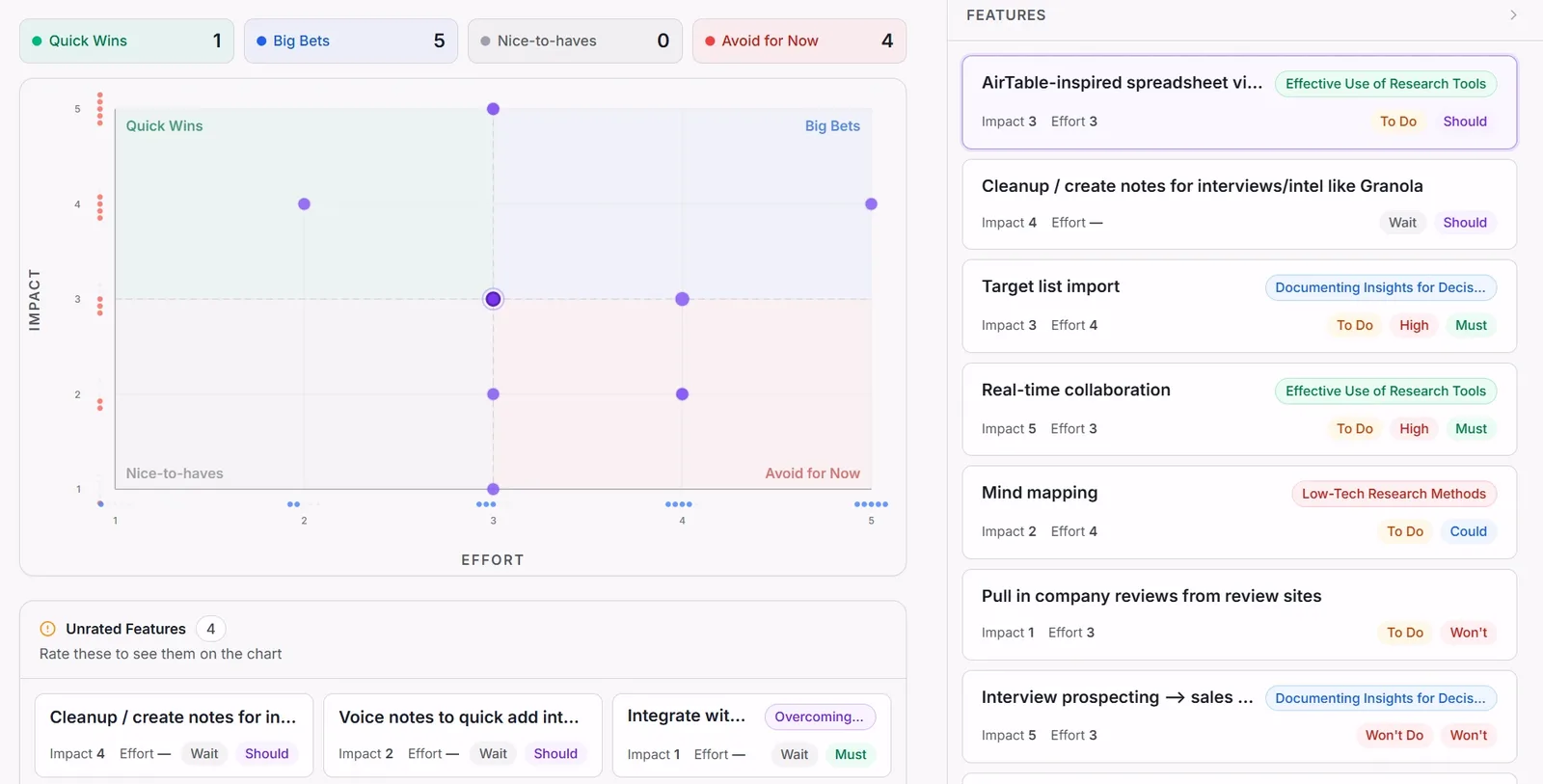
Intervool is not a general-purpose QDA suite — it does not code PDFs, field notes, or survey exports, and there is no codebook to manage. It is qualitative data analysis software for one data type: recorded customer and user interviews. Each interview is transcribed on upload, AI codes it for pain points, requests, opportunities, and quotes with timestamps, and proposes themes across every interview in the workspace. You accept, merge, or split the themes; every one stays linked to the passages behind it. The findings then continue into personas, segments, and an impact-vs-effort roadmap in the same tool. If your qualitative data is interviews and the output needs to be a product decision, that is the whole job; if you need mixed-methods matrices or inter-rater reliability, pick a suite.
Best for
Product, UX, and founder-led teams whose qualitative data is customer and user interviews and whose deliverable is a decision
Pricing
Basic $39/mo · Team $279/mo (6 seats) · Enterprise custom
Free option
14-day free trial, no credit card
Strengths
First-pass coding of every interview is automatic, with timestamps
Themes proposed across all interviews, not per transcript
Every theme opens to the exact quote and moment
Findings continue into personas and a prioritized roadmap
Usable by a PM or founder without QDA training
Flat pricing, 14-day trial
Limitations
Interviews only — no documents, field notes, or survey text
No manual codebook, memos, or inter-rater reliability
No mixed-methods or quantitative analysis
app.intervool.com/themes
Themes across every interview, with the evidence attached.
app.intervool.com/roadmap
Themes become prioritized bets — each one click from the quote behind it.
The most widely cited QDA suite, with the largest feature set and institutional support
lumivero.com/products/nvivo
NVivo (now from Lumivero) is the QDA software most universities license and most methods courses teach. It handles text, PDF, audio, video, images, survey exports, and social media data; supports hierarchical codebooks, memos, case classifications, matrix queries, and mixed-methods analysis; and adds AI-assisted summarization and code suggestions in recent releases. The cost of that breadth is a steep learning curve and pricing aimed at institutions rather than individuals, and it remains a desktop tool at heart — collaboration works through a separate server or cloud add-on.
Best for
Academic and institutional researchers on large or longitudinal studies
Pricing
Annual licenses; individual commercial from roughly $1,000/yr, academic and student rates lower — quote-based
Free option
14-day free trial
Strengths
Broadest data-type and analysis coverage of any QDA tool
Mixed-methods matrices, queries, and visualizations
Academic standard — extensive training and citations
The suite with the most developed AI coding, on desktop and web
atlasti.com
ATLAS.ti is NVivo's long-standing rival with a reputation for a more visual approach — networks of codes and quotations — and, since 2023, the most aggressive AI feature set among the suites: AI coding proposes codes across a whole document set, plus conversational analysis and summaries. It runs on Windows, Mac, and a web version, and supports text, PDF, audio, video, images, geo data, and survey imports with mixed-methods tooling. Pricing is subscription-based with meaningful academic and student discounts; the AI features are usage-limited on lower tiers.
Best for
Researchers who want a full QDA suite and are willing to let AI do the first coding pass
Pricing
Subscription; commercial from roughly $25–$65/mo per user depending on plan, educational rates lower
Free option
Free trial; limited free student options
Strengths
AI coding across a whole project, not one document
Desktop plus web versions on one license
Strong network and visualization tools
Limitations
AI usage caps on entry plans
Still a substantial learning curve
Project sharing is clunkier than cloud-native tools
The strongest mixed-methods QDA suite, with a gentler learning curve than NVivo
maxqda.com
MAXQDA occupies the space between NVivo's breadth and the cloud tools' simplicity. It supports the full QDA method — codebooks, memos, paraphrasing, summary grids, and a particularly complete mixed-methods module that joins qualitative codes to quantitative variables and exports to statistics packages — with an interface many researchers find faster to learn than its rivals. An AI Assist add-on summarizes and suggests codes. It is a desktop application for Windows and Mac with a separate team-collaboration workflow, priced by license length with student and academic tiers.
Best for
Mixed-methods researchers and teams who found NVivo heavier than they needed
Pricing
Subscription or perpetual license; commercial from roughly $40/mo, student and academic rates lower
Free option
14-day free trial
Strengths
Best-in-class mixed-methods and stats integration
Easier to learn than NVivo for the same core method
Flexible licensing — monthly, annual, and perpetual options
Affordable, browser-based mixed-methods QDA built for teams
dedoose.com
Dedoose was built by academic researchers who wanted NVivo's mixed-methods power in a browser at a fraction of the price. It codes text, audio, video, and images; attaches descriptor variables to cases for cross-tabs and charts; and supports multiple coders with inter-rater reliability testing — all with a flat monthly price per user and no install. The interface is functional rather than elegant and the tool has not chased AI features, which some teams will count as a plus.
Best for
Research teams that need mixed methods and collaboration without suite pricing
Pricing
Around $17.95/user/mo, billed only for active months; group rates available
Free option
Free trial
Strengths
Real mixed-methods analysis in a browser
Built for team coding, with inter-rater reliability
Low flat monthly price, pay only for months you use
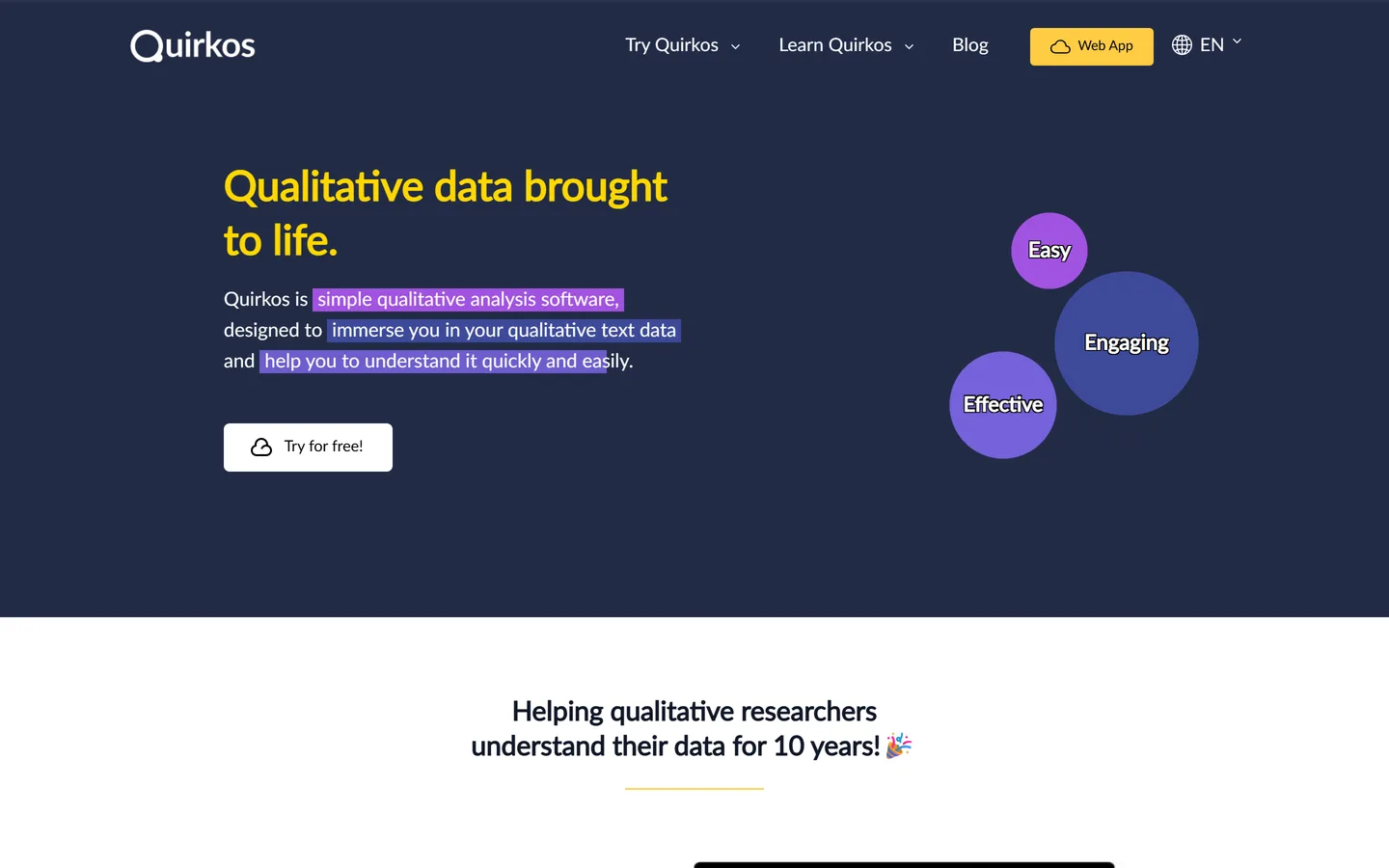
The easiest QDA software to learn — visual coding with bubbles instead of trees
quirkos.com
Quirkos strips QDA down to what most projects actually use: import text, create codes as colored bubbles that grow as you drag passages onto them, then query and report. It is deliberately simple — no mixed-methods module, no media coding — and can be learned in an hour. It runs on desktop and in the cloud with live collaboration, at one of the lowest prices in the category, with a free tier for very small projects and an AI feature set that is still emerging.
Best for
First-time qualitative researchers, students, and small teams coding text
Pricing
Cloud from roughly $12–$30/mo per user; perpetual desktop license available
Clean cloud tool for thematic coding, with the best learning content in the category
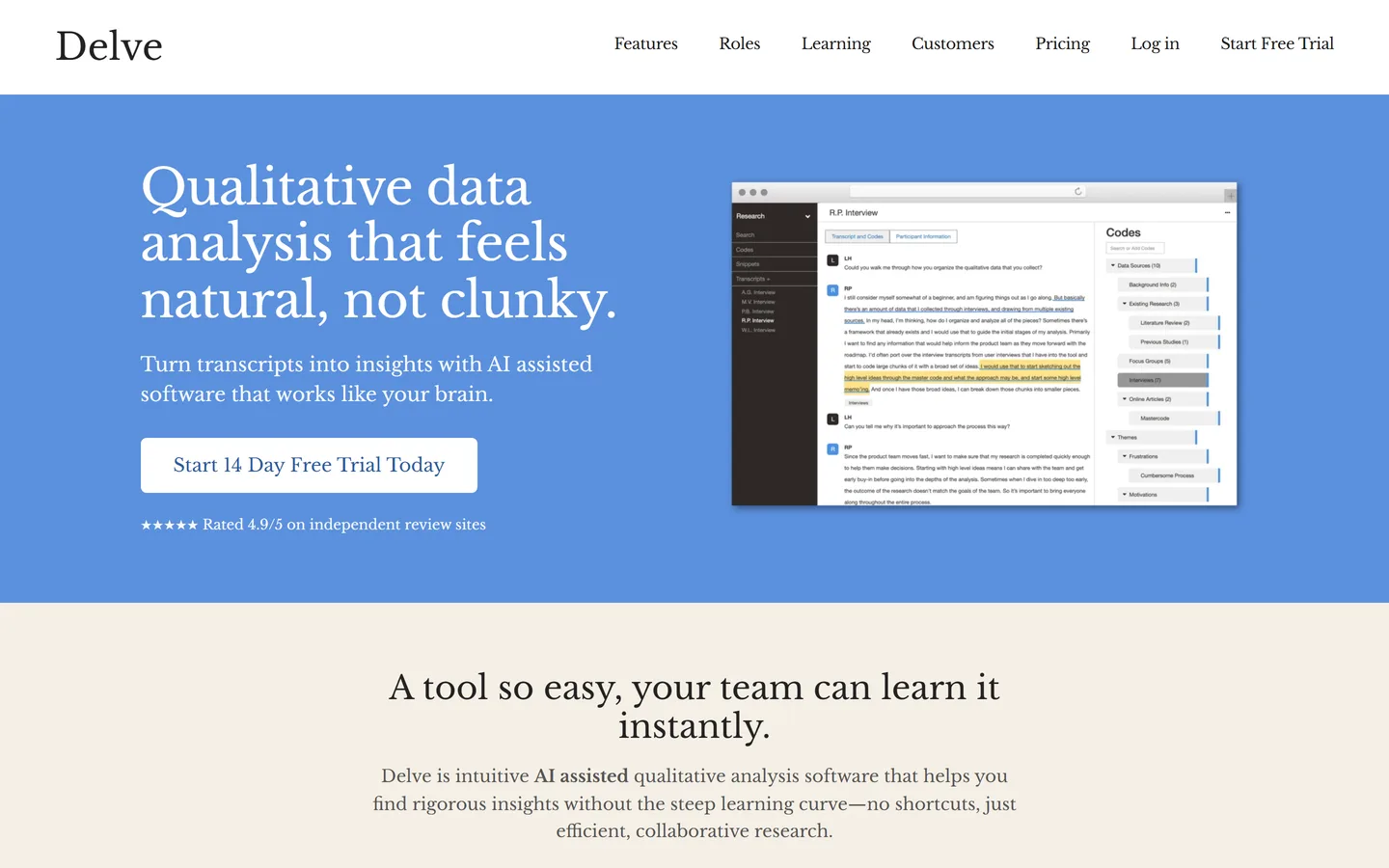
delvetool.com
Delve is a browser-based QDA tool focused on the thematic-analysis workflow: import transcripts, code passages, nest and merge codes, and compare across demographic attributes. It is collaborative by default, has an AI assistant that suggests codes and summarizes, and — unusually — publishes some of the best free guides to qualitative methods anywhere, which is where many researchers first meet it. It does not code audio or video directly and is text-first, so it suits transcript-based studies best.
Best for
Researchers doing thematic analysis on transcripts who want a modern, collaborative tool
Pricing
From roughly $50/user/mo; team and educational rates available
Free option
14-day free trial
Strengths
Fast, modern interface built around thematic coding
Free, open-source qualitative coding — sufficient for small text studies
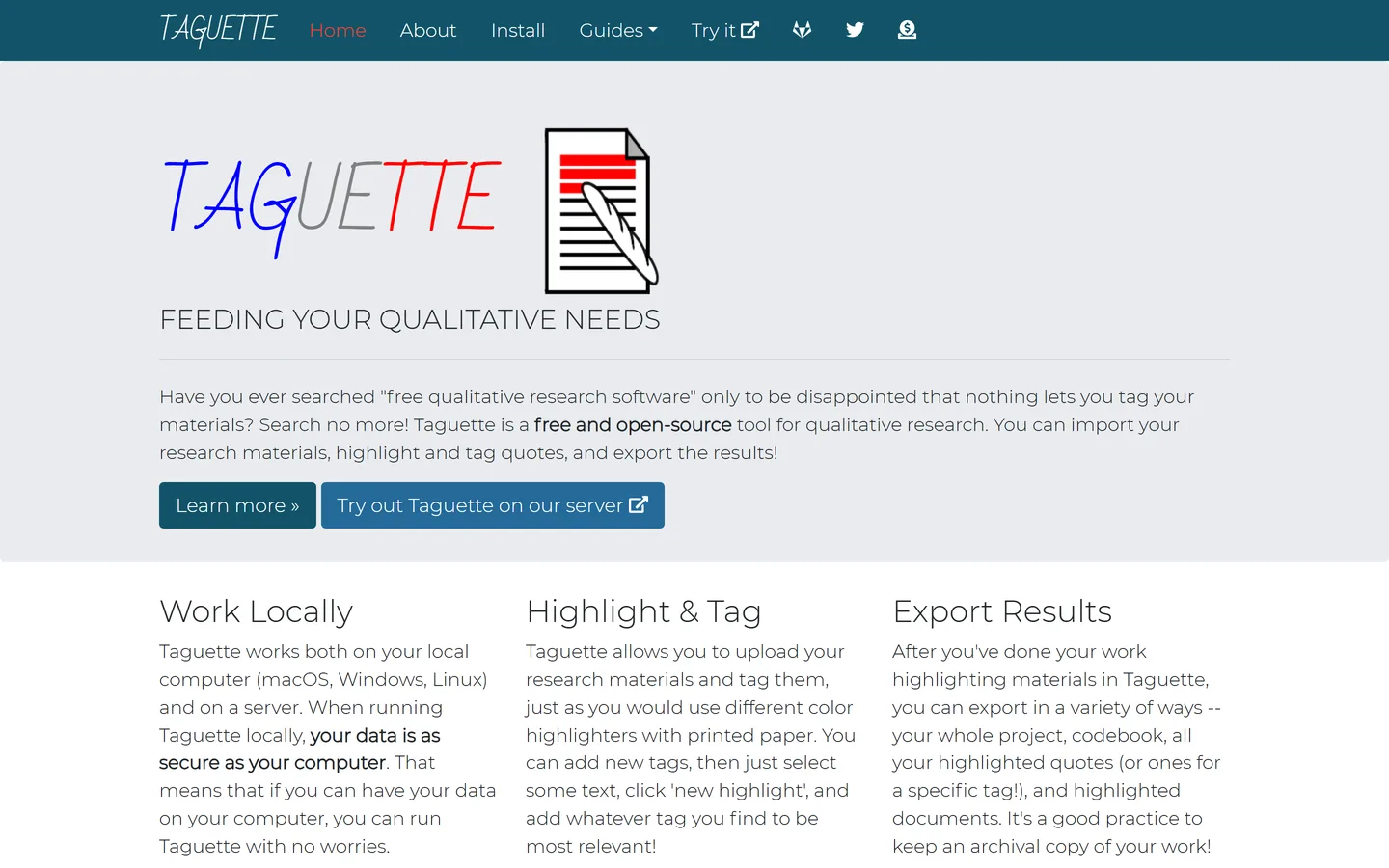
taguette.org
Taguette is a free, open-source tool for highlighting and tagging passages in documents, run in the browser either on the hosted service or on your own machine. It covers the essential coding loop — import text or PDFs, highlight, tag, export the tagged passages — with hierarchical tags and multi-user projects. It has no analysis, querying, media, or AI layer, and that is the point: it is the minimum viable QDA tool, with no lock-in.
Best for
Students, small studies, and anyone who needs to own their data and pay nothing
The mature research repository, with highlight-based coding and AI summaries
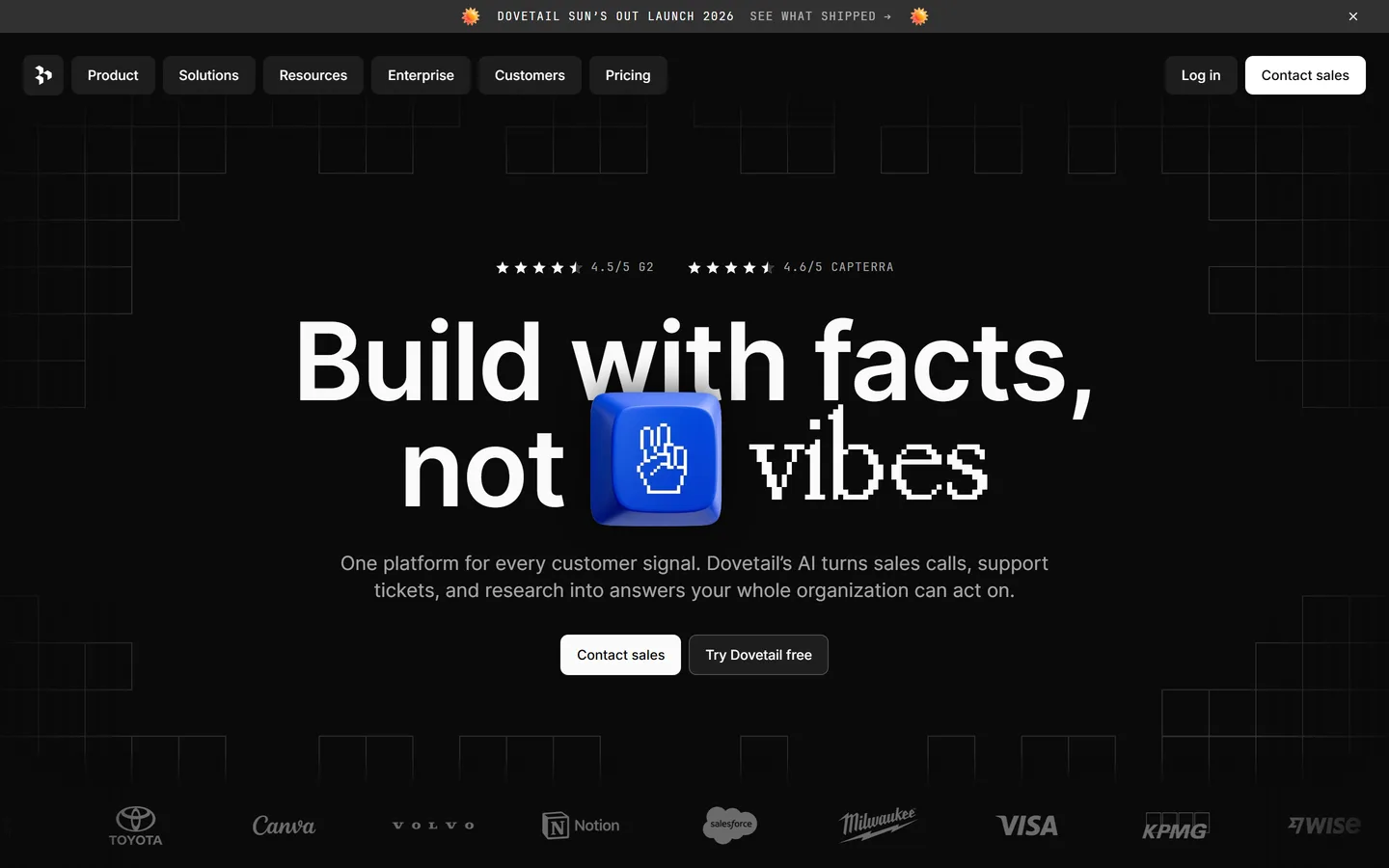
dovetail.com
Dovetail is where much of the UX research world does its qualitative analysis: upload recordings, get transcripts, highlight passages and tag them, then build insights and reports that link back to the highlights. It is repository-first rather than method-first — there is no formal codebook or inter-rater tooling — and its AI layer summarizes and suggests tags rather than coding exhaustively. For product-research teams it is the established choice; for academic QDA it is a step away from the method.
Best for
UX research teams that want coding, tagging, and a searchable repository in one
Pricing
Free plan; paid from roughly $29/user/mo, enterprise custom
Free option
Free plan with limits
Strengths
Highlight-and-tag coding on video, audio, and text
Qualitative data analysis software vs thematic analysis tools
The two phrases are used for overlapping tools with different centers of gravity. Qualitative data analysis software (QDA, or CAQDAS) is the academic category: general-purpose coding of any qualitative data with a managed codebook, memos, queries, and often mixed-methods support — the suites above, and the cloud tools that imitate them. Thematic analysis tools is the product-research phrasing: software for finding the themes in a set of interviews, increasingly with AI doing the coding. Every tool on this page can do thematic analysis; only some of them are QDA software in the full sense.
If you are choosing a tool for customer or user interviews specifically and the output is a product decision, our best thematic analysis tools and best interview analysis software guides rank that narrower field. If your data is documents, field notes, survey text, or a multi-year study — or you need to defend the analysis methodologically — you want QDA software, and this page is the one to use.
Methodology
How we evaluated these
We compared on the QDA method, not marketing features
The columns are the jobs qualitative data analysis is bought for: manual coding with a codebook, AI assistance, mixed-methods support, coding on recordings, coding as a team, and whether findings go anywhere afterwards. A tool that does two of those brilliantly is still a two-column tool.
Academic and product use are different jobs
Suites are judged on rigor — memos, queries, reliability — because a dissertation needs them. Product tools are judged on speed to a decision, because a roadmap does. We say which each tool is built for instead of pretending one ranking fits both.
Pricing checked August 2026, and we're not neutral
Prices are published figures as of August 2026, rounded, and several vendors quote per institution or per plan length, so treat them as ranges. Intervool is ours and is marked as such; it scores 'no' on mixed methods and codebooks because it genuinely doesn't do them, and the suites above are the right answer when you need those.
FAQ
Common questions
What is qualitative data analysis software?
Software for coding and analyzing non-numeric data — interview transcripts, focus groups, open survey answers, documents, audio, and video. Also called QDA software or CAQDAS (computer-assisted qualitative data analysis software). Core features are applying codes to passages, managing a codebook, writing memos, and querying or visualizing how codes relate; suites add mixed-methods analysis, and newer tools add AI-assisted coding.
What is the best qualitative data analysis software?
NVivo for the broadest feature set and academic standing, ATLAS.ti for AI-assisted coding within a full suite, MAXQDA for mixed methods. Dedoose for affordable cloud mixed methods, Quirkos for the easiest learning curve, Delve for clean thematic coding of transcripts, Taguette for free and open source. For product teams analyzing customer interviews, Dovetail as a repository or Intervool for AI coding that ends in a roadmap.
Is there free qualitative data analysis software?
Yes. Taguette is fully free and open source, hosted or self-hosted. Quirkos has a free plan for small projects and Dovetail a limited free tier. NVivo, ATLAS.ti, MAXQDA, Dedoose, Delve, and Intervool offer free trials rather than free plans. For a small text-based study, Taguette is genuinely sufficient.
NVivo vs ATLAS.ti vs MAXQDA — which should I choose?
They cover the same method with different emphases. NVivo has the broadest data-type support and institutional footprint. ATLAS.ti has the most developed AI coding and a web version. MAXQDA has the strongest mixed-methods tooling and is generally faster to learn. If your institution licenses one, use that; the switching cost is the learning curve, not the features.
Can AI do qualitative data analysis?
AI now does the exhaustive part well — first-pass coding of every passage, summarizing, and proposing themes across a dataset — and the suites and product tools alike have added it. What it cannot do is judge whether a proposed theme is real, decide the research question, or take responsibility for the interpretation. Tools that split the work that way (AI codes, you judge) are more useful than tools that promise to do all of it.
What's the difference between QDA software and a research repository?
QDA software is built around the analysis method — codebooks, memos, queries. A research repository like Dovetail is built around storing, tagging, searching, and sharing research, with lighter analysis on top. Product-research teams usually want the repository; researchers who need to defend their method usually want QDA.
Do I need qualitative data analysis software for customer interviews?
Below five or six interviews, a document and discipline work. Beyond that, you need something that keeps every finding linked to the passage it came from and finds patterns across interviews — which is what QDA software, thematic analysis tools, and interview-analysis platforms all do at different points on the rigor-to-speed spectrum. For interviews whose purpose is a product decision, Intervool codes each interview automatically and carries the themes into a roadmap.