Transcribing an interview turns a recording into text you can search, quote, code, and share. Done properly it takes minutes with software and hours by hand; done badly it produces a transcript nobody trusts and nobody reads. This guide covers how to transcribe an interview properly whichever route you take, the decisions to make before you start, and — the part most guides skip — what to actually do with the transcript afterwards.
Before you start: four decisions
1. Verbatim or clean verbatim? Verbatim keeps everything: filler words, false starts, repetitions, "um" and "you know". Clean verbatim (also called intelligent verbatim) removes fillers and stutters while keeping every substantive word. For customer and user research, clean verbatim is almost always right — you are analyzing what people meant, not how they speak. Use full verbatim only when hesitation itself is data (some usability and linguistic studies).
2. Speaker labels? Yes, always. An interview transcript without speakers attached is a wall of text you cannot quote. Label by role ("Interviewer", "Participant") or by name/initials, consistently across every transcript in the study.
3. Timestamps? Add them at least every minute or at every speaker change. A timestamp is what lets you jump back to the recording to check tone, and what makes a quote in a report verifiable.
4. Consent and storage. Confirm the participant agreed to be recorded and transcribed, decide where transcripts live (not scattered across laptops), and remove or pseudonymize personal details you don't need. This matters more for research than for meeting notes, because transcripts get quoted.
Option 1: Transcribe an interview manually
Manual transcription is slow — expect roughly four hours of typing per hour of audio, more with crosstalk or accents — but it has a place: small studies, sensitive material you can't upload anywhere, or when you want the deep familiarity that typing every word forces on you.
To do it properly:
- Set up for it. A transcription editor or player with keyboard shortcuts (pause, rewind 5 seconds, slow to 0.75×) roughly halves the time. Wear headphones.
- Do a first pass for words, not polish. Type what you hear at speed; mark unclear stretches with [inaudible 12:40] and keep moving. Stopping to perfect each line is what makes it take all day.
- Do a second pass for accuracy. Play the recording again at normal speed reading along. Fix mishearings, fill the [inaudible] gaps, add speaker labels and timestamps.
- Apply your verbatim rule consistently. If it's clean verbatim, remove fillers everywhere, not just where you noticed them.
- Spot-check names, numbers, and product terms. These are where transcripts go wrong and where wrong transcripts do damage.
Option 2: Transcribe an interview with AI software
Automatic speech recognition has crossed the line where it is the right default for research interviews in most languages. A modern engine returns a speaker-labelled, timestamped transcript of a 45-minute interview in a few minutes, at accuracy that a light human review takes to publishable.
The workflow:
- Record well. Transcription quality is mostly audio quality. Use the call platform's own recording rather than a phone on the table, get participants on headphones if you can, and avoid rooms that echo.
- Upload or connect. Standalone transcription tools (Otter, Rev, Sonix, Trint, Descript) take an upload; research tools transcribe as part of ingesting the interview. Set the language and, if the tool supports it, a custom vocabulary of product and company names.
- Review the speakers first. Diarization — who said what — is the most common AI error. Check the speaker assignment in the first two minutes and wherever people talk over each other.
- Read it once against the audio at 1.5×. Fix the handful of mishearings, especially names, numbers, and jargon. For a clean recording this takes 10–15 minutes for an hour of interview.
- Export in a format you'll actually use. For analysis you want text with speakers and timestamps intact, not a PDF.
For which tool, see our comparison of the best interview transcription software. The short version: if you only need text, a transcription specialist is cheapest; if the transcript is the start of analysis, a tool that keeps it attached to the recording and does the next step is worth more.
Option 3: The hybrid most research teams land on
AI first pass, human review, then a human does the analysis — reading, tagging, and grouping — because that is where judgment actually matters. The mistake is spending the human hours on typing and having none left for thinking.
How to check transcription accuracy
Whichever route, the same three checks catch most problems:
- The names-and-numbers pass. Search the transcript for every name, figure, and product term and confirm each against the audio.
- The speaker sanity check. Read only the participant's lines. If the interviewer's questions have crept in, diarization slipped.
- The quote test. Pick the three lines you'd most want to quote in a report and listen to them. If they are word-perfect and the tone matches, the transcript is good enough to analyze.
What to do with the transcript
A transcript is raw material. The value comes from what you do next, and this is where most interview projects stall — a folder of transcripts and no time to read them.
- Store it with the recording. One place per interview: recording, transcript, notes, and who it was with. A research repository is built for exactly this.
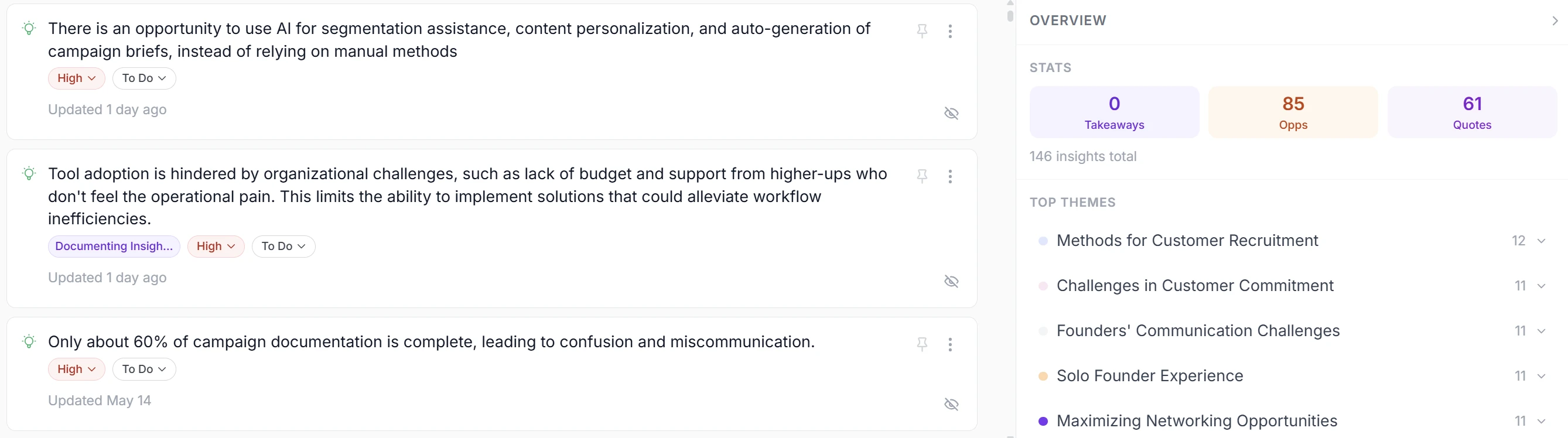
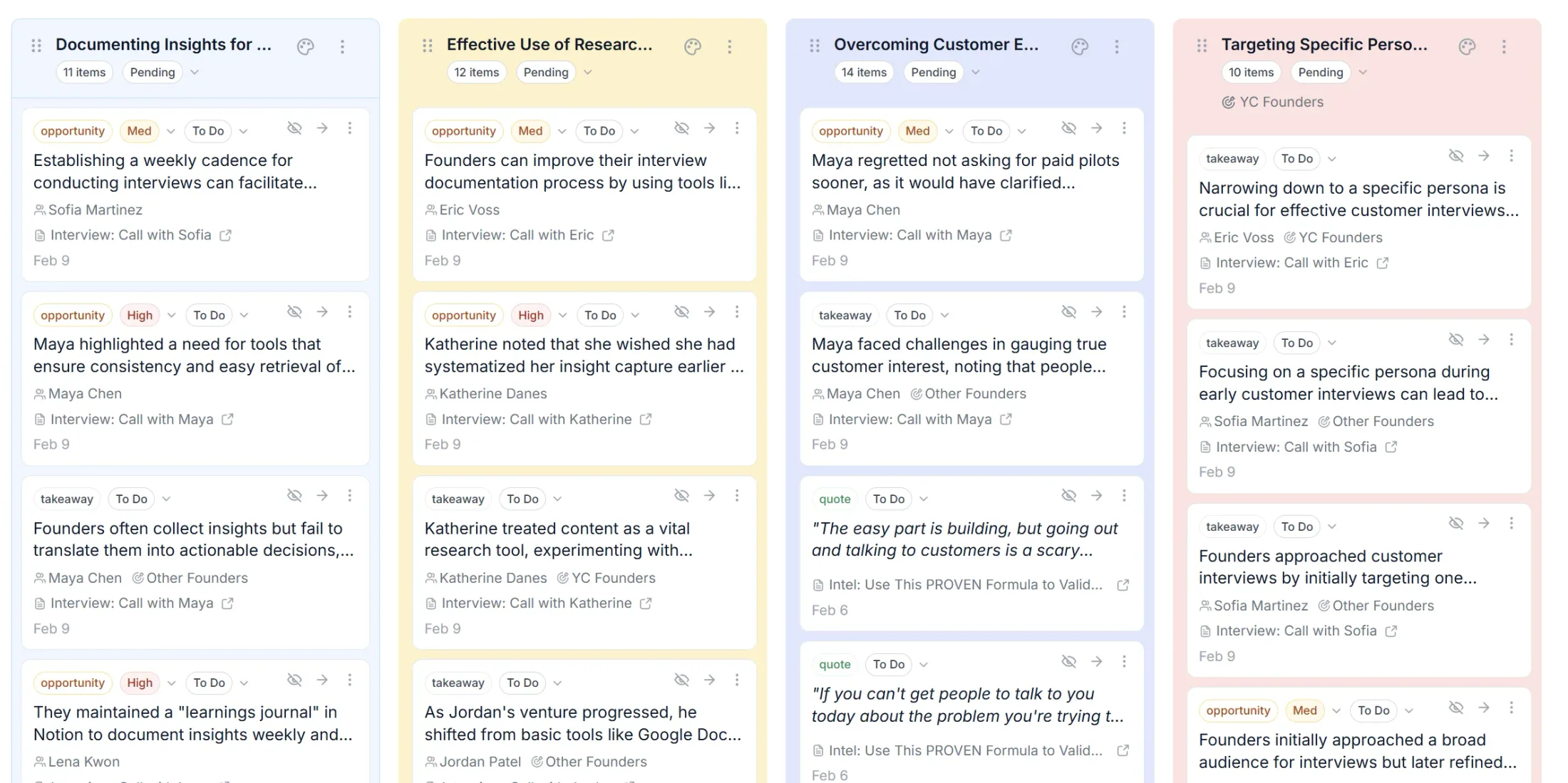
- Code it. Tag the moments that matter — pain points, requests, workarounds, quotes — each linked to its timestamp so any claim can be checked.
- Synthesize across interviews. The pattern across ten transcripts is the finding; one transcript is an anecdote. Group codes into themes with their evidence attached.
- Carry it into a decision. Themes become priorities; priorities become a roadmap that can point back to the quote behind it.
That whole chain — transcribe, extract, theme, prioritize — is what Intervool does with every interview you add. Transcription happens automatically on upload, AI pulls the pain points and quotes with their timestamps, and the themes across all your calls end up one click from the roadmap. See interview transcription software for researchers for how that works, and how to analyze customer interviews for the method.