Usability testing tools let you watch real people attempt real tasks on a prototype or live product and measure where they succeed, hesitate, and fail — through unmoderated tests that run on their own, moderated sessions you facilitate live, or behavioral recordings of actual usage. A moderated usability test is a user interview with a task in the middle of it, which is why the tools that handle interviews well and the tools that handle tests well keep converging. This guide compares the 13 leading usability testing tools by that method split, with published pricing and free plans, and by the question each one is best at answering: can users complete this flow, is the navigation understandable, where do people get stuck in production. It follows Nielsen Norman Group's finding that five users surface roughly 85% of usability problems — the tools that make a five-user test quick and cheap to run often are the ones that earn a place in your stack.
What are the best usability testing tools in 2026?
A moderated usability test is a user interview with a task attached, so the right tool depends on which half of the job you are doing. For moderated sessions and everything after them, Intervool is the pick: run the session against a feature or a prototype with your question template, then have it transcribed, themed, and carried into a roadmap alongside the rest of your customer interviews — the only tool here that keeps the findings reusable months later. For unmoderated prototype and flow testing at scale, Maze is the fastest, Lyssna the best value, and UXtweak the broadest suite on a free plan; Useberry and Loop11 are strong, simpler alternatives. For big-panel recruiting, UserTesting is the enterprise standard, Userlytics prices per session, and PlaybookUX combines both formats. For information architecture — card sorts and tree tests — Optimal Workshop is definitive. For seeing where users struggle in production, Hotjar and the entirely free Microsoft Clarity. A practical stack is Intervool for moderated sessions and synthesis, one unmoderated testing tool, and Clarity.
Jump to a tool
Compared at a glance
Columns are the seven things people mean when they say 'usability testing', from the moderated session outward. Read across before comparing prices — the method a tool is built around matters more than its feature list, and what happens to the findings afterwards matters more than either.
Yes Does thisPartial Partly, or with workaroundsNo Not a feature
What each column means
Moderated sessions
Live one-to-one sessions with screen, camera, and audio recording, and usually an observer view — a user interview with a task attached.
Prototype testing
Tests a design — a Figma prototype, a mockup, or an uploaded screen — directly, before anything is built.
Cross-study synthesis
Finds what repeats across many sessions and studies rather than reporting each test on its own.
Research repository
Keeps findings, quotes, and clips from every study searchable and reusable months later, instead of leaving them in per-test reports.
Unmoderated tests
Participants complete tasks on their own; the tool records completion, paths, clicks, and time without a moderator present.
Participant recruitment
Recruits participants for you from its own pool, with demographic and behavioral screeners, so you do not have to source your own users.
IA testing
Card sorting, tree testing, and first-click tests for navigation and labelling.
The categories, and what each is for
These products get compared as if they’re interchangeable. They aren’t — they’re solving different halves of the job.
Unmoderated & prototype testing
Send tasks to participants and get completion, path, and click data back in hours. The everyday tool for validating designs.
Maze, Lyssna, UXtweak, Useberry, Loop11
Moderated testing with a panel
Live or recorded think-aloud sessions with participants recruited for you. Richer, slower, pricier.
UserTesting, Userlytics, PlaybookUX, Lookback
Information architecture
Card sorting, tree testing, and first-click tests for navigation and labelling before you build.
Optimal Workshop (also UXtweak, Lyssna, Maze)
Behavioral testing in production
Session replay and heatmaps on the live product — usability evidence at scale, without a study.
Hotjar, Microsoft Clarity
Moderated testing + synthesis
Run moderated sessions against a feature or a prototype, then turn those sessions and the interviews around them into themes and decisions in the same place.
Intervool
The tools in detail
01
Intervool
Our productModerated testing + synthesis
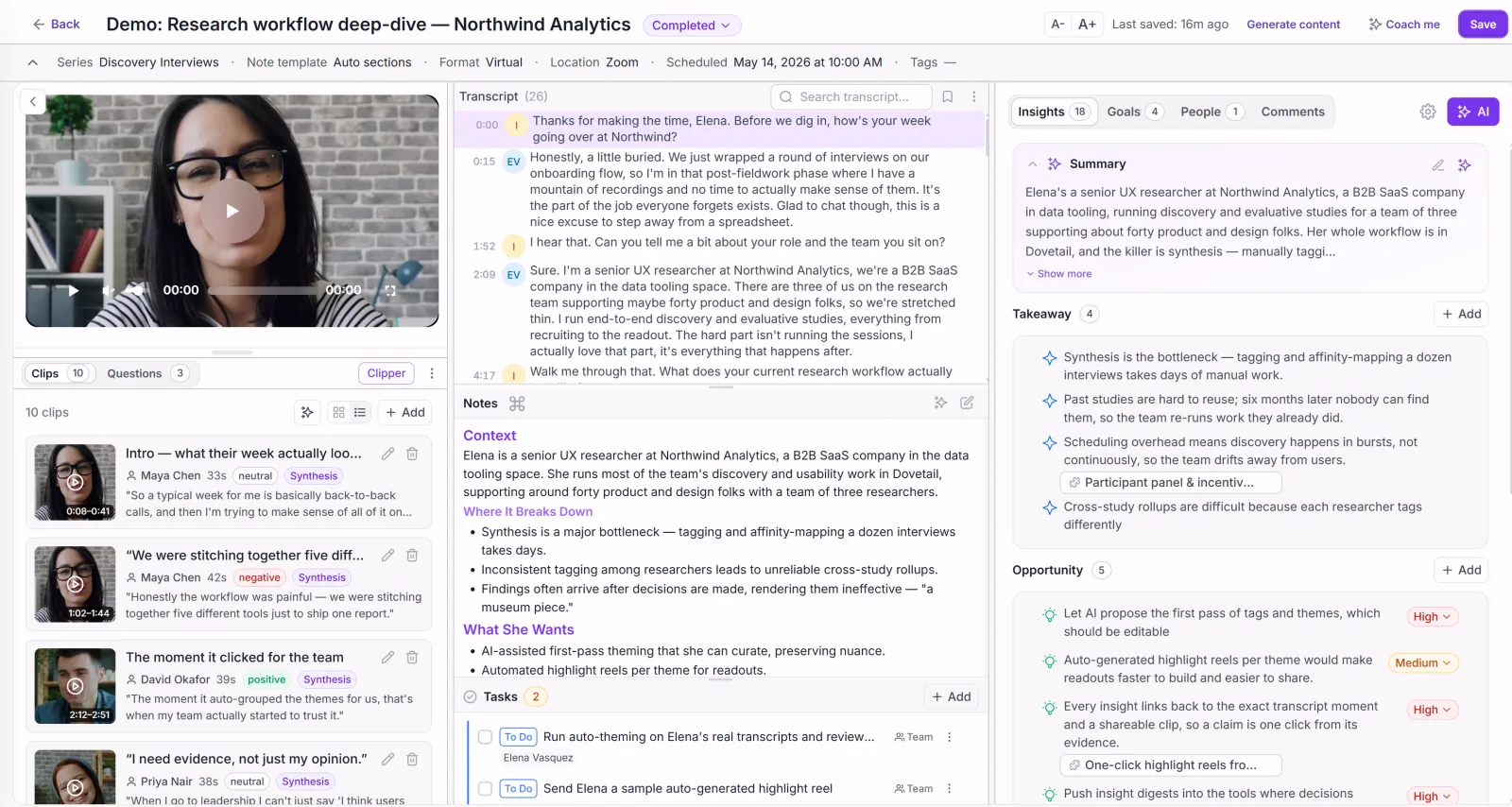
Moderated usability testing and UX research in one place — sessions, prototypes, and the synthesis after
app.intervool.com/interviews
Every interview: video, transcript, and AI takeaways in one view.
Intervool is a UX research platform built around moderated usability testing. You pick what a session is testing — a feature, a flow, or an uploaded prototype or mockup — set a moderator goal and success criteria per target, and run the session in conduct mode with your question template and the design side by side while it records. Afterwards it transcribes the session, extracts pain points and needs, clusters what repeats across sessions into evidence-linked themes, and carries them into personas and a prioritized roadmap. It covers the moderated and synthesis halves of usability testing; pair it with Maze, Lyssna, or UXtweak when you also need unmoderated task testing at scale.
Best for
UX and product teams whose moderated sessions and interviews need to end in one set of evidence-linked decisions
Pricing
Basic $39/mo · Team $279/mo (6 seats) · Enterprise custom
Free option
14-day free trial, no credit card
Strengths
Prototype and mockup testing — upload a design and test against it before it is built
Reusable question templates so every session asks the same things
Dynamic tagging — you define the tags you need and Intervool applies them across every session, so nothing is hand-tagged
Every theme stays linked to the session and the quote behind it
Flat pricing, 14-day trial
Limitations
No unmoderated task testing at scale — pair with Maze, Lyssna, or UXtweak
No participant recruitment — you bring your own users
Fastest unmoderated testing on Figma prototypes and live products
maze.co
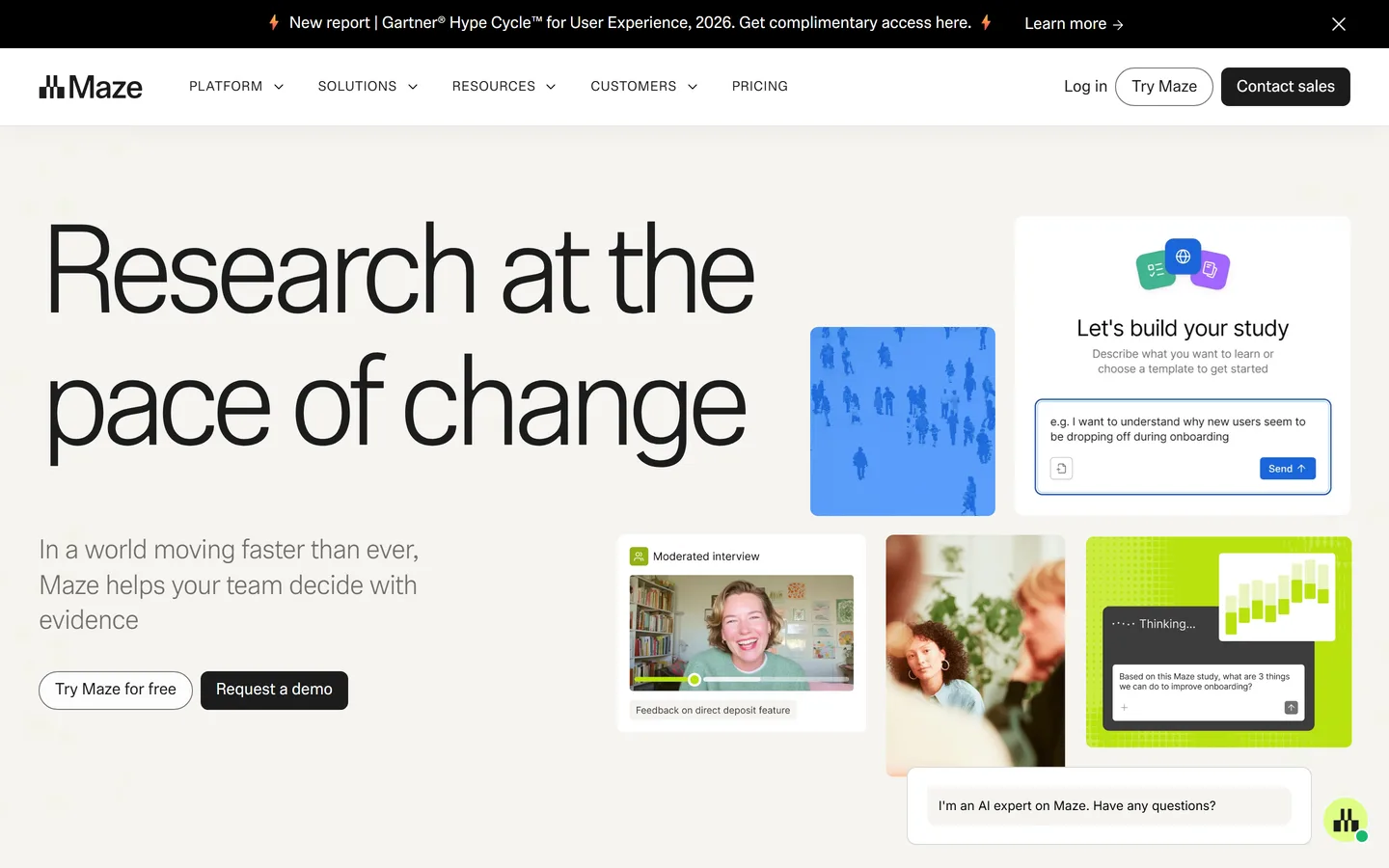
Maze is the design-team default for unmoderated testing: import a Figma prototype or point it at a live site, define tasks, and get task completion, misclick heatmaps, time on task, and path analysis back within hours, with card sorting, tree testing, surveys, and an AI-moderated interview feature alongside. It has a built-in panel and a free plan. Its centre of gravity is validating a design you've already made, and pricing steps up sharply above the entry tier.
Best for
Design teams validating flows before and after they ship
Pricing
Starter from ~$99/mo; Organization and Enterprise custom
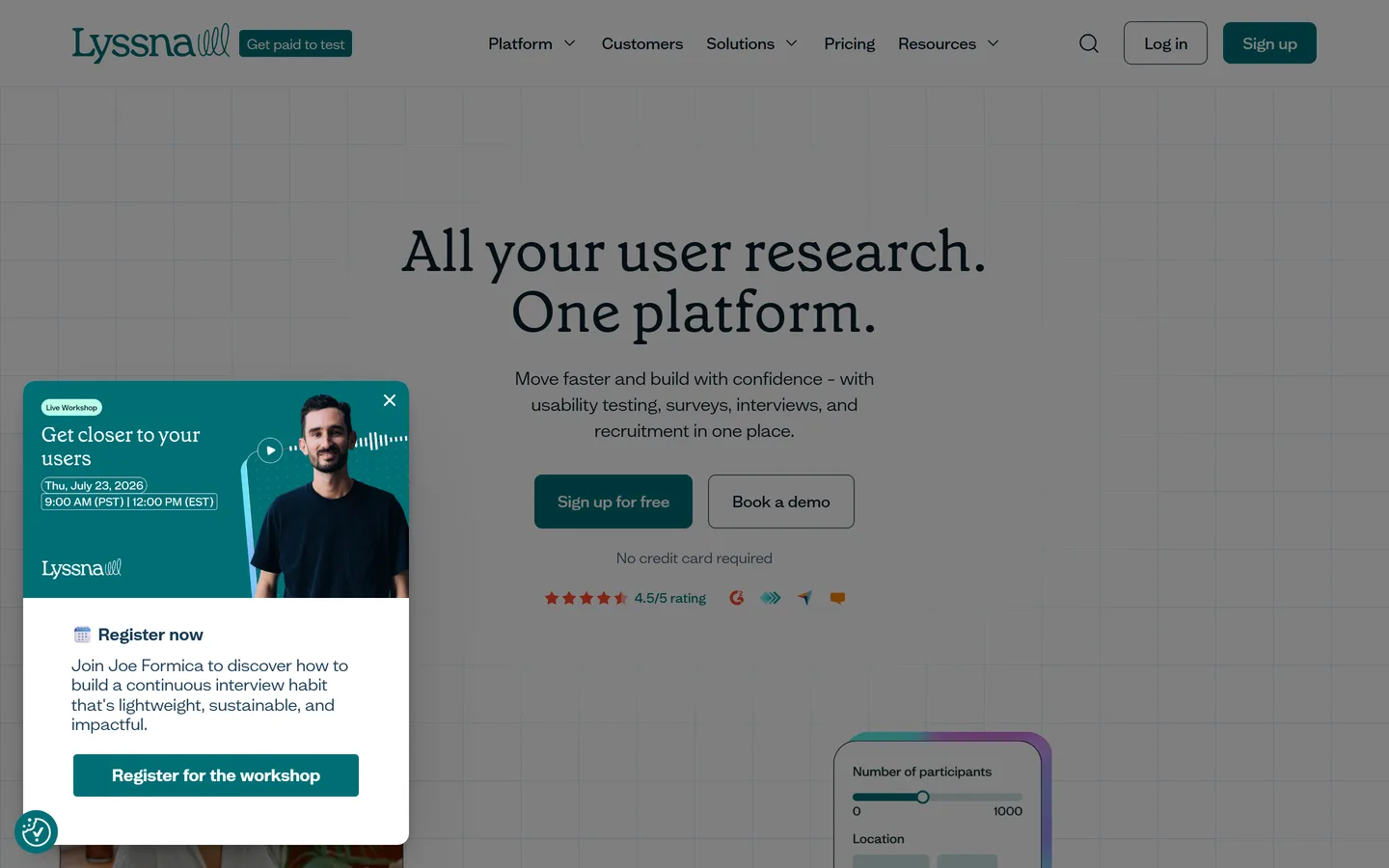
Lyssna (formerly UsabilityHub) specialises in quick tests — five-second, first-click, preference, prototype, card sort, tree test, and surveys — with a 690,000-person panel available per response and moderated interviews added more recently. It's the most affordable credible option and its test types suit the small, frequent studies that produce most of the value. There's no repository or synthesis layer.
Best for
Small teams running quick five-second, first-click, preference, and prototype tests
Pricing
Growth from ~$166/mo (5 seats); Enterprise custom
Free option
Free plan — 3 seats, 15 self-recruited responses/mo
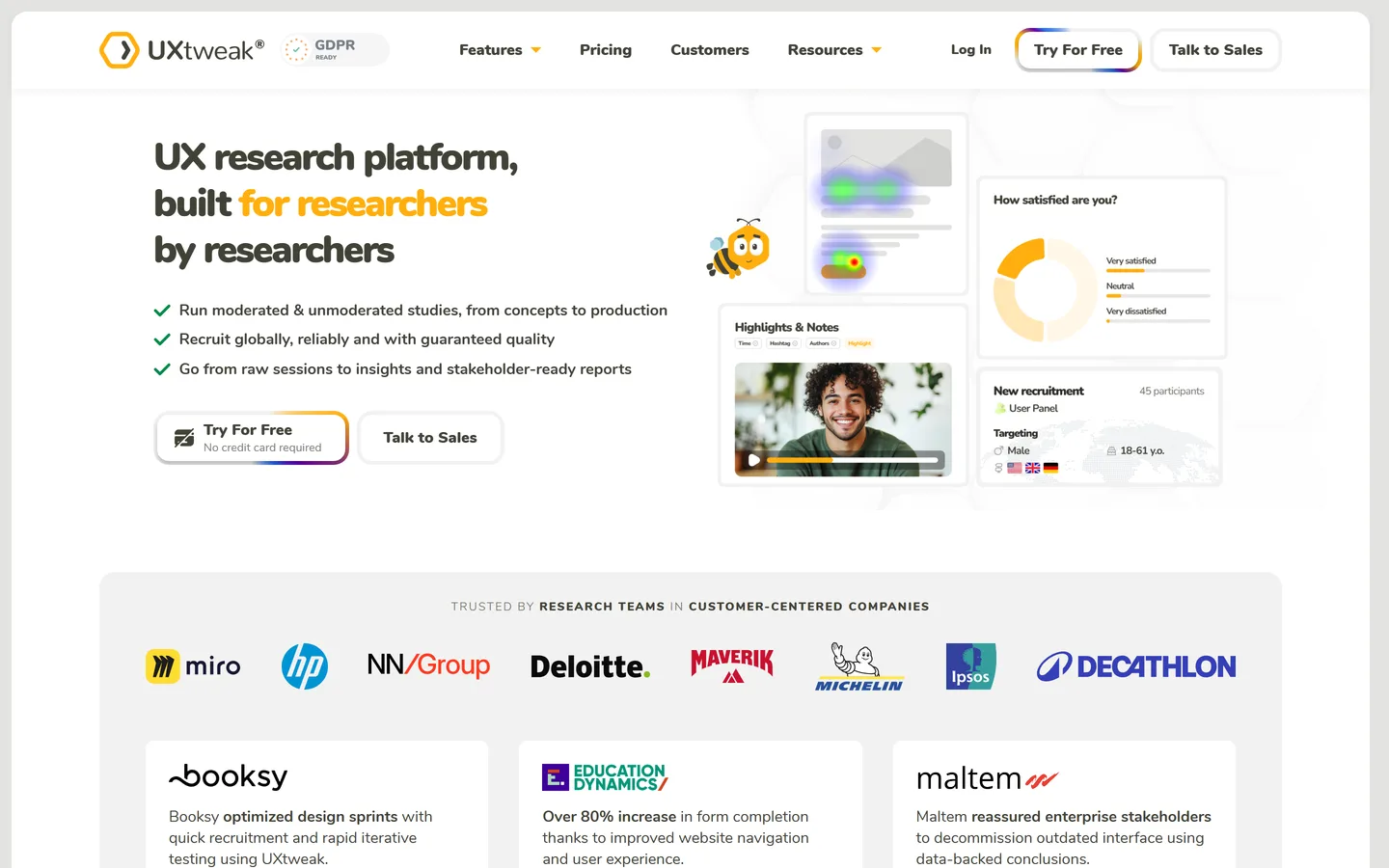
UXtweak bundles moderated and unmoderated website and prototype testing, card sorting, tree testing, first-click and five-second tests, surveys, session recording, and a global recruiting panel — one of the widest method sets available — with a genuinely usable free plan (one user, 15 responses a month, one active study). Analysis is per-study, the interface is denser than Maze or Lyssna, and paid Business pricing is quote-led.
Best for
Researchers who want moderated and unmoderated testing, IA testing, and recruiting in one place
Pricing
Business plan on request; Custom / enterprise quote
Free option
Free plan — 1 user, 15 responses/mo, 1 active study
Prototype testing across Figma, XD, Sketch, and ProtoPie
useberry.com
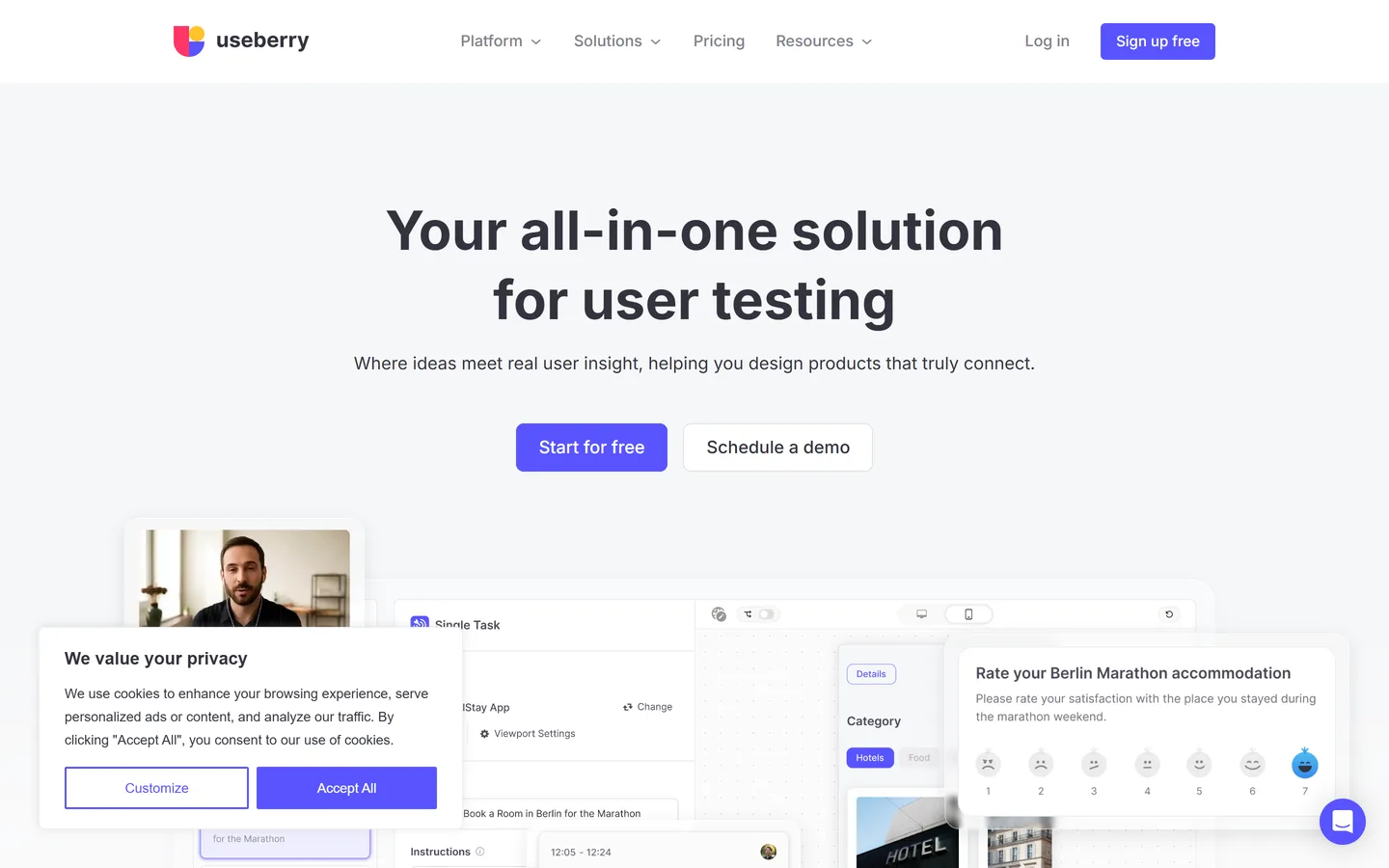
Useberry runs unmoderated tests on prototypes from Figma, Adobe XD, Sketch, and ProtoPie as well as live websites — task flows, first-click, five-second, card sorting, tree testing, and surveys — with heatmaps and path analysis, plus live-site usage tracking. Its free plan is small (one seat, one project, 10 responses a month) and Growth at about €83 a month is one of the cheaper paid tiers here. Panel recruiting is paid and there's no synthesis layer.
Best for
Designers testing prototypes from more than one design tool
Pricing
Growth ~€83/mo; Business ~€659/mo; Enterprise custom
Straightforward unmoderated testing on live sites, no code
loop11.com
Loop11 runs unmoderated (and moderated) usability tests on live websites and prototypes with no code snippet, reporting task success, time on task, click paths, heatmaps, and AI summaries of session recordings. It's uncomplicated and priced by projects per month rather than by seat, with a real 14-day trial. It has limited recruiting options for niche audiences and no repository.
Best for
Teams testing live websites who want simple setup and clear task metrics
Pricing
Rapid Insights ~$199/mo; Pro ~$399/mo; Enterprise custom
The enterprise standard — biggest panel, video-first feedback
usertesting.com
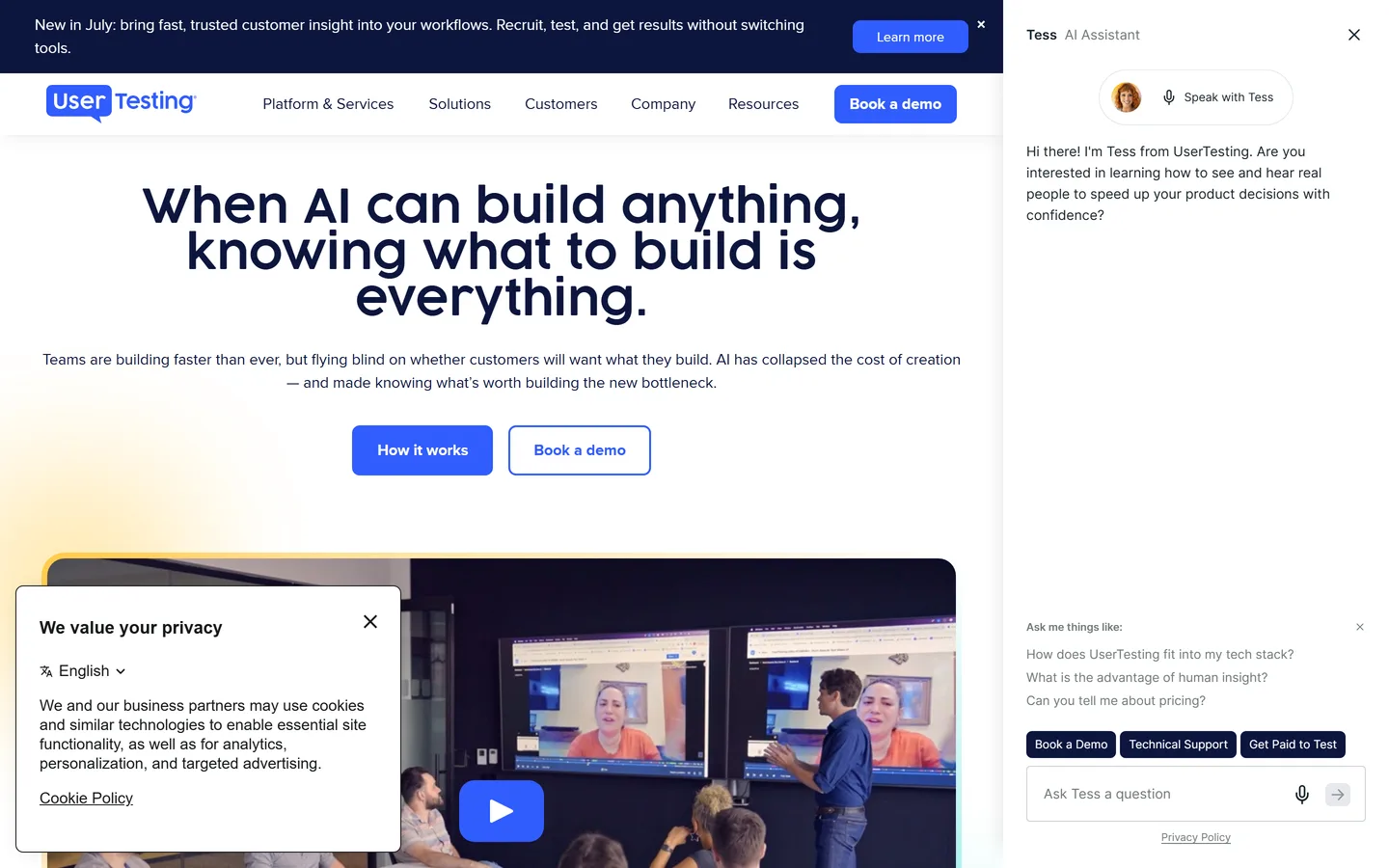
UserTesting pairs a very large contributor panel with moderated and unmoderated tests, think-aloud video, AI-generated highlight reels, and the compliance and governance features enterprises require. If you need a specific audience on a deadline, its panel is the most likely to have them, and its video output is persuasive in stakeholder reviews. It's priced on annual contracts, and synthesis across studies is largely manual.
Best for
Large organizations that need hard-to-reach audiences, think-aloud video, and governance
Global panel, priced per session with unlimited seats
userlytics.com
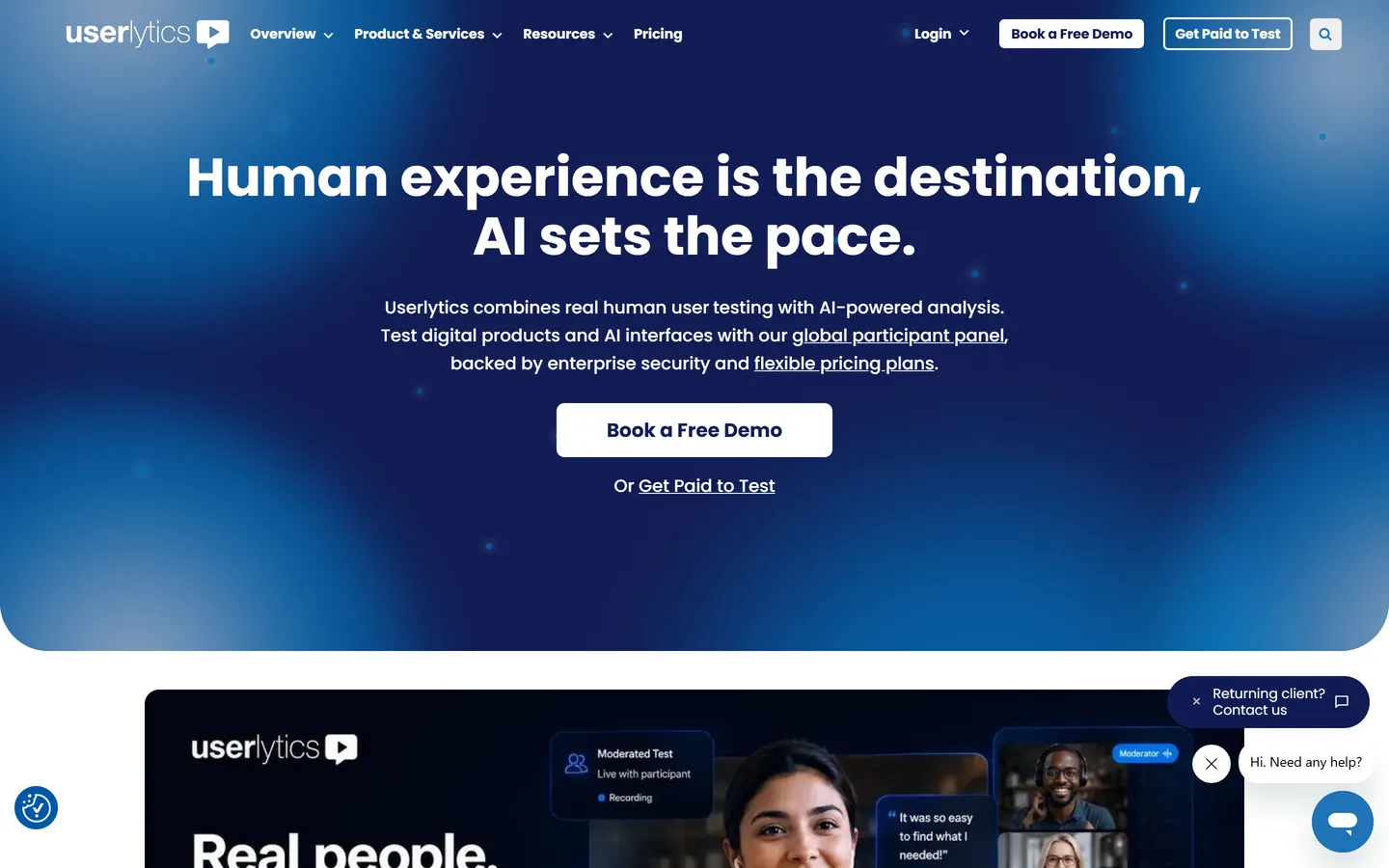
Userlytics runs moderated and unmoderated remote tests — think-aloud video, prototype and live-site tasks, surveys, card sorts, tree tests — against a global panel with fine-grained screeners, returning transcribed, annotated recordings with metrics. It prices by session (from about $30 on annual plans) with unlimited seats, which suits teams that test in bursts. There's no free plan and analysis stays inside each study.
Best for
Teams running international studies in bursts
Pricing
From ~$30/session on annual plans; self-recruit plan ~$699/mo
Moderated and unmoderated testing with recruiting, pay per participant
playbookux.com
PlaybookUX combines moderated and unmoderated usability testing with its own participant recruiting and AI-assisted transcription and analysis, and lets you pay per participant (about $65 for an unmoderated session, $115 moderated) or on annual plans from about $5,400. It's a pragmatic middle ground between UserTesting's enterprise model and self-serve tools with no panel. Analysis is per-study.
Best for
Teams who want panel recruiting plus both test formats without an enterprise contract
Pricing
Pay-per-participant ~$65 unmoderated / ~$115 moderated; Scale ~$5,400/yr; Pro ~$8,800/yr
The classic moderated-session recorder, strongest on mobile
lookback.com
Lookback records live moderated interviews and usability sessions — screen, camera, and audio, on desktop and native mobile — with an observer room for stakeholders, timestamped notes, and AI transcription and highlights, plus unmoderated self-tests. It's the tool many research teams learned on and remains the cleanest way to run and share a moderated mobile session. Its Discover feature will answer a question across every session in a project, but synthesis stops at the project boundary. It has no panel of its own and billing is annual only.
Best for
Researchers running live moderated sessions — especially on native iOS and Android — with observers
Pricing
Freelance ~$299/yr (10 sessions); Team ~$1,782/yr; Enterprise custom
The definitive card sorting and tree testing suite
optimalworkshop.com
Optimal Workshop covers the information-architecture corner of usability testing: card sorting, tree testing, first-click testing, surveys, and Reframer, a real qualitative analysis tool that tags observations across sessions and rolls them into themes and affinity maps — with polished analysis views (dendrograms, similarity matrices, pietrees) that make IA results legible to stakeholders. If you're restructuring navigation or naming a taxonomy, nothing else answers the question as well. Outside IA work it won't be your main platform, and the free plan has been discontinued.
Best for
Getting navigation, labels, and taxonomy right before you build them
Hotjar (part of Contentsquare) records real sessions, builds click and scroll heatmaps, runs on-site surveys and feedback widgets, and — via Hotjar Engage — recruits and records interviews. In a usability stack it's the cheapest way to find the problem worth testing: spot the drop-off or rage-click cluster, then run a task-based test or interviews to understand it. It shows behaviour, not reasons.
Best for
Seeing where users struggle on the live product before you design a study
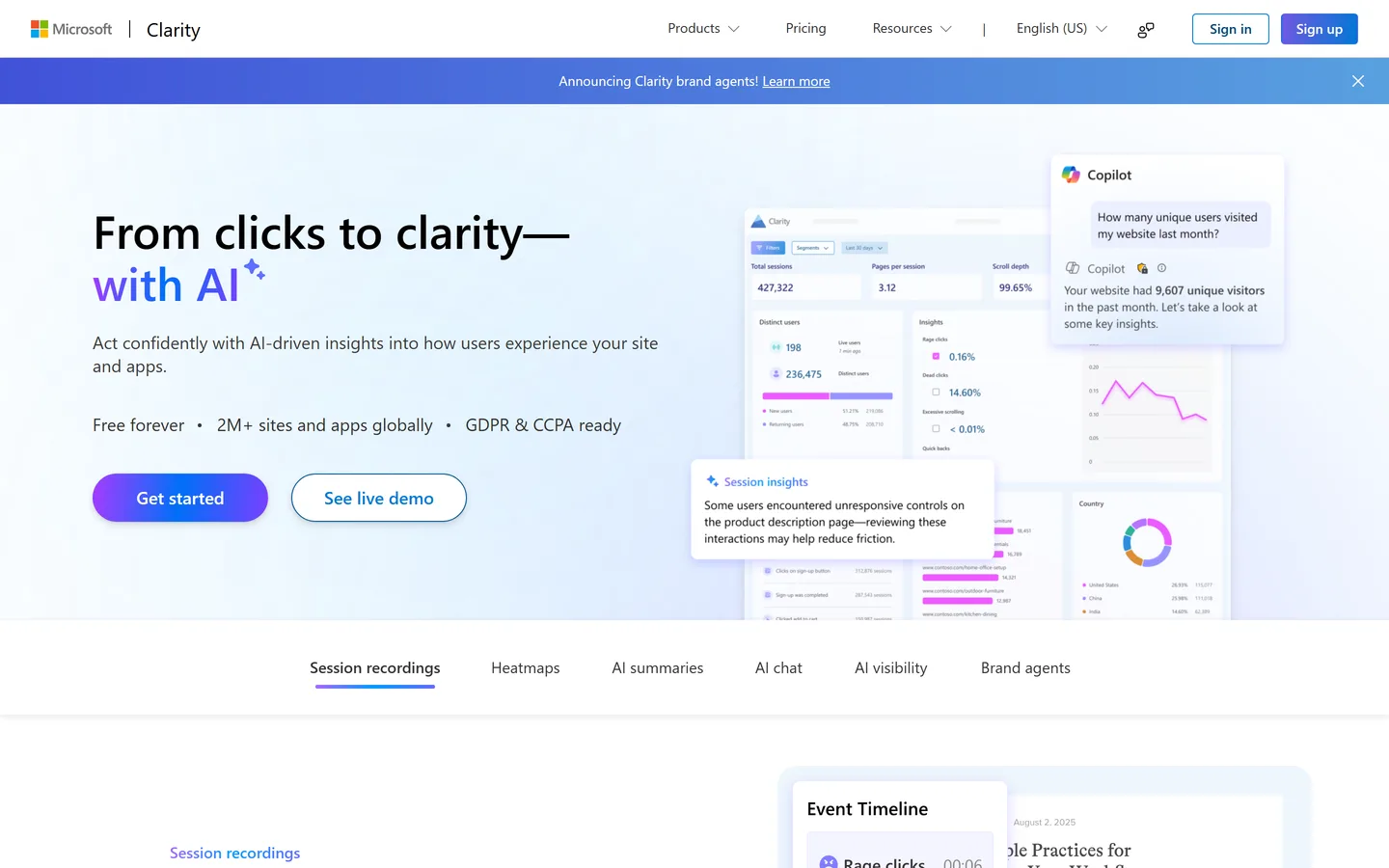
Microsoft Clarity records sessions, builds heatmaps, flags rage clicks, dead clicks, and excessive scrolling, and summarizes it with AI — free, with no traffic or seat limits and no paid tier. It's the best-value tool in this guide by a distance and the obvious complement to any task-based testing tool: Clarity finds where real users struggle in production, the testing tool tells you whether your fix works. No tests, surveys, or repository.
Best for
Anyone with a live product who wants usability evidence at scale for $0
"User testing platform" and "usability testing tool" are the same search with a different emphasis: platform usually means the vendor also recruits the participants and hosts the sessions, so you bring a prototype and a task list and get back videos and metrics. On this page that is UserTesting, Userlytics, PlaybookUX, and — for unmoderated tests with a built-in panel — Maze, Lyssna, and UXtweak. The trade is money for time: a per-session or annual fee in exchange for not sourcing testers yourself.
If you already have users to test with, you do not need a platform in that sense. A moderated session over any video call, recorded and analyzed, produces richer findings than most panel tests — the panel's value is reach, not depth. That is where Intervool sits: it runs and records moderated sessions with your own users against a feature or prototype, then synthesizes them alongside your interviews. Use a user testing platform when you cannot reach the people you need; use your own users, and a tool that keeps what they said, whenever you can.
Methodology
How we evaluated these
We compared by method, not overall
An unmoderated prototype tool and a moderated mobile recorder aren't competitors. Each tool is placed in the method it's built around, and the grid shows which of the six jobs it covers so you can see the gaps before you buy.
We weighted small, frequent studies
Nielsen Norman Group's finding that five users surface about 85% of usability problems shapes this list. Tools that make a five-user test cheap and quick to run often score better than tools optimized for large samples.
We paired testing with the why
A moderated usability test is a user interview with a task attached: the task tells you whether people can complete it, and the conversation around it tells you why and what they actually need. We noted which tools carry findings into synthesis, because most stop at a per-test report — and that's the gap Intervool, which is ours, exists to fill alongside the moderated sessions it runs.
Pricing checked August 2026
Figures are published prices as of August 2026, rounded; enterprise tiers are quote-based. Maze and UXtweak only show mid-tier prices after sign-up. Free plan limits are from each vendor's pricing page and change often.
FAQ
Common questions
What are usability testing tools?
Usability testing tools are software for watching real people attempt tasks on a prototype or product and measuring where they succeed, hesitate, and fail. They split into unmoderated tools that run tests without a facilitator (Maze, Lyssna, UXtweak, Useberry, Loop11), moderated tools for live sessions with a panel (UserTesting, Userlytics, PlaybookUX, Lookback), information-architecture tools (Optimal Workshop), and behavioral tools that record real usage in production (Hotjar, Microsoft Clarity).
What is the best usability testing tool?
For most product and design teams, Maze for speed or Lyssna for value on unmoderated prototype tests, UXtweak if you want the widest method set on a free plan. UserTesting is the enterprise standard when you need a large panel and video feedback. Optimal Workshop for card sorting and tree testing, Lookback for moderated mobile sessions, and Microsoft Clarity — free — for behavioral evidence in production.
Moderated vs unmoderated usability testing — which tool do I need?
Unmoderated tools (Maze, Lyssna, UXtweak, Useberry, Loop11) send tasks to participants and return metrics in hours — best for validating a specific flow at volume. Moderated tools (UserTesting, Userlytics, PlaybookUX, Lookback) record live sessions you facilitate — best when you need to probe why someone struggled. Most teams start unmoderated and add moderated sessions for the confusing results.
What's the best free usability testing tool?
UXtweak's free plan is the broadest (usability tests, card sorting, tree testing, one user, 15 responses a month); Lyssna's allows three seats with 15 self-recruited responses; Maze and Useberry have smaller free tiers for prototype tests. Microsoft Clarity is entirely free for session replay and heatmaps. See our guide to free UX research tools for the full list.
How many users do I need for a usability test?
Five, for finding usability problems — Nielsen Norman Group's research found five users surface roughly 85% of issues, with steeply diminishing returns after. Run more small rounds rather than one big one. Quantitative benchmarks (completion rates you'll compare over time) need larger samples, typically 20 or more.
Can I test a Figma prototype?
Yes. Maze, Lyssna, UXtweak, Useberry, Loop11, UserTesting, and Userlytics all test Figma prototypes directly; Useberry also supports Adobe XD, Sketch, and ProtoPie. Maze has the deepest Figma integration for unmoderated flow tests.
Do usability testing tools replace user interviews?
They are the same conversation. A moderated usability test is a user interview with a task in it — the task answers 'can users do this?' and the talking around it answers 'why, and what do they actually need?'. The strongest teams run both and synthesize them together — which is what Intervool does: it runs the moderated sessions and synthesizes them with your interviews in the same place.
Why invest in usability testing tools at all?
Because internal opinion is an echo chamber and the upside is well measured. Across 42 real redesign projects, Nielsen Norman Group found that redesigning for usability improved key metrics — conversion, task completion, productivity — by an average of 135%. The tools above make that loop cheap enough to run every sprint: watch real users, find the friction, validate the fix before it ships.
How do I recruit usability test participants on a budget?
Start with your own users — a small incentive buys a 20-minute session. For B2B, niche communities on Reddit, Slack, and LinkedIn are reliable sources. When you need people you can't reach yourself, a recruiting service like User Interviews or Prolific plugs participants straight into most of the tools here, and the panel-based platforms (UserTesting, Userlytics, PlaybookUX) bundle recruiting into the per-session price.
What does usability testing software cost?
Free plans exist for UXtweak, Lyssna, Maze, Useberry, Hotjar, and Clarity. Self-serve paid tiers run about $83–$400 a month (Useberry, Lyssna, Maze, Loop11, Optimal Workshop). Panel-based moderated platforms charge per session — roughly $30–$115 — or on annual contracts from about $5,000 (PlaybookUX) to enterprise quotes (UserTesting, Userlytics).